
MP4 Video Player for Android 정보
Best Android App for your to enjoy video & music.
Mplayer - MP4 Video Player for Android is a video player that lets you watch any video with any formats
Introductions:
Mplayer can play any video and audio files, as well as network streams and DVD ISOs, MP4, MOV, Mpeg, rmvb, quicktime, flv and other formats of media files.
It allows you to play videos ranging from movies, TV shows, music, comedy, celebrity gossip videos and more tailored to your interests and your region.
MP4 video player is also a music player. You can browse and play your music by albums, artists, genres and playlists. MP4 video player can play MP3, wav, AAC and so many other audio formats.
Warnings:
Please note before downloading: MP4 Video Player is just a local media player, we don't provide service of online music search and download. And it can't support Android 6.0 temporarily.
Highlighted functions:
★ Enable to personalize interface theme.
★ It support subtitles with various formats.
★ Video player and music player both are free.
★ Let you watch any video with any formats
★ Easy to search for all types of music folders on your phone
★ Small memory, simple operation, quick start, smooth playback support.
★ Perfect solution for mp4 playback
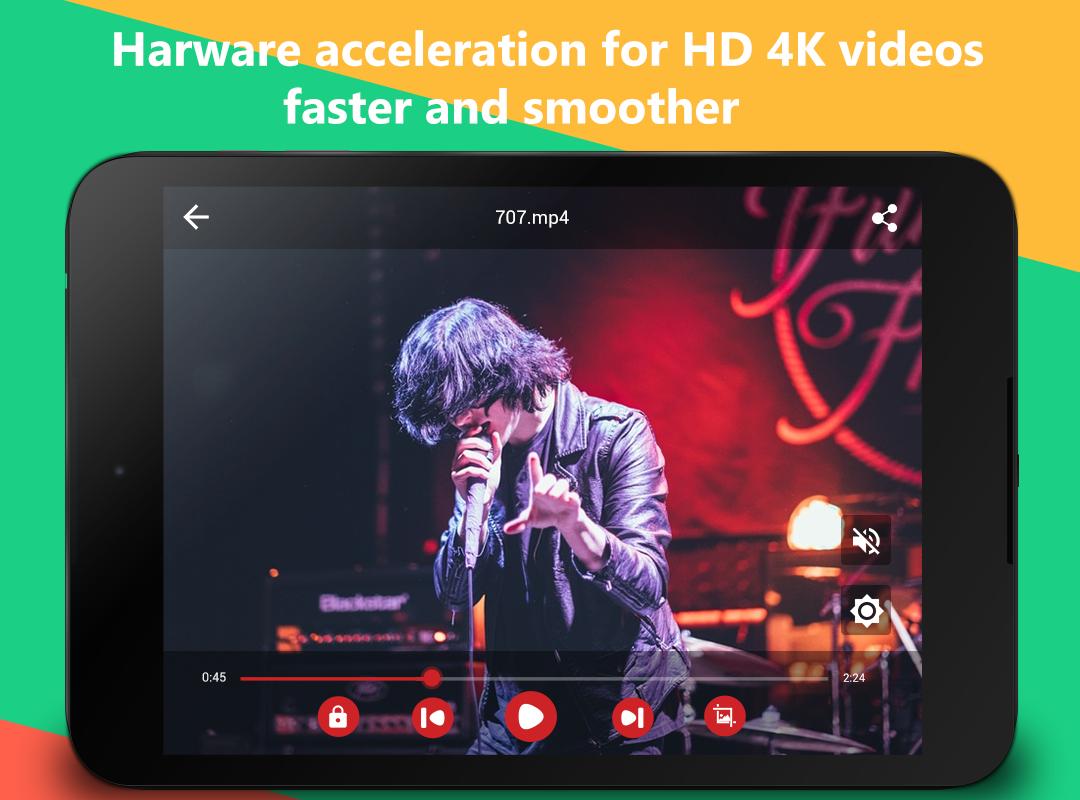
★ Hardware acceleration can be applied to more videos(HD&4K) with the help of new HW+ decoder.
Features:
❤ Browse folders automatically.
❤ Small memory, easy to use .
❤ Quick start, smooth playback
❤ Support for multi-track audio and subtitles.
❤ Support auto-rotation, aspect-ratio adjustments.
❤ Support gestures to control volume and brightness.
❤ Support most of popular video and audio file formats.
❤ More powerful player control and excellent playback effect.
❤ Smart media library, easier and faster to find your favorite media file.
❤ Support audio headsets control, cover art and a complete audio media library.
How to play videos on external SD card?
1. Open drop-down menu by pressing "more" button upper right corner
2. Go to the "Preferences"
3. Open "Directories" settings
4. Click on "add a custom path"
5. A dialog box appears with text input. If you have movies on SD Card in directory Movies, therefore you have to specify path like this: /storage/extSdCard/Movies
6. And You can place your movies in your SD card like this:/storage/extSdCard
If you mess up, you need to clear/delete the application storage.
♥ If you have any suggestions, please write us via e-mail: simple.app.2016@gmail.com.
Google+ Forum:https://plus.google.com/communities/110594333307442814488
Like us on Facebook: https://www.facebook.com/Simpleapps-464264970440843/
추가 앱 정보
최신 버전 3.0.4의 새로운 기능
Last updated on Mar 31, 2017
fix some bugs and improve staility.
MP4 Video Player for Android 스크린 샷