
Ladder Tool 정보
고요 / AutomationDirect 직접 로직 PLC 상태 모니터링 및 편집 도구
Ladder Tool is PLC Ladder Monitoring and Editing Tool for Koyo Direct Logic and SU-Series PLCs. This app automatically detects the supported PLC in the available network(s) and allows user to select one of the PLC to connect and use.
Note:
For Ethernet connection, make sure the following points:
- Firewall is not blocking the broadcast calls.
- Smartphone and PLC (with ECOM) are on the same network with same subnet mask.
Main Features:
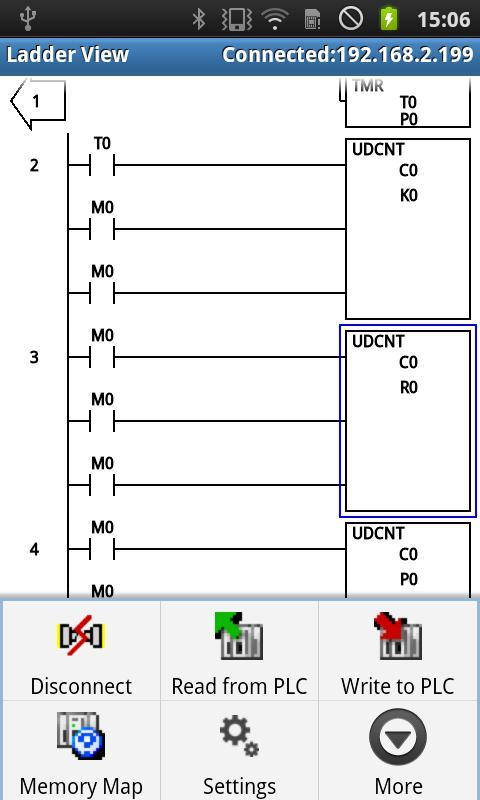
- Supports Ethernet (Wi-Fi) and Serial (via BlueTooth Module) Connectivity.
- Auto Searching of PLC available on Wi-Fi and Bluetooth network(s).
- Read Program from the PLC can be edited and written back to PLC.
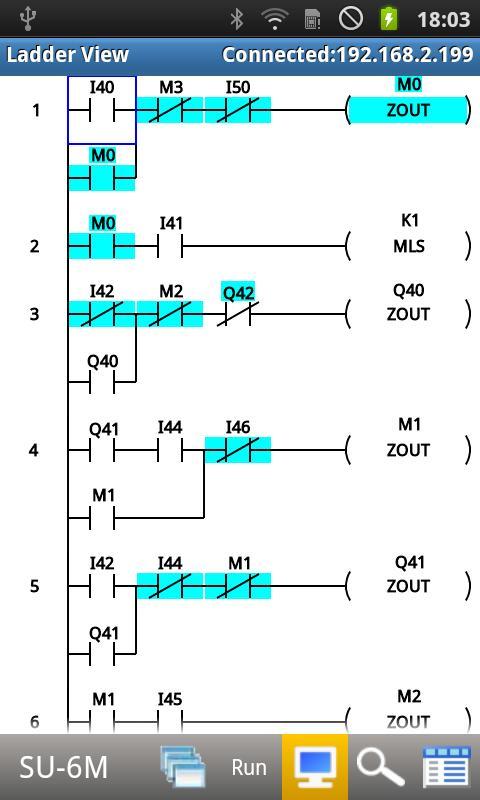
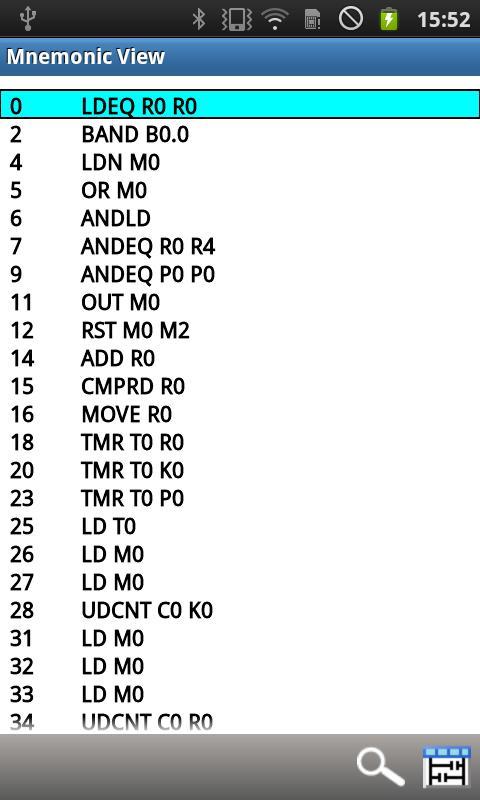
- Supports Ladder View (Editable to some extent) as well as Mnemonic View (non-editable).
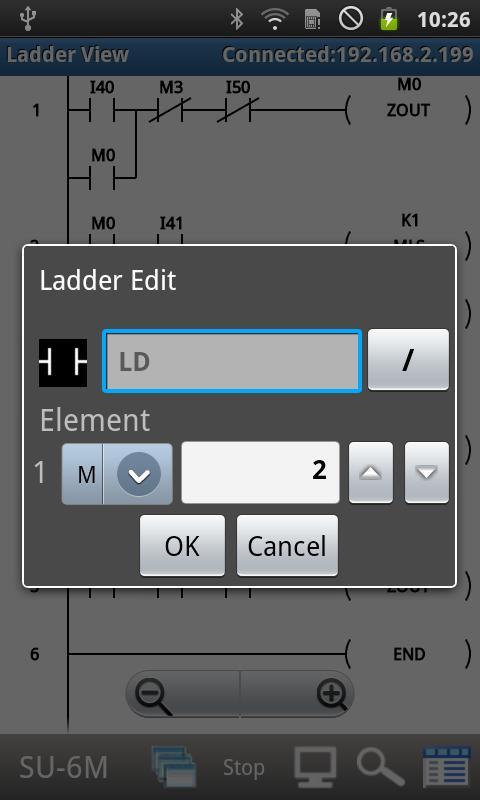
- Ladder Edit - Device can be changed by double clicking the instruction
- Ladder Edit - Instruction change only from NO <-> NC
- Status Monitoring in Ladder View.
- Instruction and Device Search.
- Display PLC System Configuration.
- PLC Mode Change.
- PLC Data Monitoring. Data View(s) allow to monitor and edit data values.
- Change value to write to device memory data in monitor mode
- System Parameter Initialization
- Auto save feature, for data and page monitor views.
- File Open for data and page monitor views.
- Koyo and ADC memory types display (R<=>V etc.) by selecting the options for settings.
- Ladder Program Open/Save
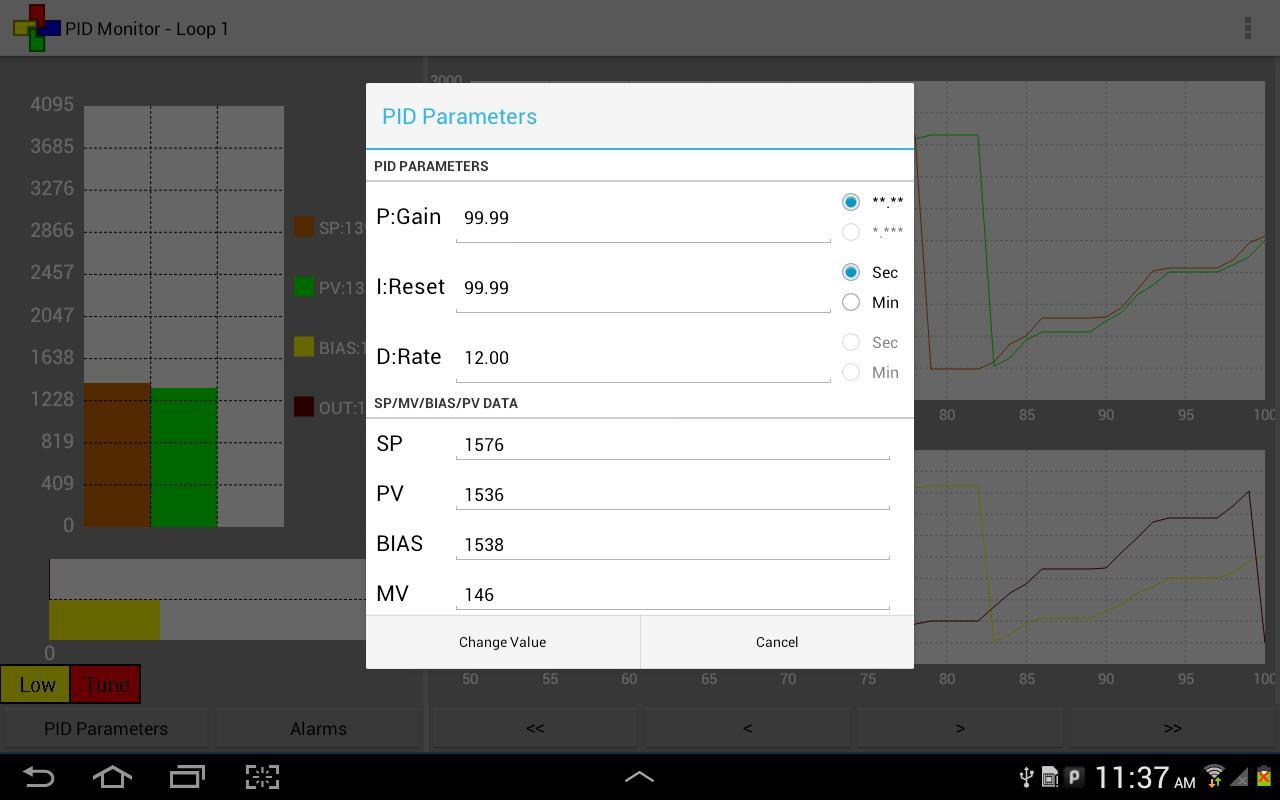
- PID Monitor
- Various Color Settings to change the display of Ladder, Mnemonic View objects.
- Supports Zoom In/Out.
- English and Japanese Language Support.
- Supports multiple screen layouts (Phones and Tablets).
- Supported PLCs
Direct Logic: DL05, DL06, D2-230, D2-240, D2-250-1, D2-260, D2-260-1, D2-262, D2-263, D2-265, D4-430, D4-440, D4-450, D4-454.
Koyo Kostac S-Series: PZ1, PZ2, PZ3, SJ, SU-5E, SU-5M, SU-6B, SU-6H, SU-6M, SZ-3, SZ-4, SJ-Ether.
Requirements:
- Koyo PLC with ECOM on wifi or with Bluetooth module.
DISCLAIMER:
THIS SOFTWARE IS PROVIDED BY THE COPYRIGHT HOLDERS AND CONTRIBUTORS "AS IS" AND ANY EXPRESS OR IMPLIED WARRANTIES, INCLUDING, BUT NOT LIMITED TO, THE IMPLIED WARRANTIES OF MERCHANTABILITY AND FITNESS FOR A PARTICULAR PURPOSE ARE DISCLAIMED. IN NO EVENT SHALL THE COPYRIGHT OWNER OR CONTRIBUTORS BE LIABLE FOR ANY DIRECT, INDIRECT, INCIDENTAL, SPECIAL, EXEMPLARY, OR CONSEQUENTIAL DAMAGES (INCLUDING, BUT NOT LIMITED TO, PROCUREMENT OF SUBSTITUTE GOODS OR SERVICES; LOSS OF USE, DATA, OR PROFITS; OR BUSINESS INTERRUPTION) HOWEVER CAUSED AND ON ANY THEORY OF LIABILITY, WHETHER IN CONTRACT, STRICT LIABILITY, OR TORT (INCLUDING NEGLIGENCE OR OTHERWISE) ARISING IN ANY WAY OUT OF THE USE OF THIS SOFTWARE, EVEN IF ADVISED OF THE POSSIBILITY OF SUCH DAMAGE.
최신 버전 2.0.2.9의 새로운 기능
Last updated on Dec 4, 2019
Updated to support newer android versions.
Ladder Tool 스크린 샷