
Appsaver 정보
My appsaver is used to backup and restore apps for android.
App Backup and Restore( Appsaver Apk)
==========================
App Backup and Restore is used to backup and restore apps for android.
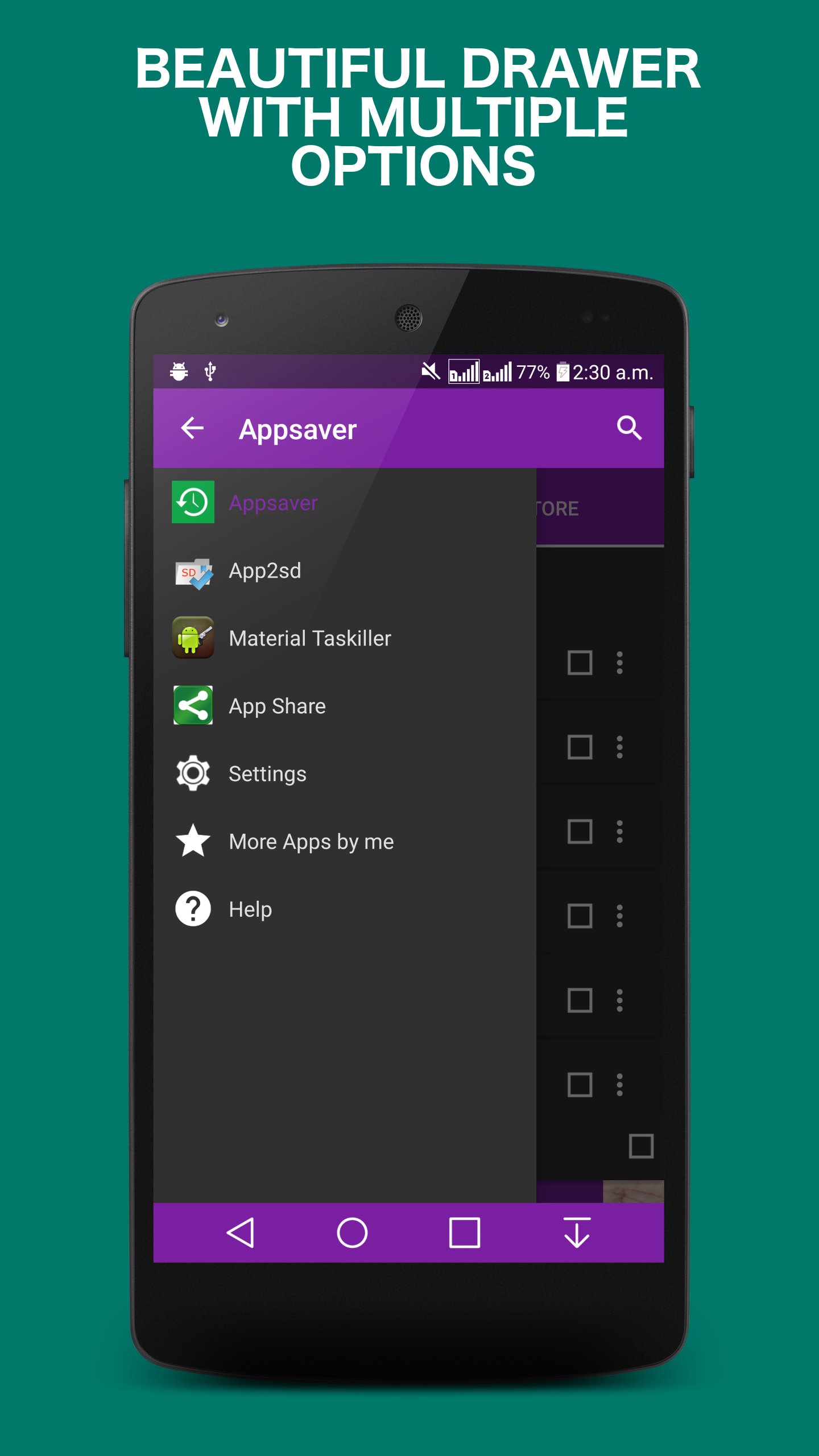
This app is built with latest and powerful API available in android SDK including loaders, lazy loading ,navigation drawer ,fragments and so mostly rich UI.
Material Backup
Highlighted functions:
★Backup apps to SD card
★Backup apps to external SD card(if it is present by default only internal sdcard ,will be prompted to use external sdcard).
★Send app between devices via Wi-Fi Direct or any supported app
★Batch backup
★App backup and restore from external sdcard
★Restore apps from SD card
★Batch Restore
★6 Color Theme
★light and dark color theme
★Batch uninstalling
★Batch delete
Innovative Feature:
❤Ability to set custom backup path
❤Swipe Down to refresh.
❤Smart Intelligence to move apps(apk) to sdcard
❤Sort apps by name, install ,date, size Ascending or descending
❤Auto backup on install
❤Smart select and Smart unselect
❤Suggest Better Backup path
❤Ability to Identify External sdcard
❤Show storage usage
❤Multi version backup
❤Search app from Google market
❤Send apk file by email dropbox or any supported app
❤Baclup to cloud or Supported Installed app
❤Share market link
❤Support App2SD
❤Also is App manager
☆ FAQ ☆
-----
★Why can't I restore apps?
A: Go to System Settings->Applications, enable the Unknown sources setting, then you can restore apps from SD card.
★Does it backup data of apps?
A: No, currently it only backup the apk files of apps.App Backup cannot backup data or settings of apps for you, but it only backup the apk files.
★How can I send the backuped app to drop box?
A: It requires the dropbox already installed in your phone, click Restore Tab, long click on the app that you want to send, then click Dropbox.
★What are Protected apps?
A: Protected means that the apps are protected by Copy Protection, and the apk file of them cannot be copied to SD card.
★How to check all un-installed apps?
A: Click on the checkbox in the left bottom. The checkbox on left bottom has the check all unarchived function. There're three states: 1.all white=uncheck all 2. all green= select all not backup 3. blue check mark and black square=check all
AppRockers, Make Smartphone Experience And Life Simpler!!!
To help us translate this app to your native language, please contact us
We hope u enjoy this app!!!
추가 앱 정보
최신 버전 43.0의 새로운 기능
Last updated on Jul 5, 2018
*bug fixes
*fixed setting screen checkbox color issue
*minor changes here and there
Appsaver 스크린 샷