
このTelerik Examplesについて
アプリはAndroid用Telerik UIを用いて達成することができるシナリオを示しています。
"UI for Android" is a set of native UI controls that assist in building Android applications faster.
For more information, please visit: http://www.telerik.com/android-ui
Controls & Features included
ListView
- Group, Sort, Filter
- Load on demand
- Pull to refresh
- Selection
- Deck of Cards layout
- Slide layout
- Swipe to execute
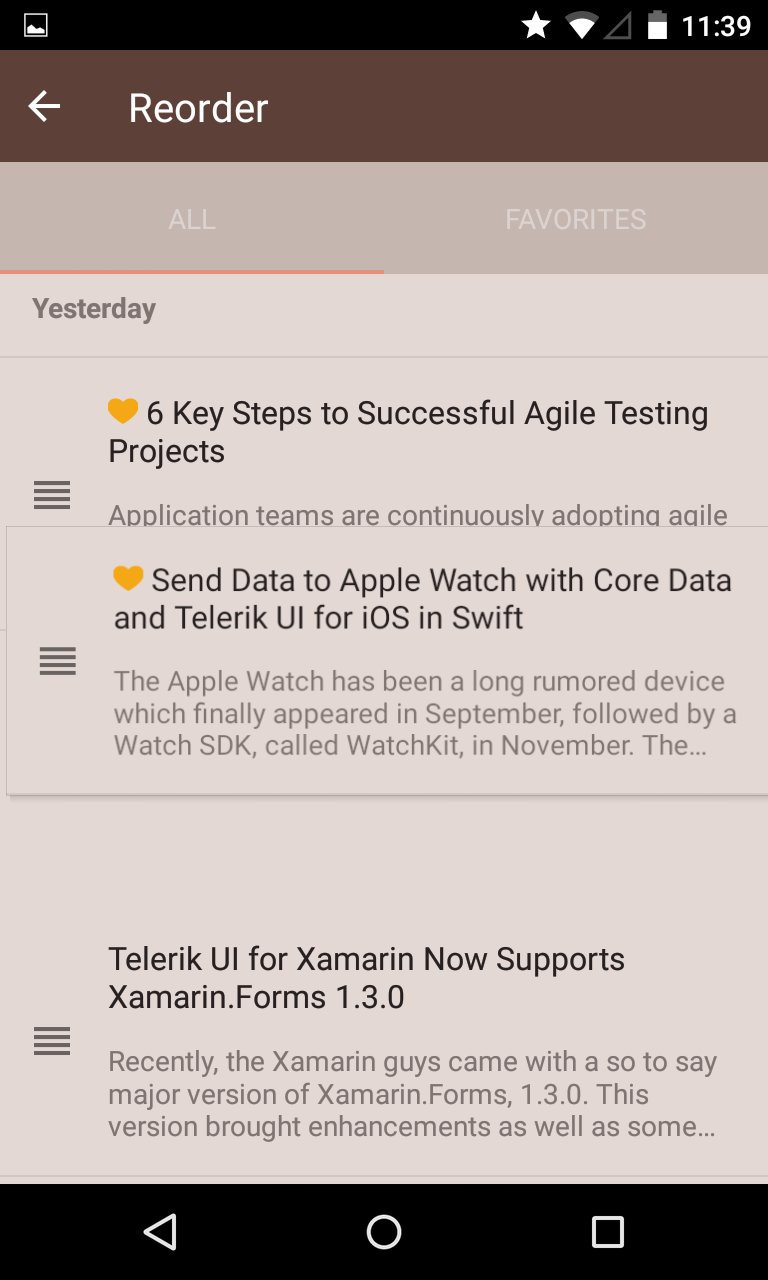
- Item reordering
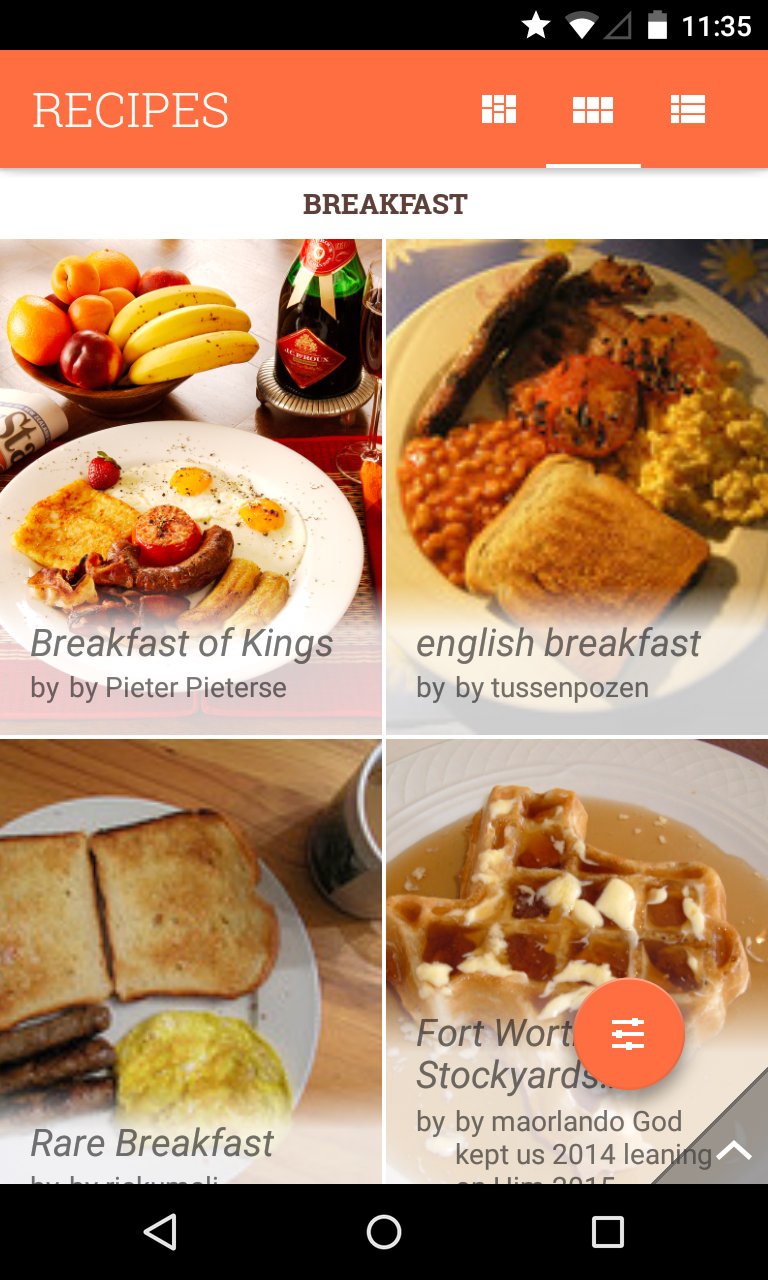
- Linear, Grid and StaggeredGrid layout strategies
- The Telerik ListView is based on the Android RecyclerView so UI vitualization is provided out-of-the-box
ChartView
- Series
- Line
- Spline
- Area
- SplineArea
- Bar
- RangeBar
- Pie
- Donut
- Financial (OHLC, Candlestick)
- Scatter
- Bubble
- Axes
- Categorical
- DateTimeCategorical
- DateTimeContinuous
- Linear
- Logarithmic
- Plotting multiple axes on a single chart
- Behaviors
- Pan & Zoom
- Trackball
- Tooltip
- Selection
- Miscellaneous features
- Palettes - set of predefined styles for each chart type
- Annotations - visual elements for highlighting areas on the plot. Can be used as comments or as markers for specific values on the plot.
- Labels - both for series and axes
- Legend
DataForm
- Default and Custom editors
- Validation
- Read-Only mode
- Different commit modes
CalendarView
- Can display events from the device's calendar
- Week, Month & Year view
- Single, Multiple & Range selection
- Customizable cells
- Different events display modes
SideDrawer (NavigationDrawer)
- Predefined open/close animations
- Can be opened from all edges of the screen
- Customizable fade layer
- Customizable drawer size
Gauge
- The Gauge control stretches the data visualization capabilities of your app, allowing you to present numeric values over a circular scale. The Gauge is a great way to illustrate the magnitude of a value in a given range of upper and lower bounds. This value could be speed, distance, temperature or progress of a process.
AutoCompleteTextView
- With AutoCompleteTextView implemented in your app your end-users can type faster. The control gives them suggestions, based on the characters they’ve already typed. This is useful in various situations such as choosing from a list of airports or a list of known recipients. It features:
- Different completion modes: Append, Suggest or SuggestAppend
- Different filter modes: StartsWith, Contains
- Multiple selection of items with Tokens
- Null-text
- Text highlight
Data Source
- A non-UI adapter that offers an easy way to sort, group and filter in-memory data. Used internally by the ListView.
- The DataSource is most useful when used as a "data hub" where data is obtained, reshaped and sent to a view to be displayed.
AppFeedback
- A component that exposes an easy way to gather feedback from your application users. The AppFeedback control is integrated with the Telerik Platform and provides a convenient way to manage the user feedback.
ScrollView
- A control based on the native Android ScrollView that provides simultaneous horizontal and vertical scrolling.
New examples are added regularly. The application's source code is available on GitHub: https://github.com/telerik/Android-samples/tree/master/Telerik-Examples
アプリの追加情報
最新バージョン 2016.3.1222 の更新情報
Last updated on 2016年12月24日
Two new components: Gauges and AutoCompleteTextView. Improved DataForm, fixes and optimizations.
Telerik Examples スクリーンショット