
このShadow Clockについて
あなたは私の仕事が好きで、寄付したい場合は - http://goo.gl/1nWJnq
My first application in the Play Store!!!
Required to use these widgets:
Zooper Widget Pro (Pro is needed for apk skins)
Media Utilities For the music widget only
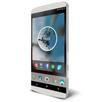
Shadow Clock is a simple Zooper Widget of 2 Analog Clocks
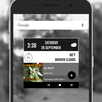
- Analog Clock with a shadow weather and hour
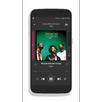
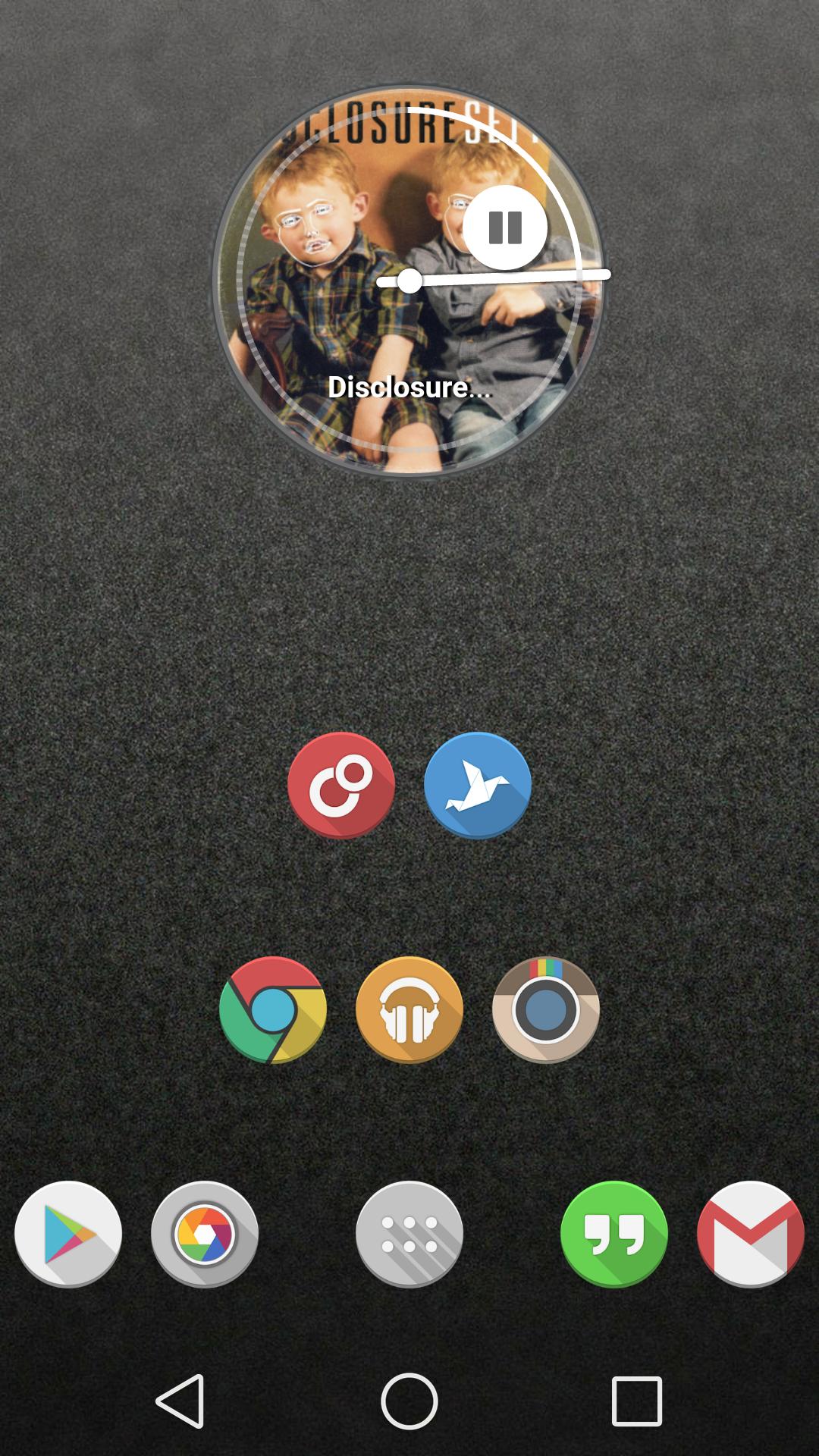
- Analog Clock with a shadow weather and the number of the day. When you press the circle music star playing and the cover of the artist show.
How to use:
1. After installation, place a Zooper Widget (of needed size) on the screen from your list of widgets.
2. A panel with a complete list of all Zooper Widget Skins will appear. Shadow Clock and then in the following list, choose the one that you want.
3. For Music widgets: press the circle and music star playing and the cover of the artist show.
Go to Media Utilities > menu > Settings > Check Zooper Widget > Attempt direct control > Make coverart aviable > Coverart Shape - Circle > Send Song ProgressScroll
DONE!!!
IF YOU LIKED PLEASE RATE IT
Bigg Thanks to wgilles from xda for let me use the Long Shadow Icons - http://goo.gl/8xXwiI
Contac me via email emacomputer@gmail.com or my G+ http://goo.gl/yGXnmr
アプリの追加情報
最終のバージョン
1.02投稿者
Palmy Kung
Android 要件
Android 4.0.3+
カテゴリー
フリー カスタマイズ アプリコンテンツのレーティング
Unrated · Warning – content has not yet been rated. Unrated apps may potentially contain content appropriate for mature audiences only.
最新バージョン 1.02 の更新情報
Last updated on 2015年12月10日
Minor bug fixes and improvements. Install or update to the newest version to check it out!
Shadow Clock スクリーンショット


Shadow Clockの旧バージョン
1.5 MB2015年12月10日