
このBarcode Scannerについて
バーコードスキャナは、最速かつ最もユーザーフレンドリーなバーコードスキャナが使用可能である
'Barcode Scanner' is the fastest and most user-friendly barcode scanner available.
HOW THE APP WORKS
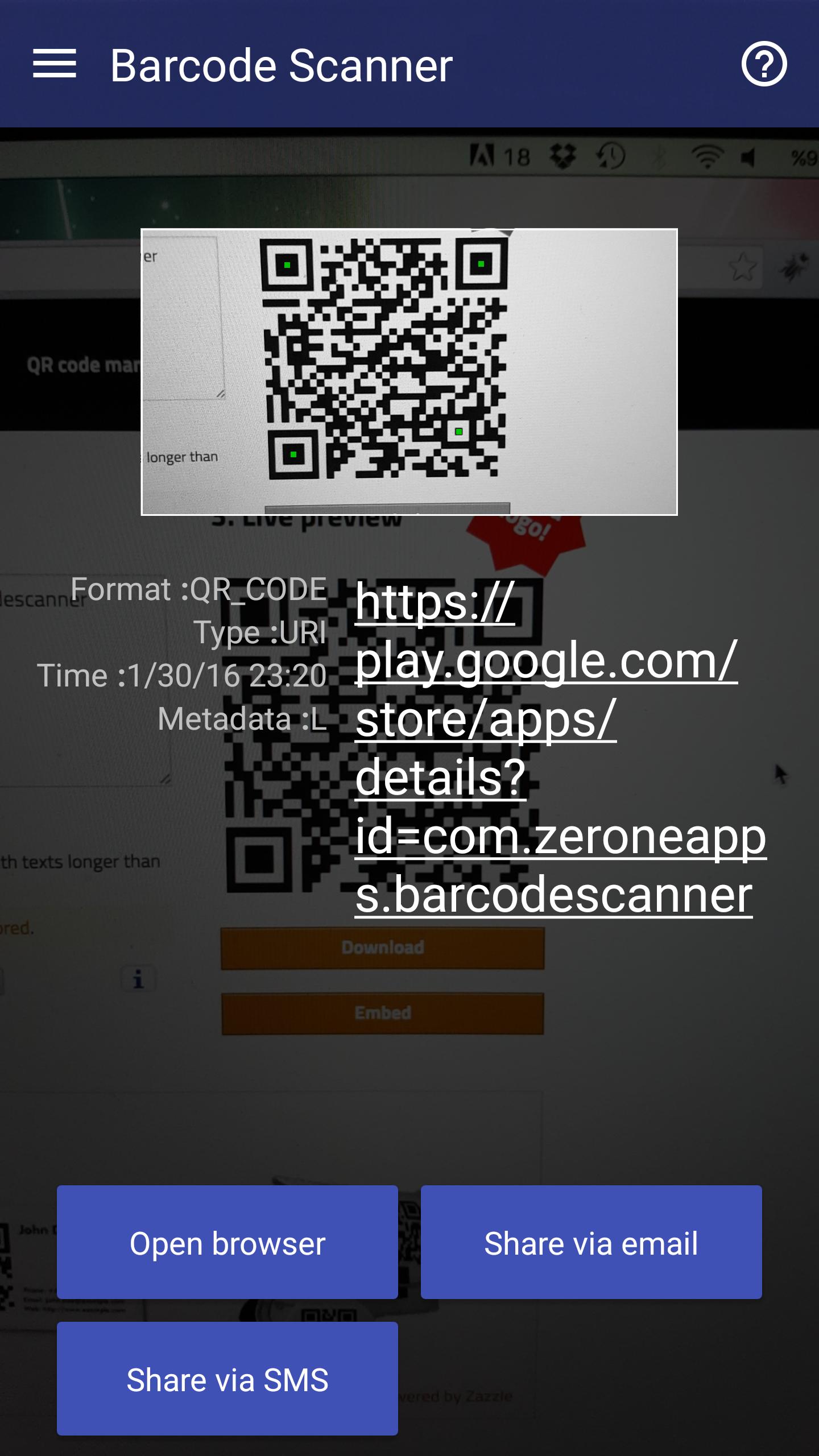
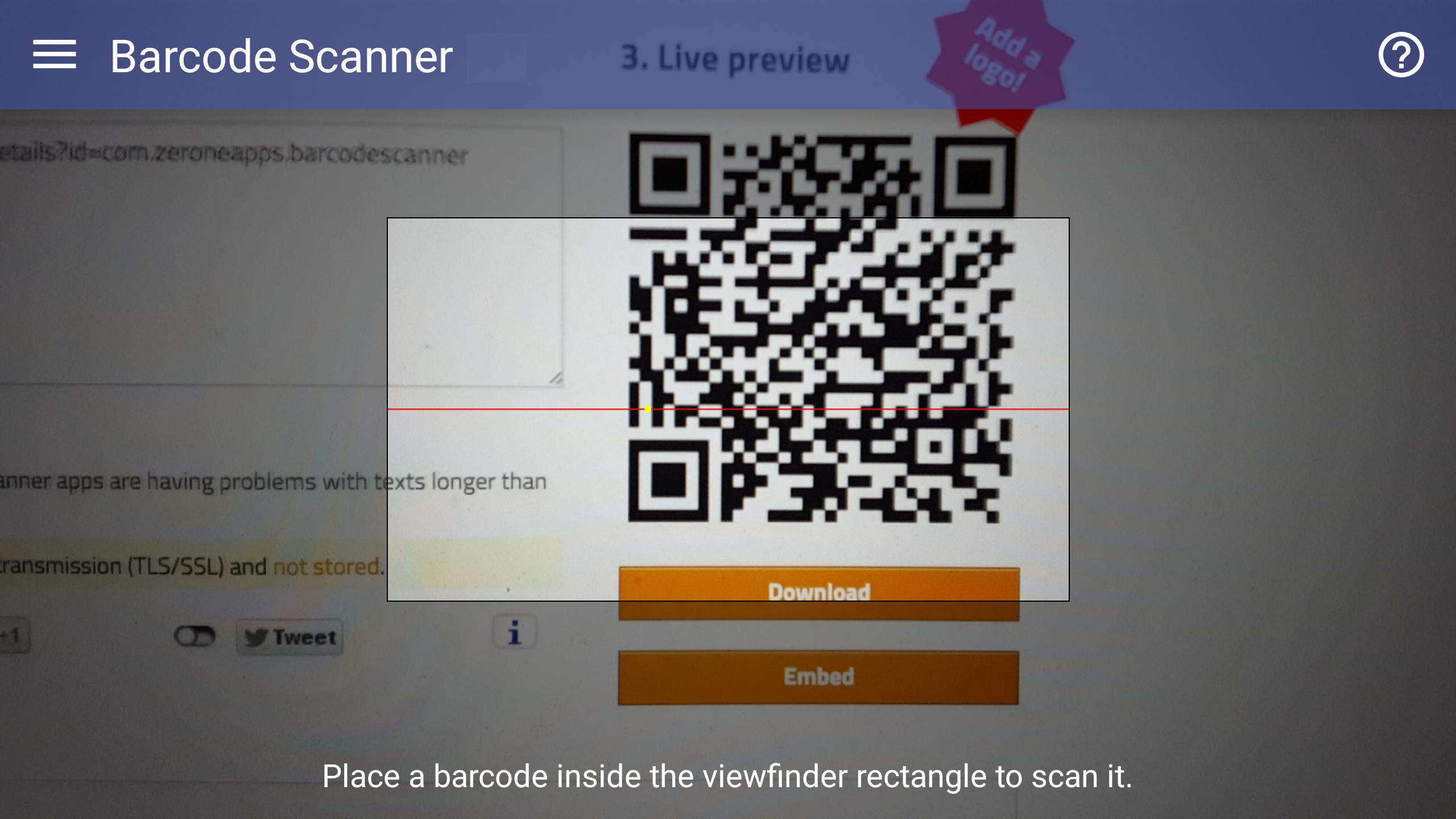
To scan a barcode simply open the app, point the camera at the code, and you’re done! There is no need to take a photo or press a button. 'Barcode Scanner' will automatically recognize any barcode your camera is pointing at.
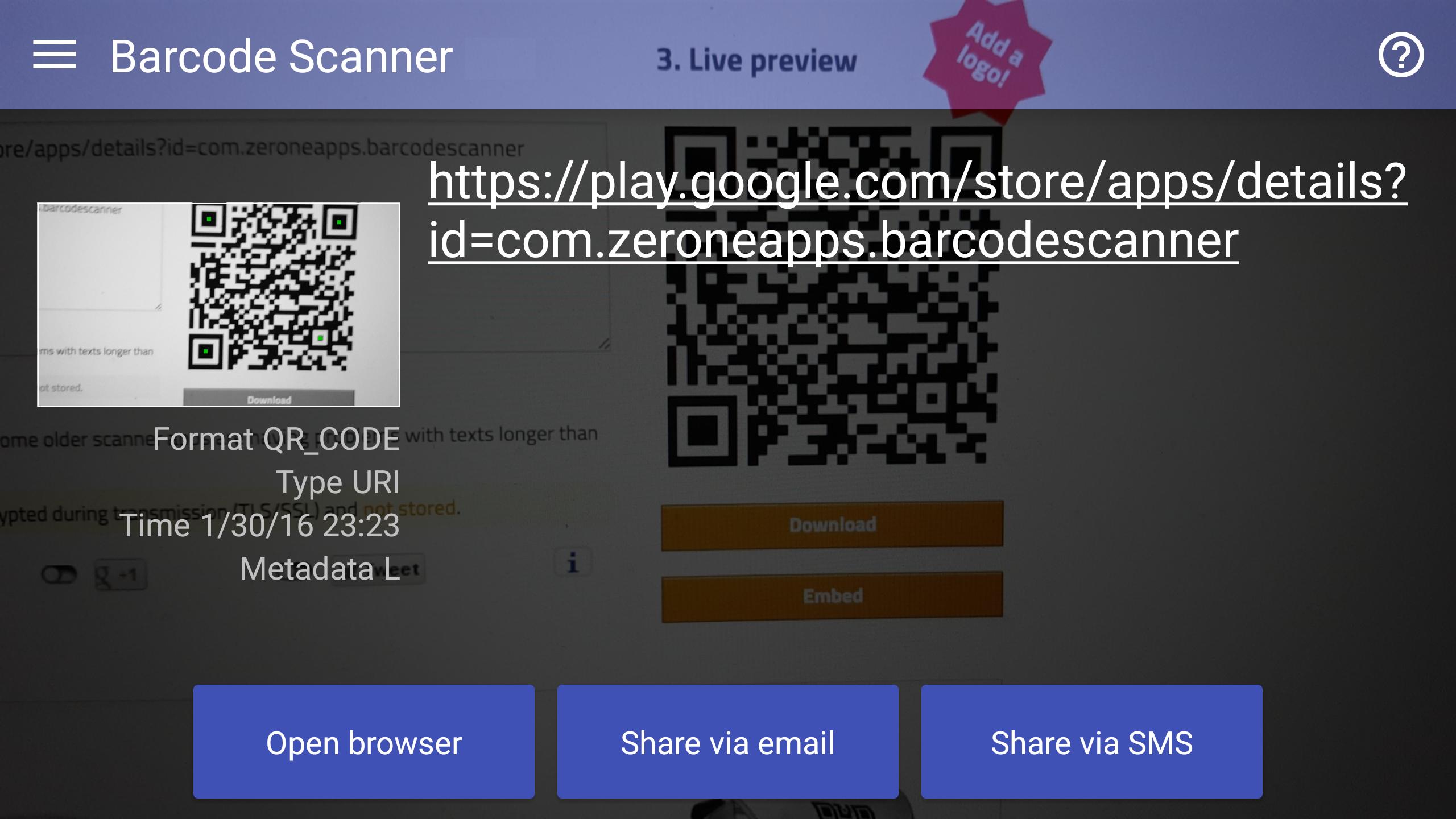
When scanning a barcode, if the code contains a website URL, you'll can be browse to the site. If the code just contains text, you'll immediately see it. For other formats such as phone numbers, email addresses, or contact info, you will be prompted to take the appropriate action.
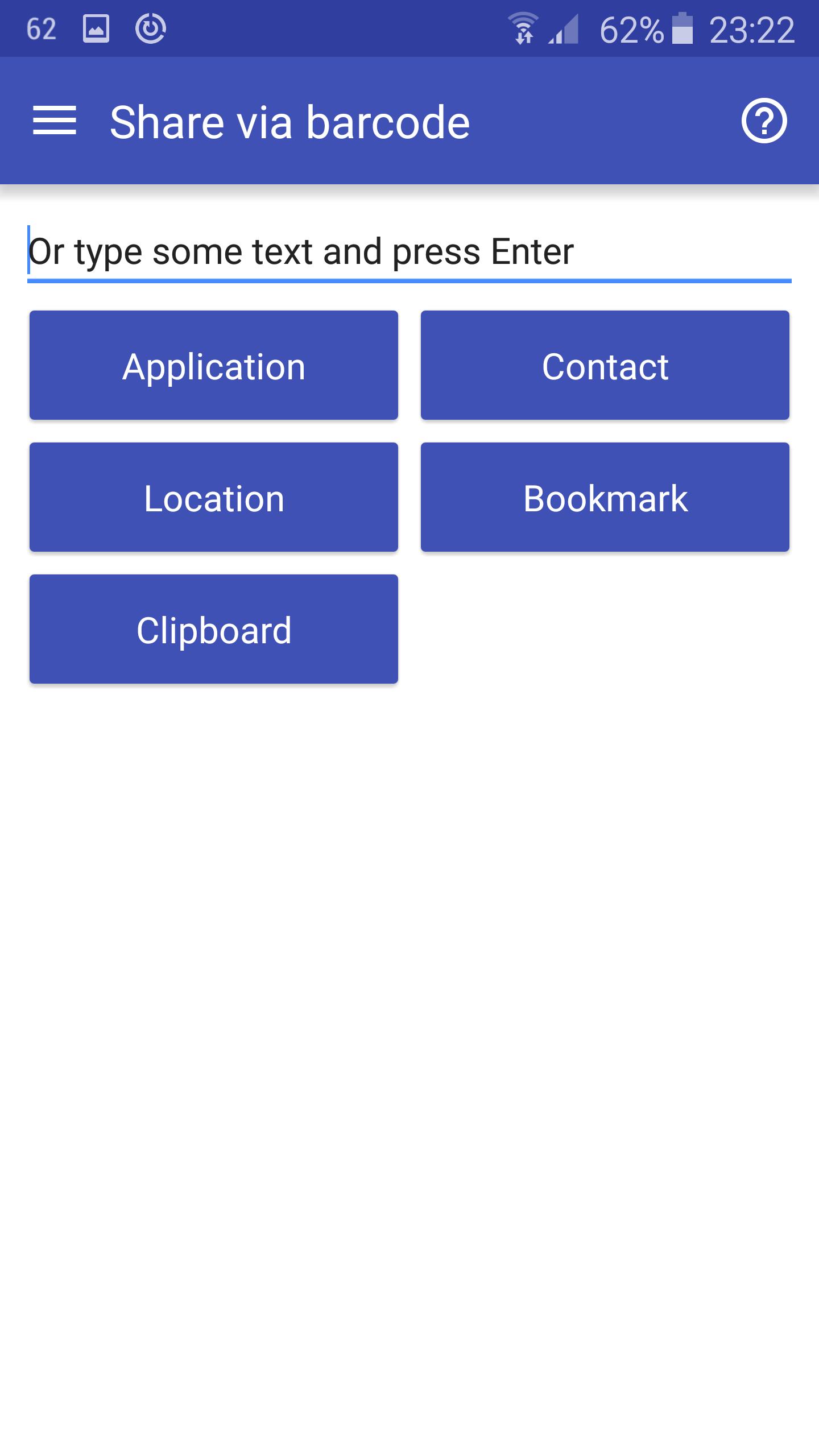
Nobody is stealing your information. The app allows you to share contacts, apps, and bookmarks in a barcode. This is why contacts permissions are needed.
FEATURES
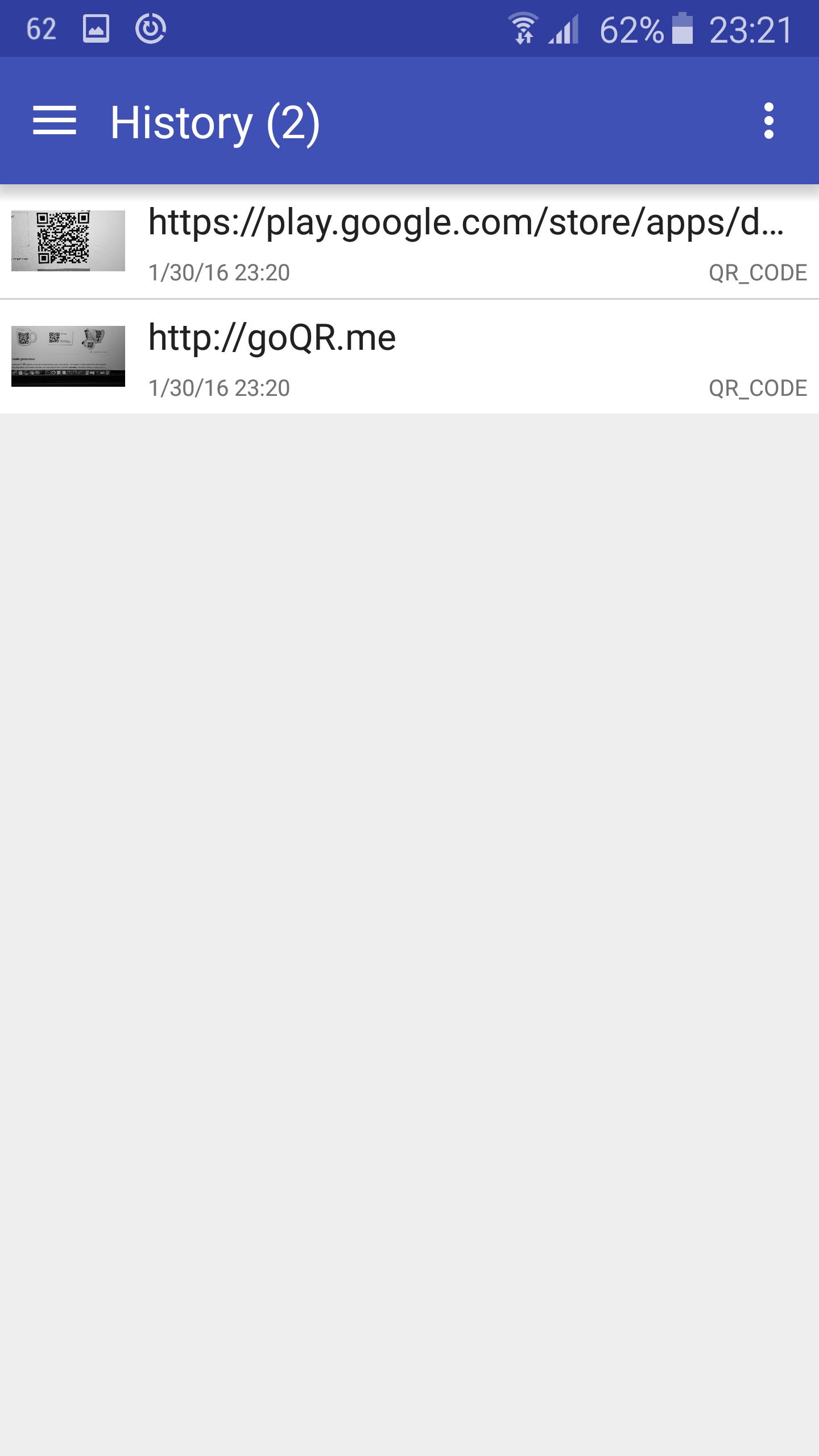
• View a history list of all of your past scans
• Scan pictures of barcodes from your camera roll
• A switch to turn on your device’s light (if it has one) for scanning in low-light circumstances (via volume controls)
• Scan QR codes, Barcodes from camera
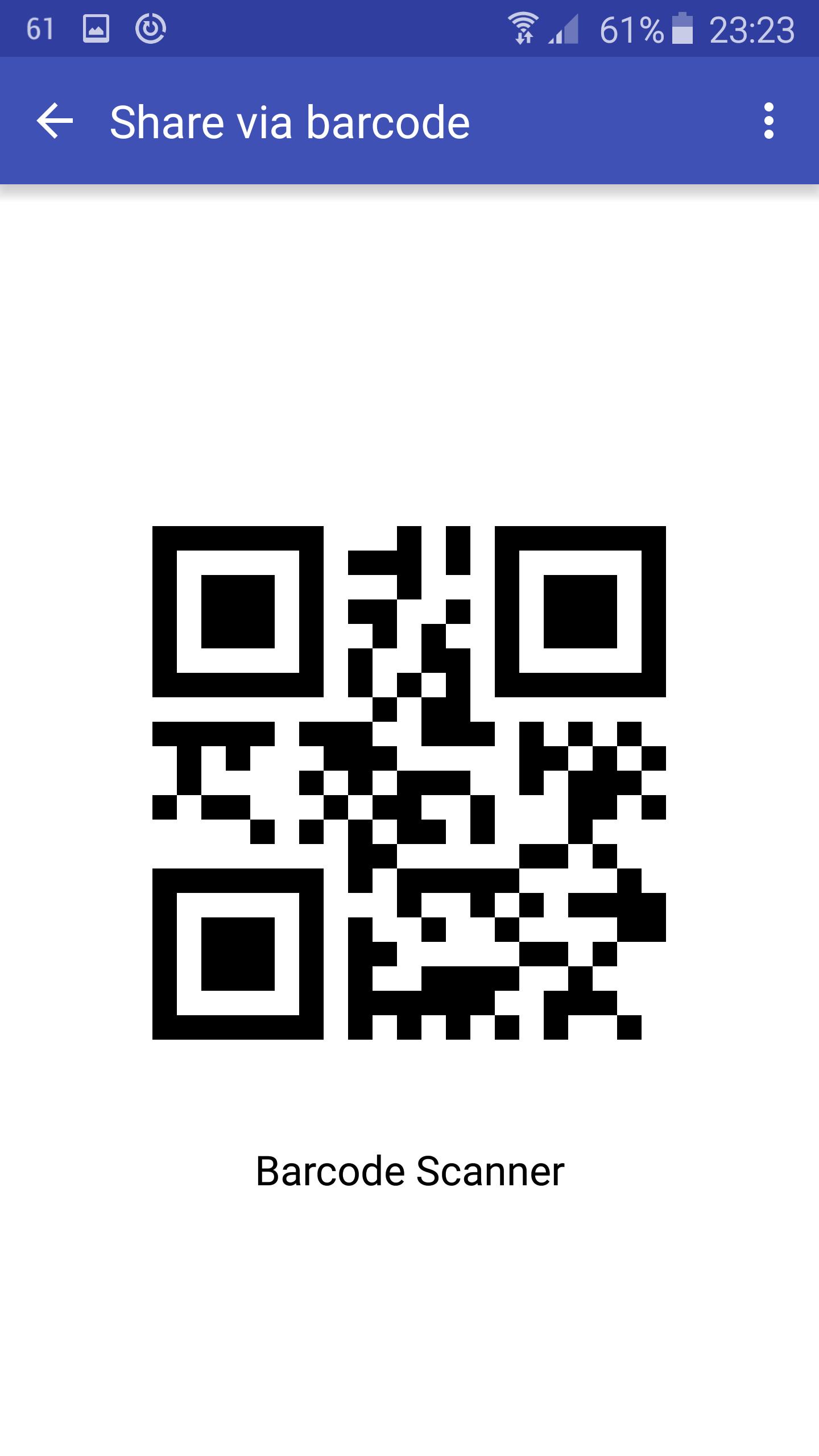
• Create your own Barcodes encoding : email addresses, phone numbers, contacts informations, geographic information, simple text, bookmarks, clipboard, application
• Share your Barcodes through : email, text messages, social networks (Facebook, Twitter, Flipboard, Google Plus), wifi, Bluetooth etc.
• Auto-Archive every Barcode decoded in a simple history list
• Jump directly to web addresses decoded.
• Continuous scan
• Flash light use
• History download in csv format file
• Portrait and Landscape orientation feature
DEDICATED TO PERFECTION
Our goal is to make our app the best scanning app in the store. We can’t do this without you. We are dedicated to your satisfaction and need to hear feedback from you. If you have an issue with 'Barcode Scanner', please do not write a review of the app saying "it didn't work." This does not help us make things better for you. Instead, please contact us at zeroneapps@gmail.com and we'll do our best to help.
REQUIREMENTS
In order to use 'Barcode Scanner', your device must have a built-in camera. When scanning codes that redirect to online content, such as websites, you will need Internet connectivity.
Pro : http://play.google.com/store/apps/details?id=com.zeroneapps.barcodescannerpro
アプリの追加情報
最新バージョン 1.1.6 の更新情報
Last updated on 2016年08月03日
Under the hood updates for better performance
Barcode Scanner スクリーンショット