




Informazioni su SmartWatch Gallery
Guarda le tue foto preferite in una galleria direttamente sul tuo SmartWatch 2!
Want to get a quick look at your images without taking your phone out! LiveView Gallery has you covered! This app makes it quick and easy to:
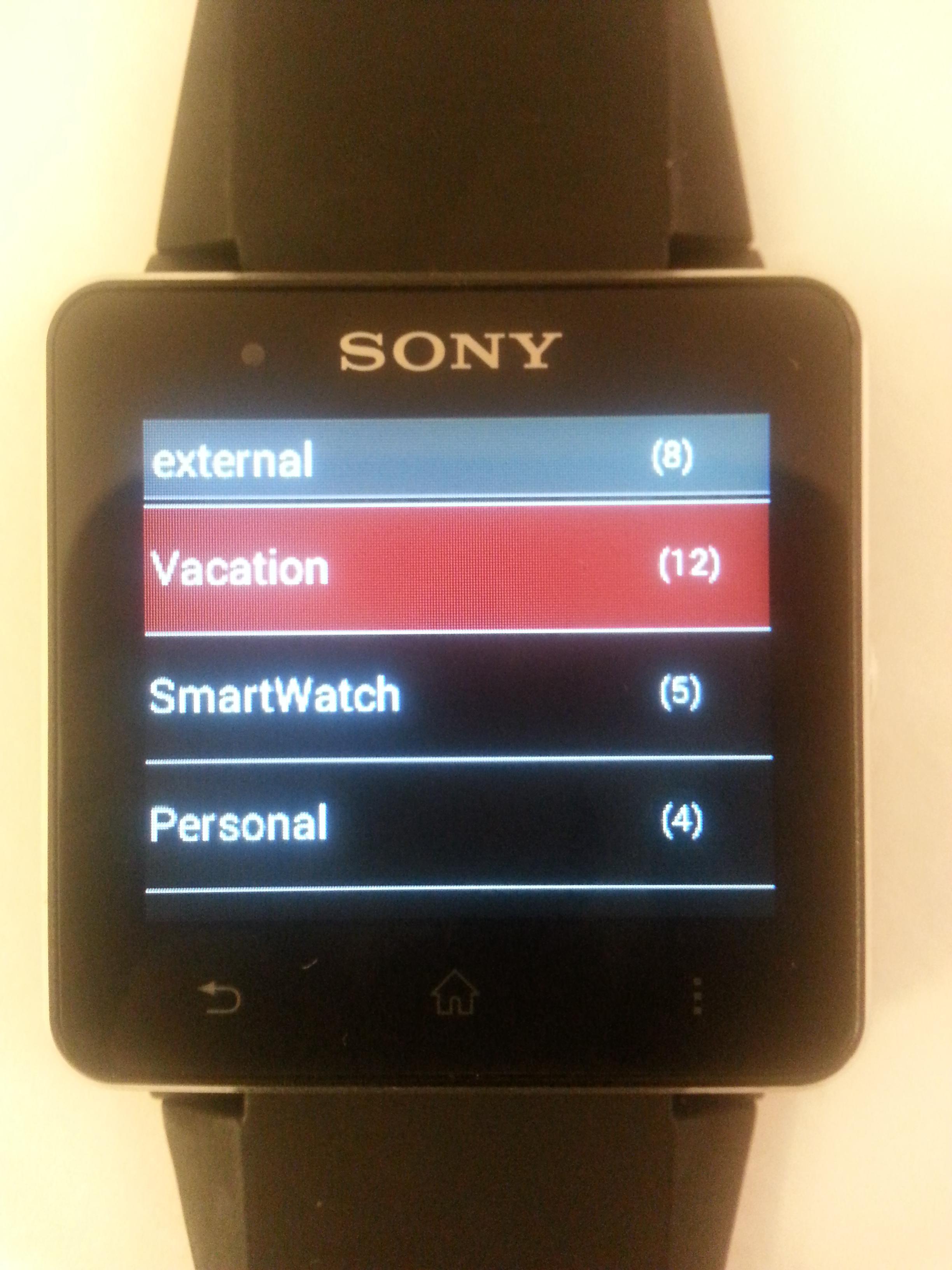
* See which images are on your phone and which are on your sd card(if you have one)
* Browse gallery style through all of the images in your internal and external sd card
* Get a quick preview of each image with navigation
Notes SmartWatch 2 user
-------------
* Low power mode now supported. Open up your settings and choose to have the screen dim just during the slideshow or every time the watch face is not touched for a few seconds.
* The Clock Overlay will now show over your images even in low power mode.
Notes for SmartWatch Users:
-------------
* From the Full Screen gallery page swipe up from Clock overlay.
* From the folders page swipe left to go back
* From the gallery pane page swipe up to go back
* From the Full Screen Image page swipe up or down to go back
Also it looks like some users are having issues with the app not launching. We are working on a fix for this now so if the app does not work for you keep checking back here for an update.
We wanted to give you a chance to try this app out before buying it, so the app is fully functional for 3 days.
---------------
Quick Notes for Sony Liveview users:
-------------
* From the gallery list long press up to get back to the folder selector
* From the gallery page long press left or right to quickly jump to the next pane
If you upgrade to Premium you can have your images play in a slideshow. You will want to have your LiveView connected to power, but it is great for sitting at a desk and letting your favorite moments scroll by. Upgrade to premium by:
1. Open the LiveView app on your phone
2. Click on "Customize Tiles"
3. Click on "Manage plug-ins"
4. Click on "LiveView Gallery"
5. Click "Click here to purchase"
From this point you will walk through the Google Checkout system.
----------------
Smart Connect extension for SmartWatch 2
LiveWare extension for SmartWatch
LiveWare™ extension for SmartWatch
LiveWare extension for SmartWatch 2
Smart extension for SmartWatch 2
Extends:com.sonyericsson.extras.liveview
Informazioni APP aggiuntive
Ultima versione
6.2Caricata da
Aulus Abner
È necessario Android
Android 2.0.1+
Categoria
Gratuita Strumenti video APPClassificazione dei contenuti
Everyone
Segnala
Segna come inappropriataNovità nell'ultima versione 6.2
Last updated on Jul 18, 2015
v21
---
- Fixes an issue with purchasing the upgrade
v20
---
- Looks like some users were still having issues reading from the external storage. Adding the external storage permission should fix this for everyone.
v19
---
- The community has spoken and now it is finally here!! You should now be able to see all of the image folders on your device.
- This update should fix the issue with not getting past the loading screen
- The app should load a little smoother now.
SmartWatch Gallery Screenshot


Vecchie versioni di SmartWatch Gallery
294.0 KBJul 18, 2015

Tag correlati





Articoli popolari nelle ultime 24 ore
- Come scaricare l'APK di Google Play Services ultima versione 24.23.33 (190408-644073686) per Android 2024
- Come scaricare l'APK di Facebook ultima versione 467.1.0.52.83 per Android 2024
- Come scaricare l'APK di Google Traduttore ultima versione 8.10.58.640328148.3-release per Android 2024
- Come scaricare ClasseViva Famiglia APK ultima versione 5.3.3 per Android 2024





Lascia una recensione per SmartWatch Gallery
Aggiungi recensioni