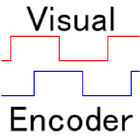

VisualEncoder के बारे में
The encoder for which the camera function of the terminal was used
How to use
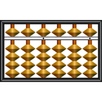
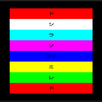
A turntable is divided by color into black and white.
(Please consult a top picture.)
A terminal is fixed so that a turntable may seem.
A starting button, tap
A sensing line of the A look and the B look is established on the screen.
(The A look and the B look can be switched from the menu.)
A threshold value can be established.
If it can be established, a tap does a sensing starting button.
Above
The rotational displacement, the rotating speed and the direction of rotation are indicated.
अतिरिक्त ऐप जानकारी
नवीनतम संस्करण 1.1 में नया क्या है
Last updated on Jul 21, 2016
इस वर्शन में मामूली बग फ़िक्स और सामान्य सुधार शामिल हैं। बेहतर अनुभव के लिए नवीनतम वर्शन पर अपडेट करें।
VisualEncoder स्क्रीनशॉट


VisualEncoder के पुराने संस्करण
351.8 KBJul 21, 2016