
Tentang Gesture Lock Screen
Aktifkan telepon dengan tanda tangan Anda, Menggambar isyarat untuk membuka layar kunci
Gesture Lock Screen
✔✔ Gesture Lock Screen where you back up your mobile with their signature or a gesture ✔✔
Tired of the old patterns and Password Lock to lock your mobile?
Gesture Lock Screen is an amazing & secure lock screen app, it allows you to unlock your phone with a variety of gestures: shapes, signatures, letters, numbers, symbols and contextual gesture.
Signature Lock Screen you get more security because no body can use your phone without your signature.
Now lock your phone with Gesture Lock Screen & Draw your signature to unlock your phone. Also you can unlock with passcode lock with your own choice of digit number.
★★ Top features ★★
✦ GESTURE LOCK SCREEN
+ Set your own signature by drawing any shape, number.
+ Change your signature draw color of your own choice or that suits of your wallpaper.
+ Hide your gesture draw by stealth mode feature
+ Set your difficulty level of Gesture matching accuracy (unique feature)
✦ SECURITY
+ You can also set your recovery passcode to unlock if you forgot your signature
+ Set from 4 or 5 or 6 digit passcode
+ Random keyboard lock for more hard to guess by prying eyes
+ Invisible keyboard button to hide on lock screen (tap on bottom right to show keyboard)
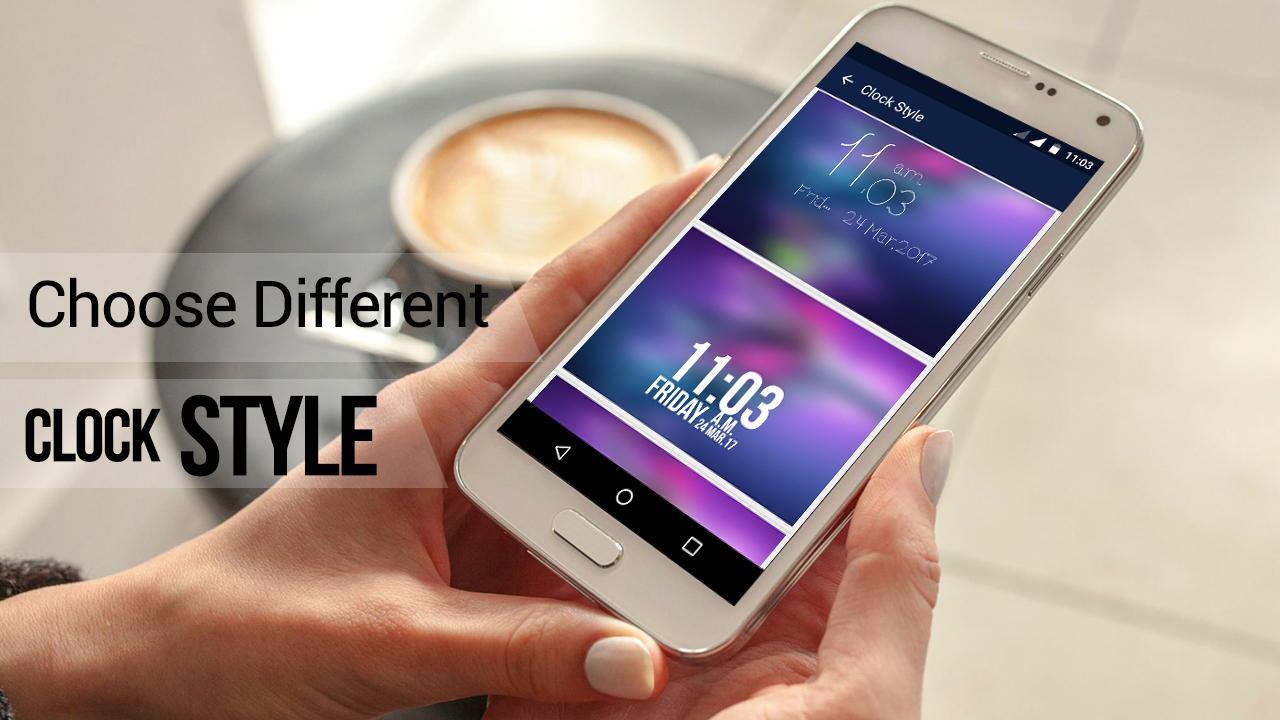
✦ CLOCK STYLES
+ Choose from collection of different clock style for Lock Screen
✦ HD WALLPAPERS
+ Set LockScreen background from variety of HD Wallpapers
+ You can also set your photo from Gallery as Lock Screen Wallpaper
+ Live Wallpaper support- Use your system wallpaper as Gesture lock screen Wallpaper
✦ NOTIFICATION (Android 4.3 & up)
+ Show app notifications on lock screen: unread messages, missed calls, music player, alarm ,chat
✦✦ How to use Gesture Lock Screen ✦✦
+ Create your first gesture (signatures, letters or anything…) to unlock the phone
+ Create your passcode (4 to 6 digit PIN) as recovery passcode
+ Enable Gesture Lock screen & That’s it :)
Please download gesture lock screen and draw to unlock your phone.
Informasi APL tambahan
Versi Terbaru
1.5Diunggah oleh
Kittikorn Parana
Perlu Android versi
Android 3.0+
Kategori
Gratis Personalisasi APLIKASIRating konten
Everyone
Apa yang baru dalam versi terbaru 1.5
Last updated on Oct 30, 2019
Versi ini berisi perbaikan bug kecil dan peningkatan umum. Update ke versi terbaru untuk mendapatkan pengalaman terbaik.
Gesture Lock Screen Tangkapan layar