Scan Date:Nov 8, 2025
Show More

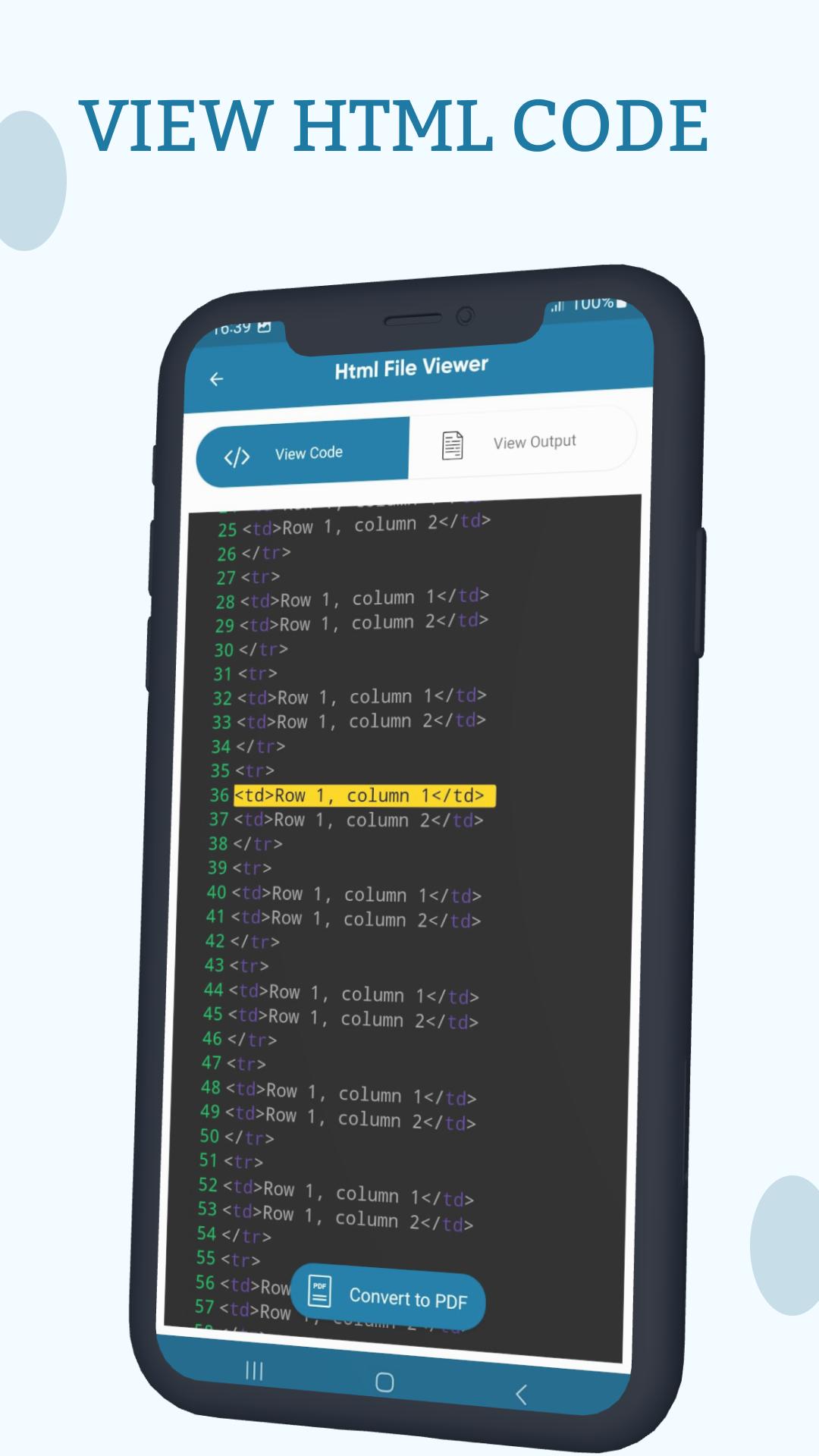
Viewing files on portable devices becomes a remarkable challenge as it requires expertise to build a view for every type of document. But the use of portable devices is increasing rapidly so the challenge should be accepted by developers to provide quality products to end users. HTML is a basic language for designing web pages. Every modern website uses HTML language to build attractive web pages. For HTML programmers this HTML editor app is very useful to see HTML code as well as HTML output on their mobile devices. HTML reader is easy to use and has a very smooth and user-friendly layout that everyone can use easily without any expertise. HTML viewer and editor app focused on four main features, HTML viewer, Web Page HTML code, recent files, and convert pdf files. You can browse any HTML file and can easily view that file in this app. HTML/MHTM viewer provides two types of views for HTML files, One is to view HTML code and one is to view HTML output for user convenience. One more amazing functionality of the HTML coding app is to view the source code of any webpage by simply giving the URL of any webpage.
Features of HTML Viewer: HTML Reader Editor App
HTML editor is used to view the list of HTML files stored in the device. You can browse for any HTML file from your device to view it on this app on a single tab.
You can view HTML files in html viewer and HTML reader app and also you can convert them to pdf for your ease.
HTML viewer provides the feature to open recently viewed files rather to search them again from a list or browse from storage to make processing faster.
Converted pdf is stored in your app store and you can easily fetch these files in your app and you can share pdf files with others.
How to use HTML Viewer: HTML Reader Editor App
Click on the select files button to browser html files stored in your device storage.
Viewer activity contains two options for the user one is to view HTML code and the other is to view the output of that HTML document.
Click on the web page button to navigate to the screen where you have to enter the URL of any webpage to view its source code.
Tab on recent files to get the list of recently viewed files.
Click on the converted pdf button to view the list of converted files and allows you to delete or share these converted files with others.
Latest Version
1.0.7Uploaded by
Yorleni Guerrero
Requires Android
Android 7.0+
Category
Free Productivity AppContent Rating
Everyone
Security Report
Report
Flag as inappropriateLast updated on Jul 29, 2024
Minor bug fixes and improvements. Install or update to the newest version to check it out!




APKPure - A multi-platform app store primarily focused on Android, providing extensive app-related content. Discover the app you want easier, faster, and safer, with quick and efficient downloads and installations.