Scan Date:Dec 9, 2023
Show More

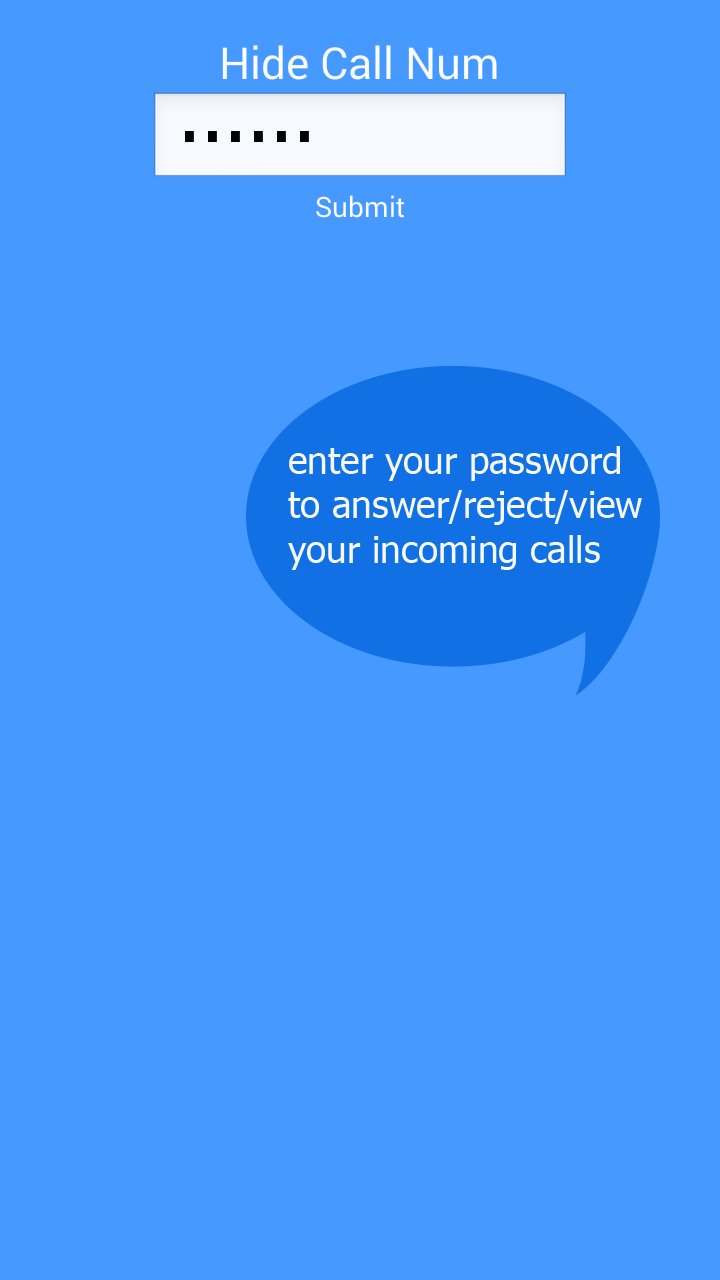
Hide your incoming calls using your own password & fake background.
Simple & Free
Nobody can answer/reject your incoming calls anymore.
How to use
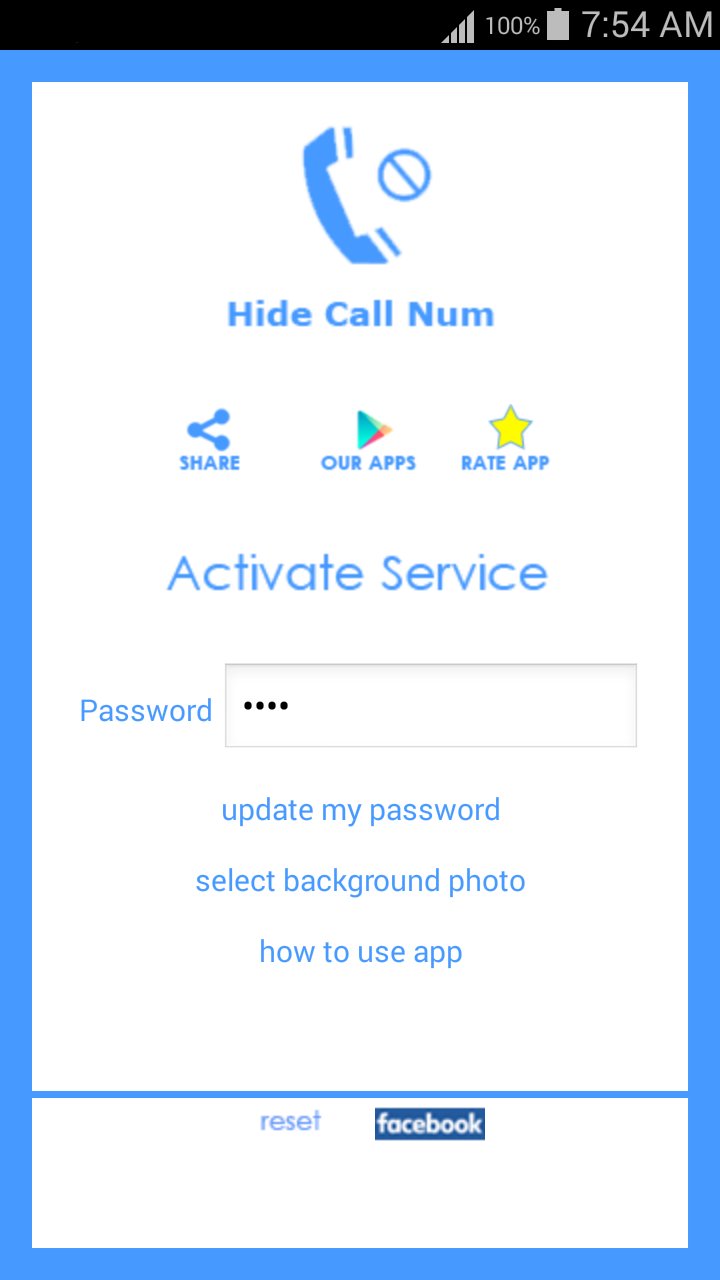
- enable by click on Activate service.
- disable by click on De-Activate service.
- Edit your password, click on Update my password to update it.
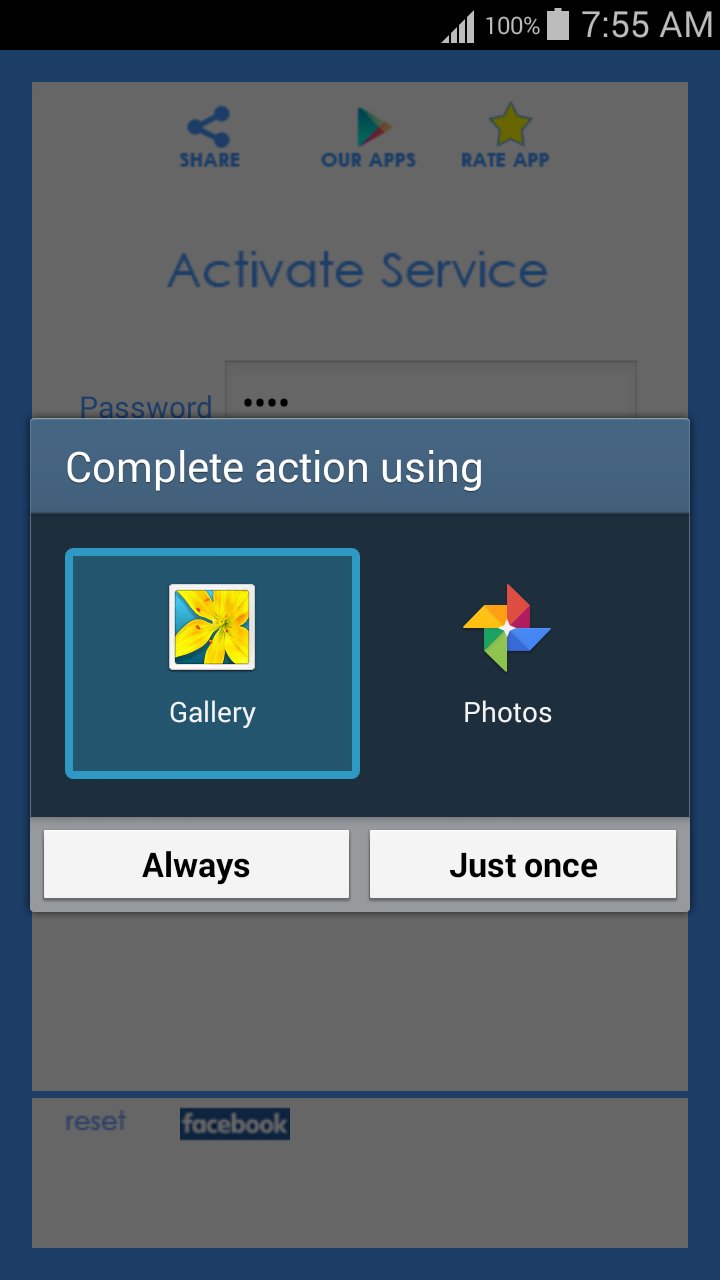
- choose a fake background, click on Select Background.
Important Notes:
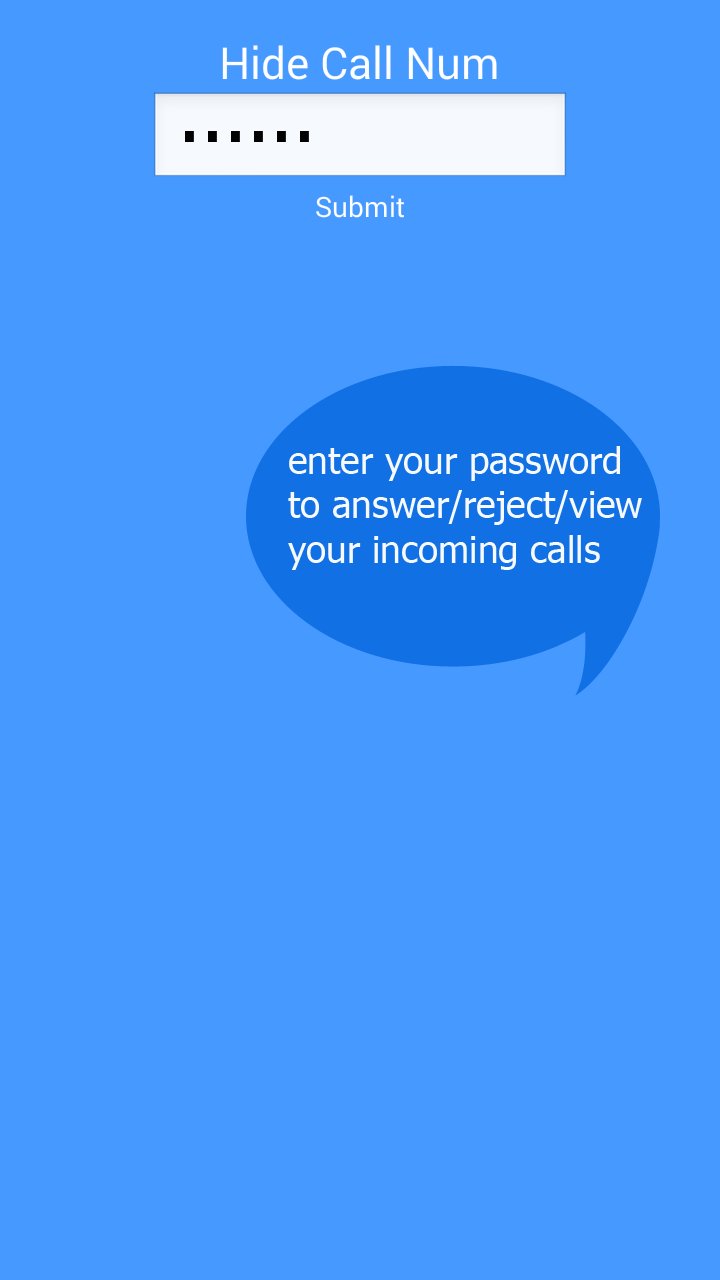
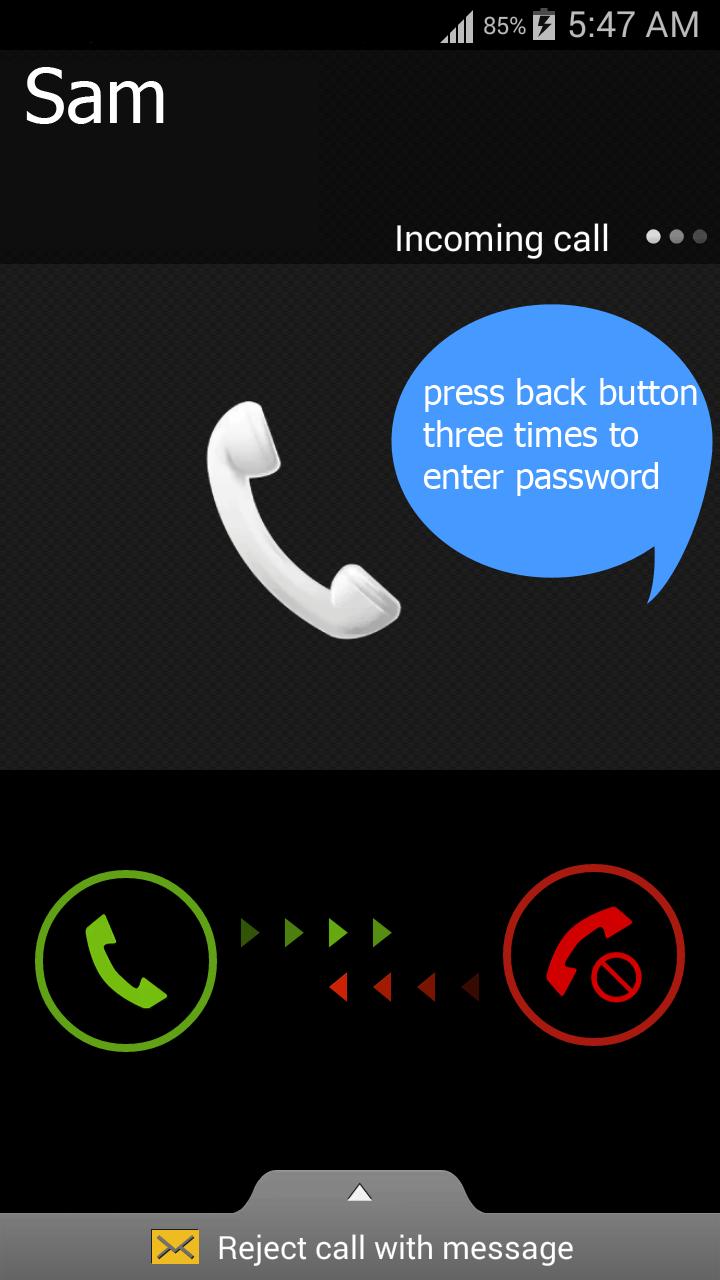
- If use a fake background, then you have to press back button three times in order to show password box.
- When you click on reset button, then password will return to default 0000
- When restart your mobile, then you will have to activate service again.
- forget your password? then simply restart your mobile and open the app and update your password.
We make it simple & we provide it for free.
Latest Version
v2.0Uploaded by
Mark Renniel Diño
Requires Android
Android 2.3.4+
Category
Free Tools AppContent Rating
Everyone
Security Report
Report
Flag as inappropriateLast updated on Apr 4, 2017
design enhancements.




APKPure - A multi-platform app store primarily focused on Android, providing extensive app-related content. Discover the app you want easier, faster, and safer, with quick and efficient downloads and installations.