
About G-MScreen

Reviewed byBernadine WisokyContent Editor
G-MScreen is a set top box companion app that lets you control and view channels on your phone.
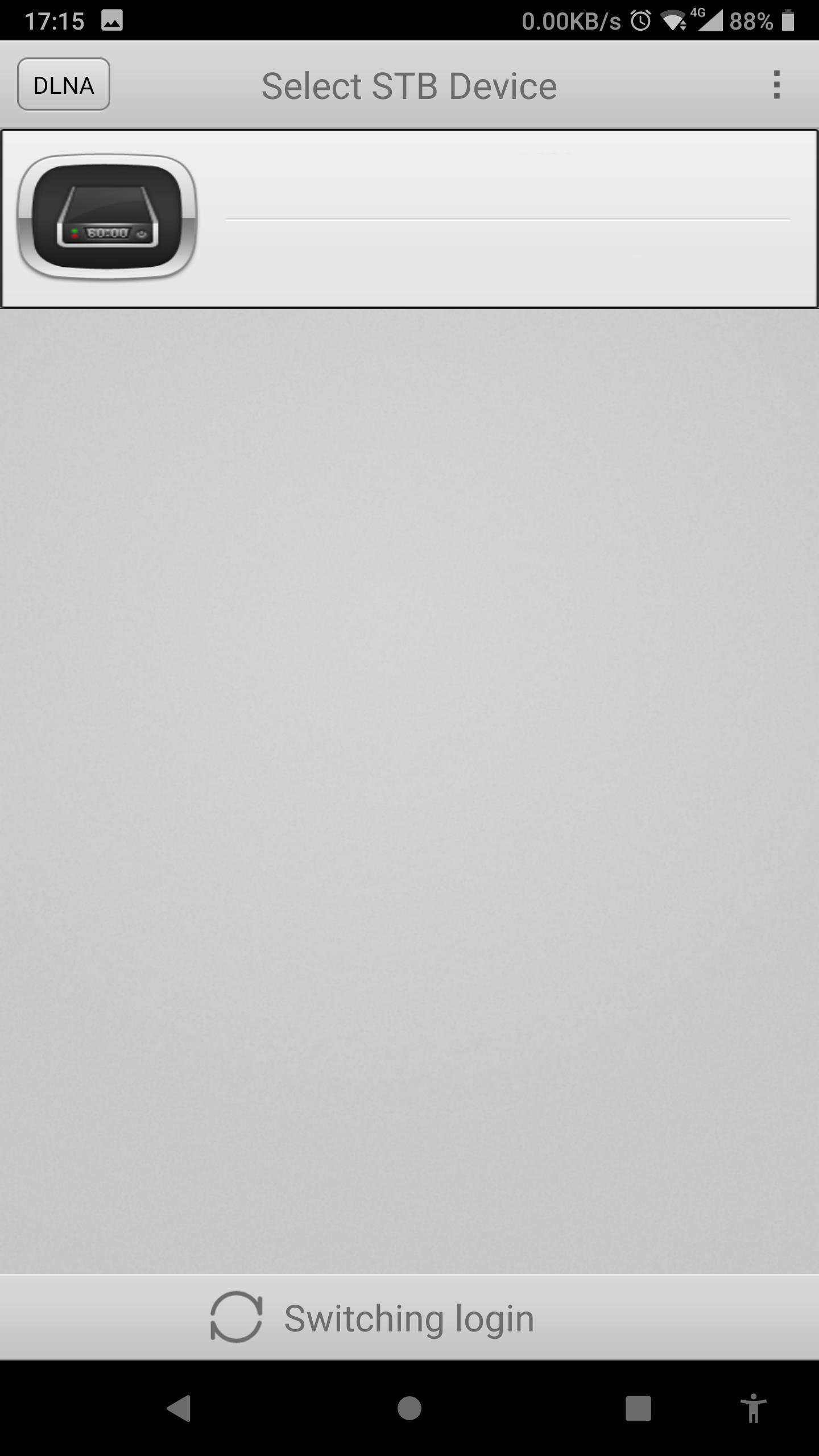
G-MScreen suits users who need to operate a set top box from a phone over home WiFi. After pairing on the same network, the app mirrors core controls and shows status so routine TV tasks are handled without the original remote. Moreover, it supports viewing from the box on a handheld screen when needed. To start, install G-MScreen APK and connect to a compatible device. This approach keeps control in one place, from channel actions to basic settings.
G-MScreen Features
Channel search and edit
- Search and switch channels from the connected STB
- Reorder channels by move and sort
- Rename, delete, and lock entries
- Set favorites for quick access
Watch on mobile and check program info
You can watch live channels from the STB on your phone through internal WiFi. Program details are available through the guide so you see schedules while browsing. This helps when choosing what to watch without opening extra menus.
Remote control and device settings
- Use a virtual remote with buttons, gyro control, and a touch board
- Set sleep timer and manage parental control and password
- Lock or unlock the screen and power the box on or off
- Restore factory default when needed
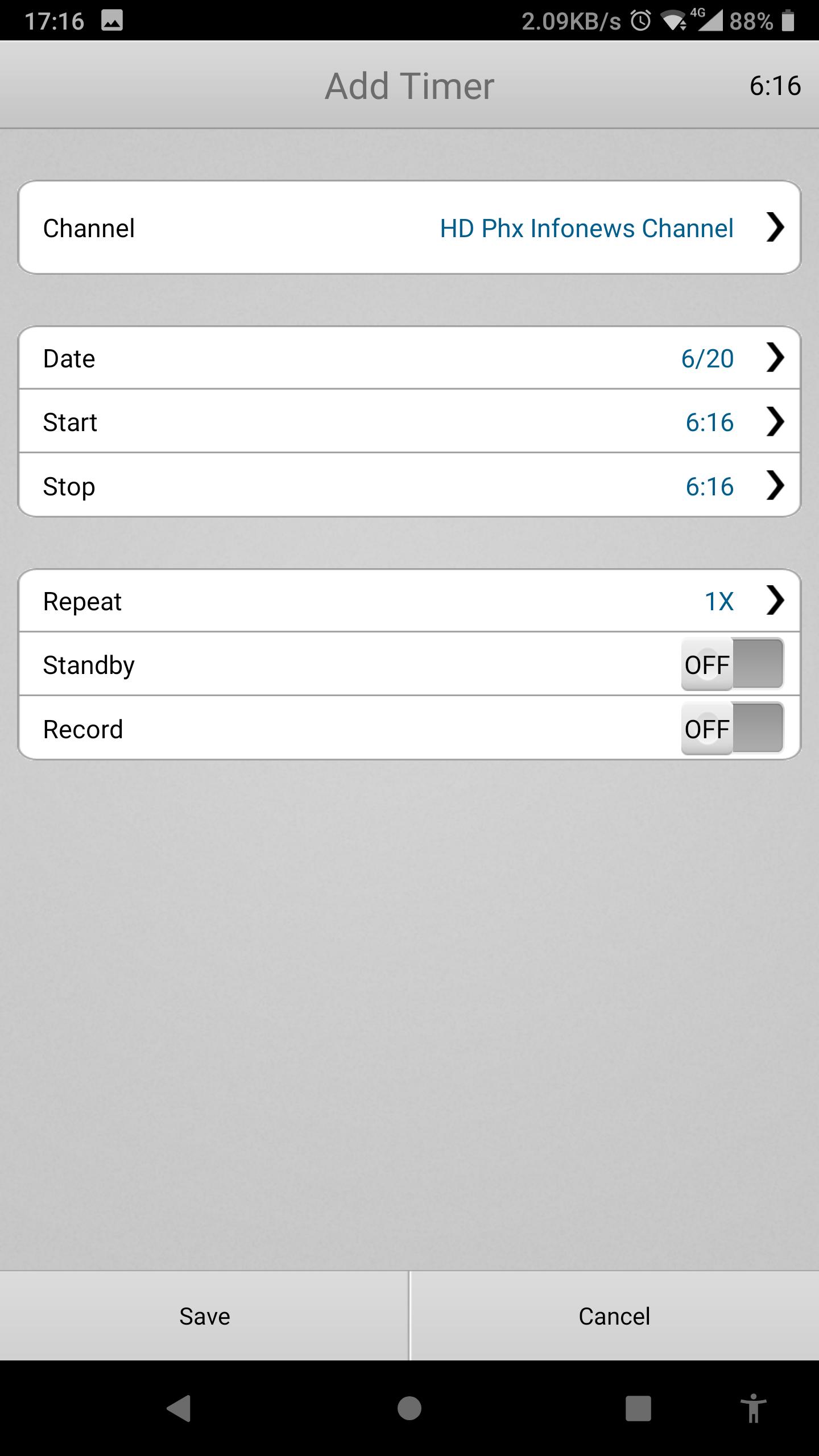
- Add, edit, or delete STB timers
Tools and connectivity
Beyond viewing, G-MScreen includes tools for setup and sharing. Sat to IP is supported when your router provides 150M WiFi. SatFinder shows signal strength with a tone to help align a dish during installation. DLNA lets your phone’s photos, videos, and audio appear on the TV. The STB can also alert you when a call arrives on the phone.
Start using G-MScreen
Before starting, confirm your set top box supports G-MScreen and that both devices share the same WiFi. Install the app, pair it with the box, and test channel control and playback. For improved stability and device support, use G-MScreen latest version when setting up a new STB.
Additional APP Information
Latest Version
1.0.205612 [Aug 23 2024]Uploaded by
Frank_J
Requires Android
Android 5.0+
Category
Free Tools AppContent Rating
Everyone
Report
Flag as inappropriateWhat's New in the Latest Version 1.0.205612 [Aug 23 2024]
Last updated on May 7, 2026
Minor bug fixes and improvements. Install or update to the newest version to check it out!
G-MScreen Screenshots




![Battery Saver - Battery Doctor [PRO] APK](https://image.winudf.com/v2/image/Y29tLmliZWFyLmJhdHRlcnlzYXZlcl9pY29uXzE1MjQ5OTY3NjhfMDk0/icon.png?w=102&fakeurl=1)