



À propos de NotifyRDS
Get remote support of your mobile device from any computer with NotifyRDS.
User can real-time screen share to remote technician. Technician will be able to share clicking pointer remotely to help guide the user. Session connection is encrypted using 256-bit AES / TLS .
For selective Android devices (i.e. Samsung & LG), remote control is possible, enabling remote technician to control your mobile device.
Quick Guide:
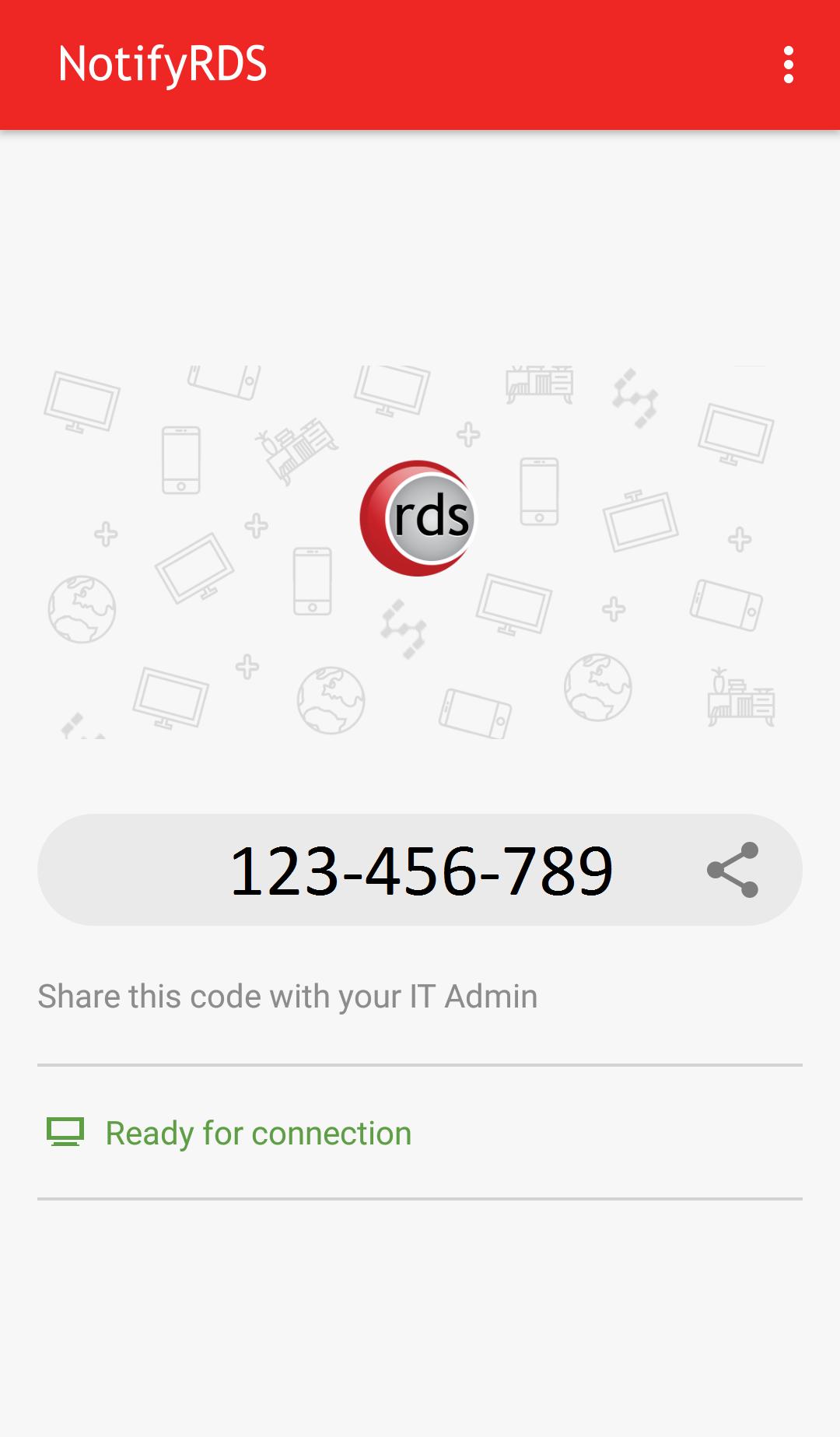
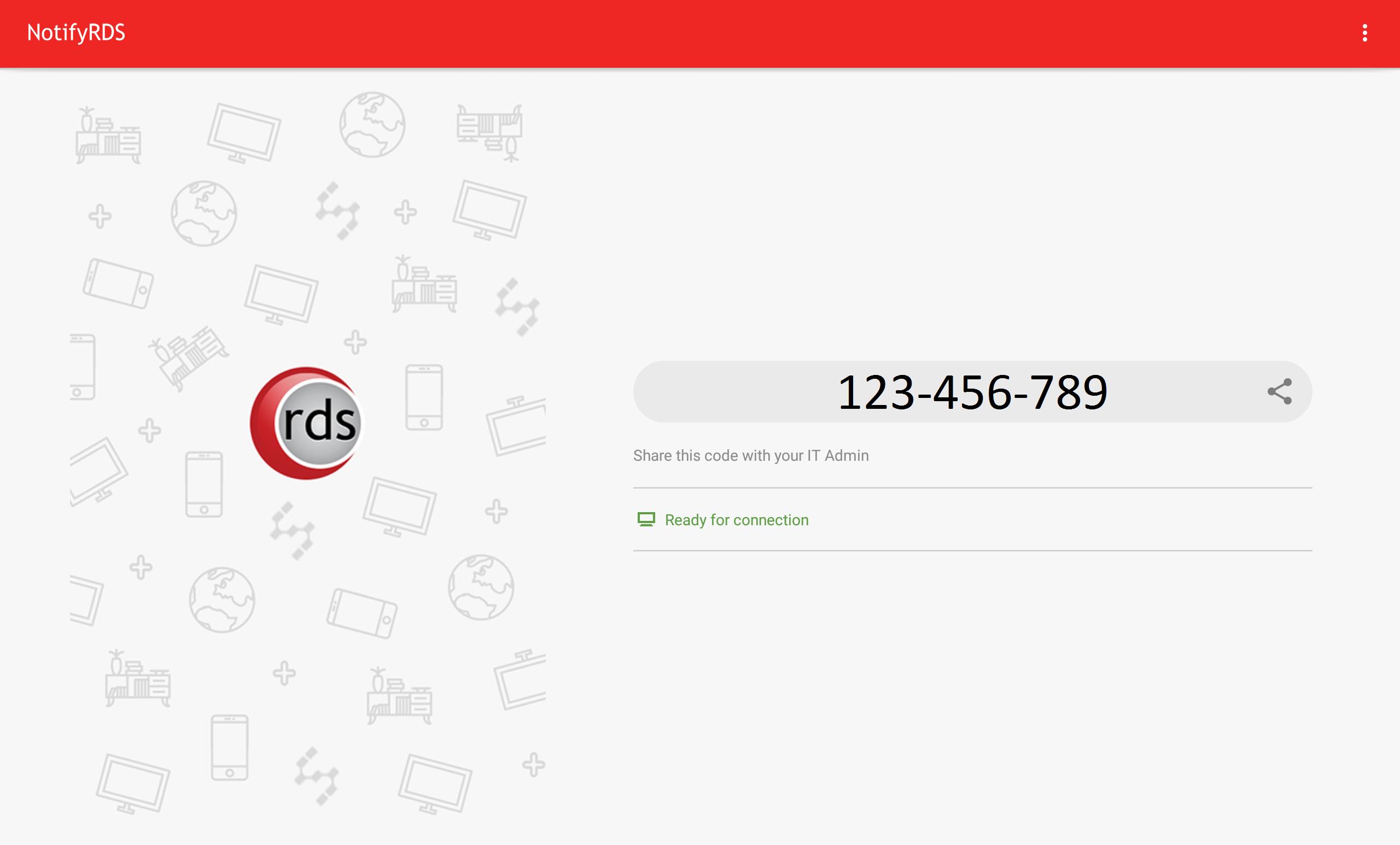
1. Download and launch the NotifyRDS app on your mobile device.
2. Share the session ID to your remote technician who has NotifyRDS Account.
Informations Application supplémentaires
Dernière version
1.0.0.8Nécessite Android
5.0 and up
Catégories
Gratuit Outils APPLICATIONClassification du contenu
Everyone
Signaler
Signaler comme inappropriéQuoi de neuf dans la dernière version 1.0.0.8
Last updated on Nov 10, 2017
Cette version comprend des corrections de bugs mineurs et des améliorations générales. Installez la dernière version pour profiter d’une expérience optimale.
NotifyRDS Captures d'écran

Balises associées
Également disponible pour d'autres plateformes









Articles populaires dans les dernières 24 heures
- Instructions pour télécharger la dernière version 19.23.33 de YouTube APK pour Android 2024
- Comment télécharger Netflix APK dernière version 8.126.0 build 7 50767 pour Android 2024
- Comment télécharger Null's Brawl APK dernière version 55.228 pour Android 2024
- Guide pour télécharger la dernière version 5.2104 de VidMate - HD Video Downloader & Live TV APK pour Android 2024



Laissez un avis pour NotifyRDS
Ajouter des avis