




À propos de Boxcryptor Classic
Add an additional security layer to your cloud storage and encrypt your files with Boxcryptor Classic. Boxcryptor Classic allows you to use all popular cloud storage providers such as Dropbox, Google Drive, Microsoft SkyDrive and others without sacrificing safety, privacy, or comfort!
NOTE: If you experience any problems with this app, instead of leaving a 1-star review, we invite you to contact our support to find the best way to help you. You can submit a ticket here: http://support.boxcryptor.com - Thank you!
Boxcryptor Classic is an encryption software optimized for cloud storage. With Boxcryptor Classic for Android you can easily access your encrypted folders via smartphone or tablet. And the best: It's free!
Features:
- Supports all popular cloud storage providers like Dropbox, Google Drive or Microsoft SkyDrive. See below the complete list of supported providers.
- Always have your sensitive files with you - and enjoy peace of mind knowing that these are securely encrypted.
- Access all your encrypted documents (photos, music, etc.) in your cloud.
- Encryption and decryption is done directly on your mobile phone or tablet - your password is never transmitted.
- Secure file encryption using the AES-256 standard (Advanced Encryption Standard with a key size of 256 bit).
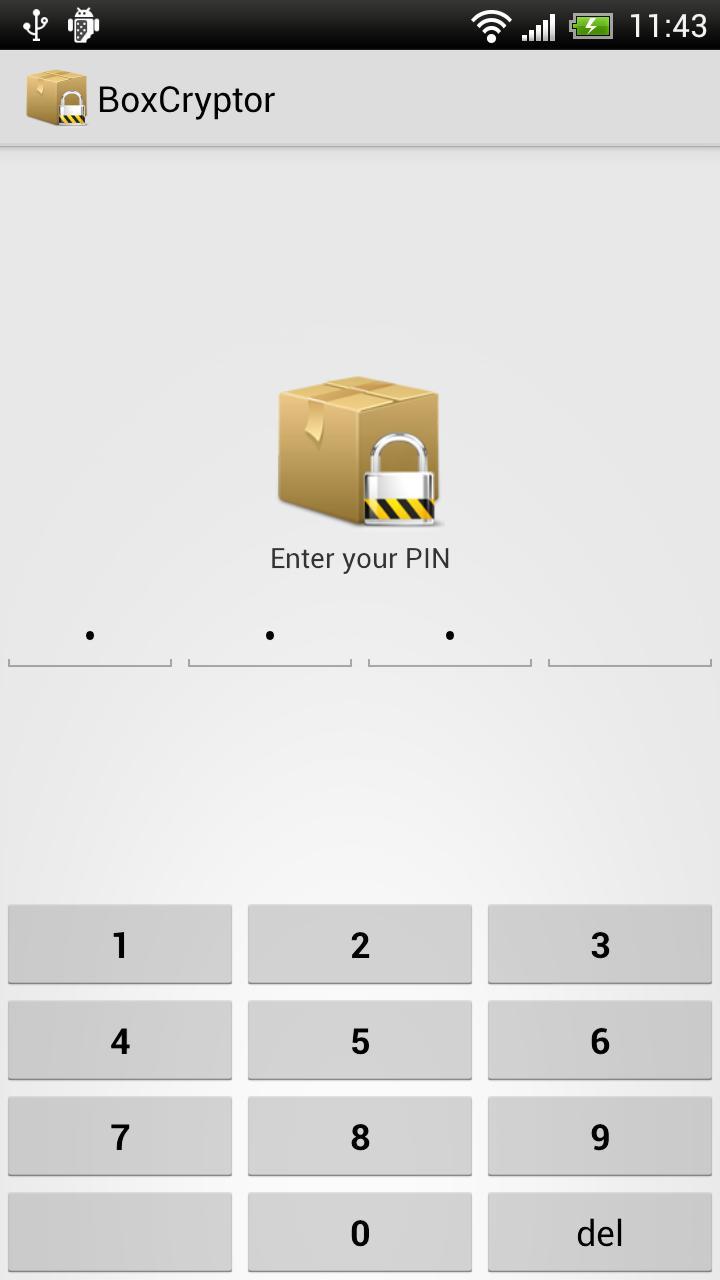
- App unlock PIN for additional security.
- Limited EncFS compatibility (more details can be found on our website).
- With the Boxcryptor Classic Unlimited versions you can have filename encryption to hide any sensitive information that may be mentioned on the name of a file or folder.
List of supported storage providers:
Dropbox, Google Drive, Microsoft SkyDrive, Box.net, SugarSync, Egnyte, Strato HiDrive, Telekom Cloud, Cubby, GMX MediaCenter, Web.de Smartdrive, Livedrive, Yandex Disk, CloudSafe and others using WebDAV. Additionally it is possible to encrypt files on your local device storage.
Go to www.boxcryptor.com to find product manuals and more information about Boxcryptor Classic.
Boxcryptor Classic for Android requires the following permissions:
- Network communication: Required for Internet access.
- Storage: Required to read/write files.
- Find accounts: Required for Google Drive support. This allows retrieving your Google account information when - and only when - connecting to Google Drive. You will then be asked to grant access to Boxcryptor Classic for Android to your Google Drive files.
- Prevent device from sleeping: Required for the picture slideshow.
Keywords: encryption, encrypted, AES, security, cloud, cloud storage
Informations Application supplémentaires
Dernière version
1.5.4Telechargé par
Zahiruddin Izz
Nécessite Android
Android 2.1+
Catégories
Gratuit Outils APPLICATIONClassification du contenu
Everyone
Signaler
Signaler comme inappropriéQuoi de neuf dans la dernière version 1.5.4
Last updated on Jul 6, 2015
Version 1.5.4 (11/20/2013)
* Fixed: Box issues
* Fixed: WebDAV issues
* Fixed: New Android Storage Access Framework could not be used
* Minor bug fixes and improvements
Version 1.5.3 (10/30/2013)
* Added: Translations for French, Spanish, Italian and Russian
* Fixed: Google Drive limits file listing
* Updated: Box SDK
* Minor bug fixes and improvements
Version 1.5.2 (08/07/2013)
* Fixed: Google Drive issues
Boxcryptor Classic Captures d'écran




Balises associées









Articles populaires dans les dernières 24 heures
- Instructions pour télécharger la dernière version 19.23.33 de YouTube APK pour Android 2024
- Comment télécharger Netflix APK dernière version 8.126.0 build 7 50767 pour Android 2024
- Comment télécharger la dernière version 13.3.0.42 de Snapchat APK pour Android 2024
- Comment télécharger CapCut - Video Editor APK dernière version 12.6.0 pour Android 2024





Laissez un avis pour Boxcryptor Classic
Ajouter des avis