

About Firmware Update for Proscenic
This app will help Proscenic's user to update their robot.
790T:
1.Long press “Charging” button till “CONN”shows on the LED display.
2.Click “update”.
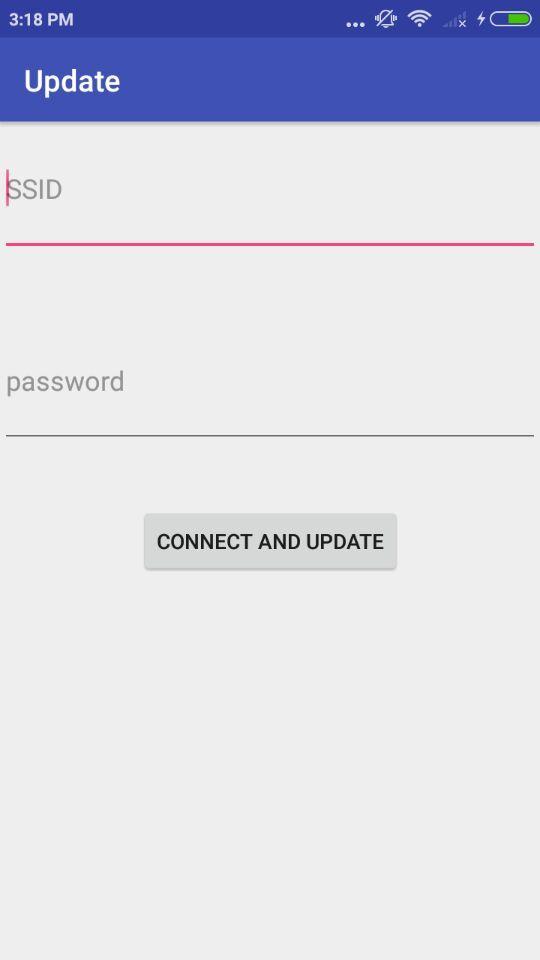
3.Input password of the WIFI.
4.Click “Connect and update”.
811GB(Only for European countries):
1.Long press “power” button 3 second till the WIFI flash slowly.
2.Click “update”.
3.Input password of the WIFI.
4.Click “Connect and update”.
Additional APP Information
Latest Version
1.0Uploaded by
James Delgado
Requires Android
Android 4.0+
Category
Free Tools AppContent Rating
Everyone
Report
Flag as inappropriateWhat's New in the Latest Version 1.0
Last updated on Mar 19, 2018
The Firmware version is 236.
Firmware Update for Proscenic Screenshots

Old Versions of Firmware Update for Proscenic
5.7 MBMar 19, 2018