Scan Date:Dec 6, 2024
Show More


FAST is designed for moments when you need a quick, clear check on connection performance. If streaming pauses or a video call stutters, you can open FAST to see your download speed in plain numbers and make quick decisions. The test runs in seconds and focuses on clarity, so you can understand results without digging through menus. It is based on Fast.com and provides a straightforward way to confirm how your connection is doing. For easy access on Android, you can get the FAST APK and keep it ready for quick checks.
One tap download speed test
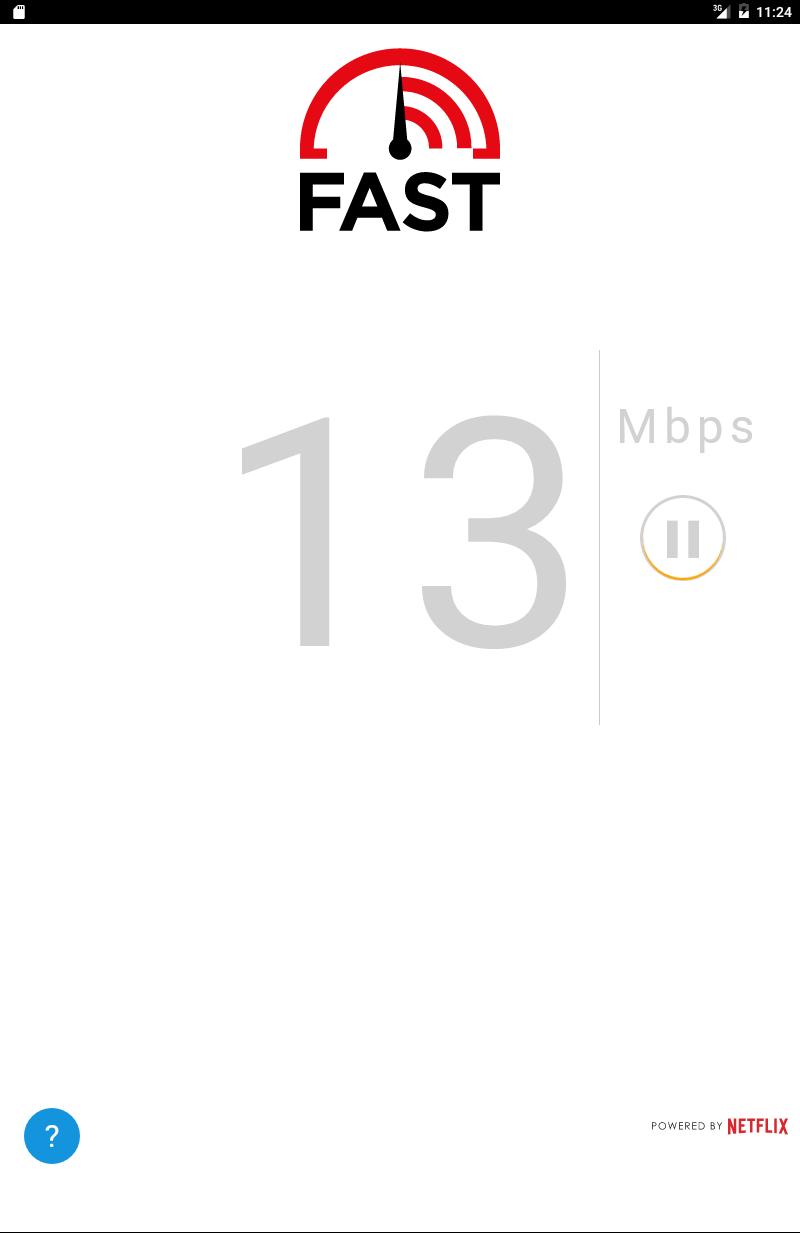
FAST estimates your current download speed with a single tap. The test starts and finishes in seconds, then displays the result in large, readable numbers. You can see how fast your connection is at a glance and decide whether it is suitable for your immediate activity.
Works on mobile data and Wi-Fi, worldwide
FAST supports both mobile networks and Wi-Fi or broadband connections. You can run the same simple test at home, at work, or while traveling. Because it uses a globally available service, the experience stays consistent wherever you are.
Simple, ad free interface
FAST keeps the layout clean to help you focus on the result. There are no distracting banners or clutter, so you can open the app, run the test, and read the speed without extra steps. This straightforward design minimizes confusion and saves time.
Trusted testing powered by Fast.com by Netflix
FAST uses Fast.com by Netflix to measure your speed, providing a familiar and widely used reference for ISP performance. You can use it for free, and there is no need for a Netflix subscription to run tests. This foundation helps users rely on a consistent method when checking connections.
Clear results for quick ISP checks
FAST presents a single download speed figure so you can quickly gauge your connection quality. You can compare results across different times of day or locations to spot changes in performance. This helps you decide whether to switch networks, move closer to your router, or pause large downloads.
FAST focuses on download speed, which affects how quickly streaming services, web pages, and files load. Higher numbers generally support smoother video and faster browsing, while lower numbers may lead to buffering or slow page loads. Use the result as a quick indicator: if it looks lower than usual, consider moving to a stronger signal area, restarting your router, or switching between mobile data and Wi-Fi to see if performance improves.
FAST runs a simple test so you can check performance without extra setup. To keep usage smooth, make sure your device has an active data connection before starting. If you prefer the most recent build, install the FAST latest version and follow these steps.
FAST provides a quick way to see your current download speed and make simple, informed choices about streaming and browsing. To run tests anytime, download FAST and keep it on your phone for fast access.
For official service information, visit the website below.
Latest Version
1.2.1Uploaded by
Mohammed Usman Attari
Requires Android
Android 7.0+
Category
Free Tools AppContent Rating
Everyone
Security Report
Report
Flag as inappropriateLast updated on Oct 27, 2023
Bug fixes




APKPure - A multi-platform app store primarily focused on Android, providing extensive app-related content. Discover the app you want easier, faster, and safer, with quick and efficient downloads and installations.