




دربارهی Recuva Software
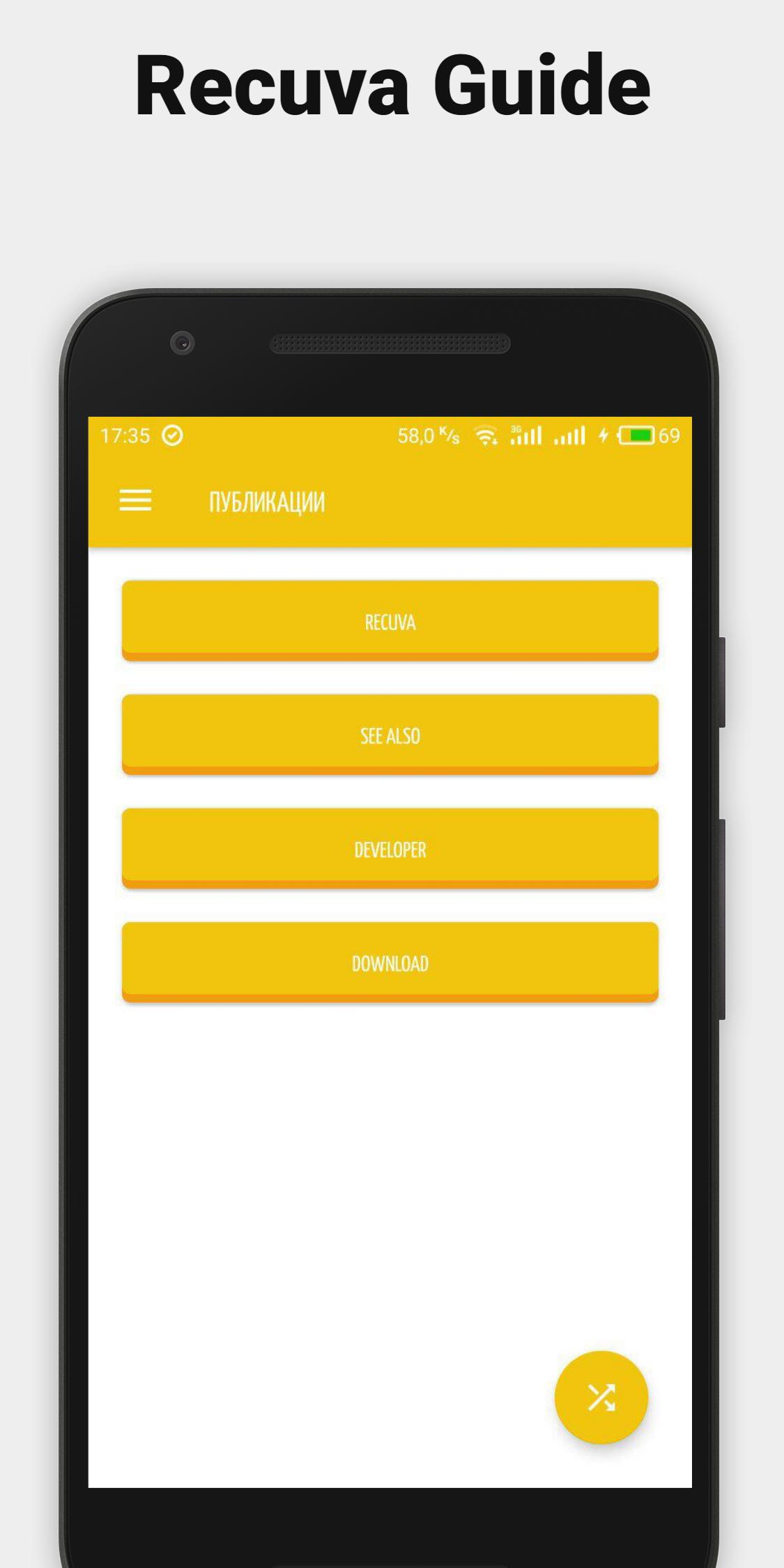
Recuva Software for Android Tips & Free Guide Soft!
Recuva is a small but very effective utility for recovering files that were accidentally or intentionally deleted (lost) on computer hard drives, as well as removable media. The program was originally developed for a wide range of users, including those who do not have specific knowledge in the field of data recovery, so it has a convenient intuitive interface with simple settings. In addition, a step-by-step wizard is implemented, which step by step will prompt all necessary actions to search and restore the data you need.
We are not official representatives of the company. We are just a tutorial that will help you correctly and accurately use the program, recover deleted files correctly and simply!
In the manual (advanced) mode, you need to select the drive you are interested in, on which the data was supposed to be lost, and start the scan. After analysis, the program will show the list of deleted files that could be detected. For each such file, you can immediately find out some information: preview (if available), type, placement, size, state (excellent, average, bad, overwritten, lost). Select the check box for the file you were looking for and click "Restore".
From the additional features, there is a convenient sorting of files (name, path, size, date of change, status, note), changing the information display mode (in the form of a list, in the form of thumbnails, tree view), reliable (irretrievable) deletion of selected files,
اطلاعات تکمیلی برنامه
آخرین نسخه
1.0بارگذاری شده توسط
Yousef Maher
نیاز به اندروید
Android 4.0+
دسته بندی
رایگان برنامه کتابها و مراجعرتبهبندی محتوا
Everyone
گزارش
گزارش محتوای نامناسبجدیدترین چیست در نسخهی 1.0
Last updated on 07/07/2018
این نسخه شامل رفع اشکالات جزئی و بهبودهای عمومی است. برای بهترین تجربه، برنامه را به جدیدترین نسخه به
Recuva Software اسکرین شات ها

نسخههای قدیمی Recuva Software
4.7 MB07/07/2018

برچسب های مرتبط















برای Recuva Software Tips for Android نظر بدهید
افزودن نظرات