دربارهی Digital
Watch face for Wear Os
INSTALLATION NOTES:
Make sure the watch is properly connected to the phone, open Companion App on phone and tap on "INSTALL APP ON WEAR DEVICE" and follow instructions on watch.
After a few minutes the watch face will transferred on watch : check the watch faces installed by the Wearable app on the phone.
Note: If you stuck at payment loop, DON'T WORRY, only one charge will be made even if you are asked to pay a second time. Wait 10 minutes or restart your watch and try again.
If you are having synchronization problems between your phone and Play Store, install the app directly from watch:
Please consider that any issues on this side are NOT developer dependent. The developer has no control over the Play Store from this side. Thank you.
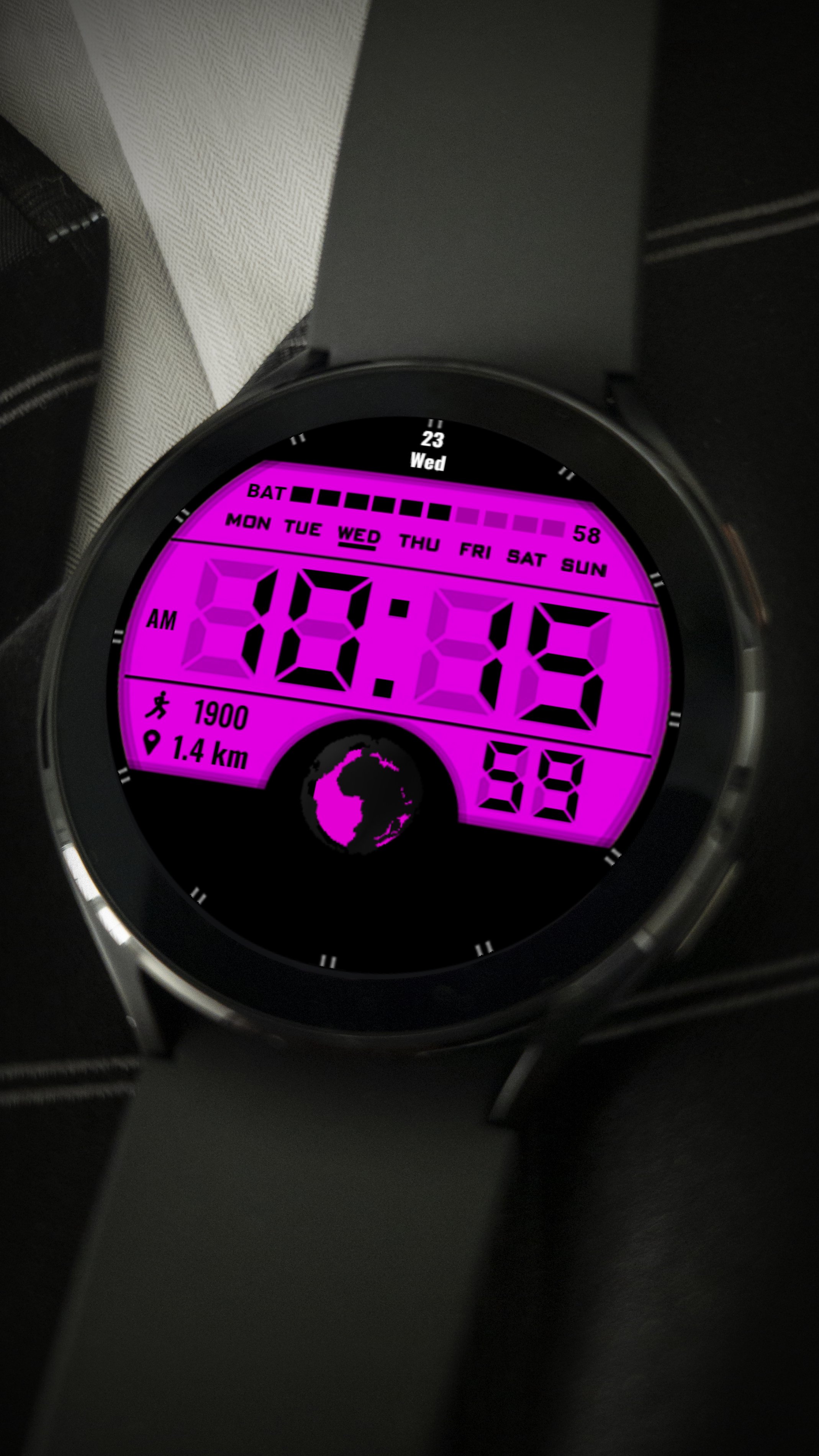
Minimalist digital watch face
-Displays digital time
-Displays the date
-Displays battery charge
-Displays steps
-Displays the distance
To change the color and select add-ons, press and hold the dial, then press settings, select the desired color or add-on
اطلاعات تکمیلی برنامه
آخرین نسخه
Varies with deviceنیاز به اندروید
دسته بندی
برنامه شخصی سازیرتبهبندی محتوا
Everyone
گزارش
گزارش محتوای نامناسبجدیدترین چیست در نسخهی Varies with device
Last updated on 28/08/2022
این نسخه شامل رفع اشکالات جزئی و بهبودهای عمومی است. برای بهترین تجربه، برنامه را به جدیدترین نسخه به
Digital اسکرین شات ها