Scan Date:Mar 19, 2026
Show More
Whiteboard anywhere with EZWrite 6.
EZWrite turns your ChromeOS device into a powerful digital whiteboard, giving you convenient ways to take notes, brainstorm ideas, or just doodle.
Enable cloud whiteboarding and use it with EZWrite on the BenQ Board to join classes or meetings, allowing you to engage and share your ideas without having to leave your seat.
With EZWrite 6, you can:
• Integrate with Google Classroom
o Invite students to your whiteboarding session
o Send announcements to your class
o Access Google Drive files
• Write, highlight, and erase content
• Import images, PDFs, URLs, and YouTube videos
• Add shapes, templates, and backgrounds
• Use sticky notes to organize ideas
• Use basic drafting tools like the ruler, protractor, triangle, and compass
• Join BenQ Board cloud whiteboarding sessions
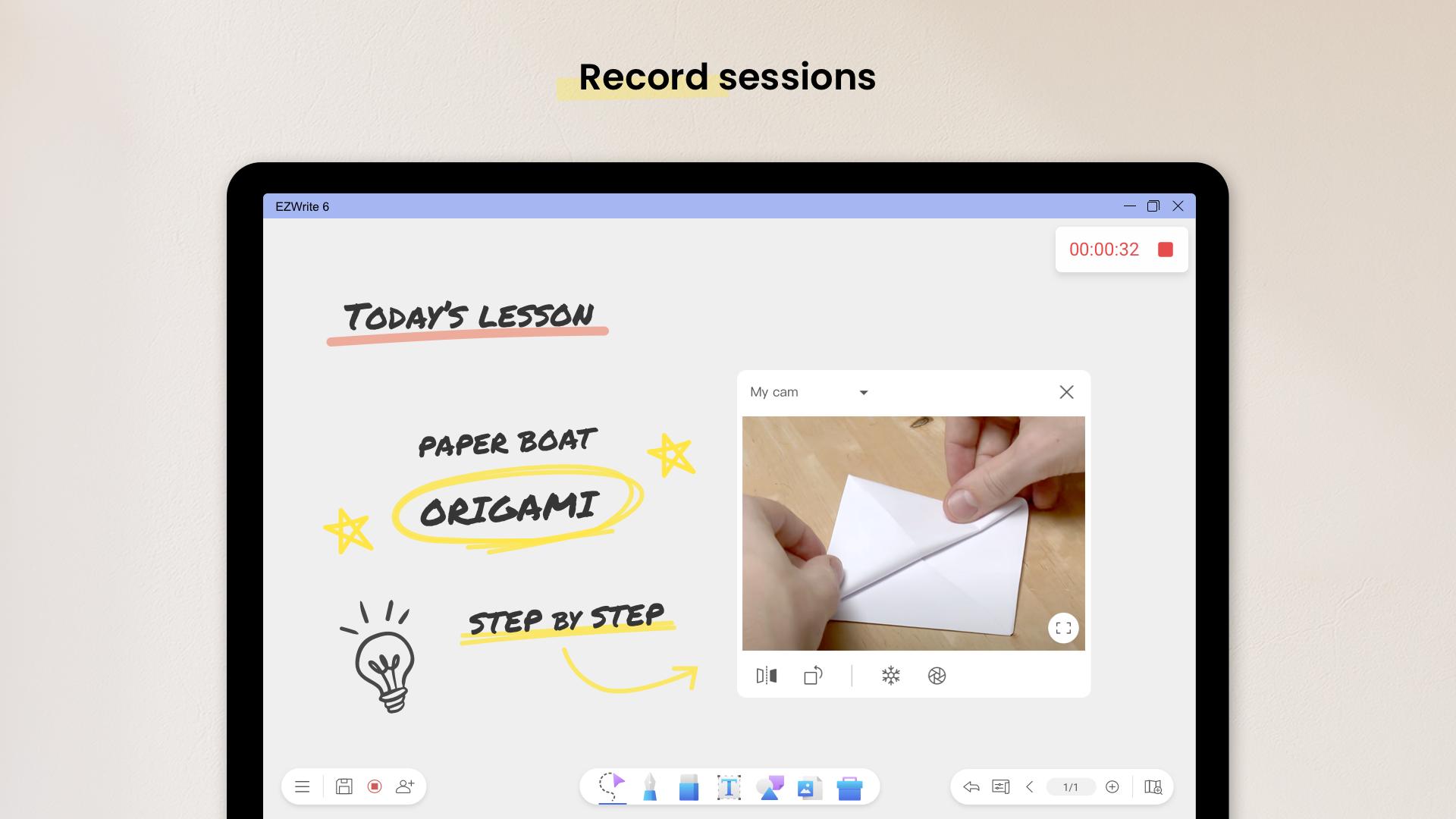
• Record sessions
• Continue where you left off through saved IWB/EZWrite files
For questions and feedback, contact us at https://support.benq.com
Latest Version
1.0.1.1Uploaded by
Zaw'zaw Zaw'win
Requires Android
Android 4.4+
Category
Free Tools AppContent Rating
Teen
Security Report
Report
Flag as inappropriateLast updated on Sep 5, 2024
This release includes minor bug fixes and general improvements. Update to the latest version for the best experience.



APKPure - A multi-platform app store primarily focused on Android, providing extensive app-related content. Discover the app you want easier, faster, and safer, with quick and efficient downloads and installations.