
About eDex UI

Reviewed byBernadine WisokyContent Editor
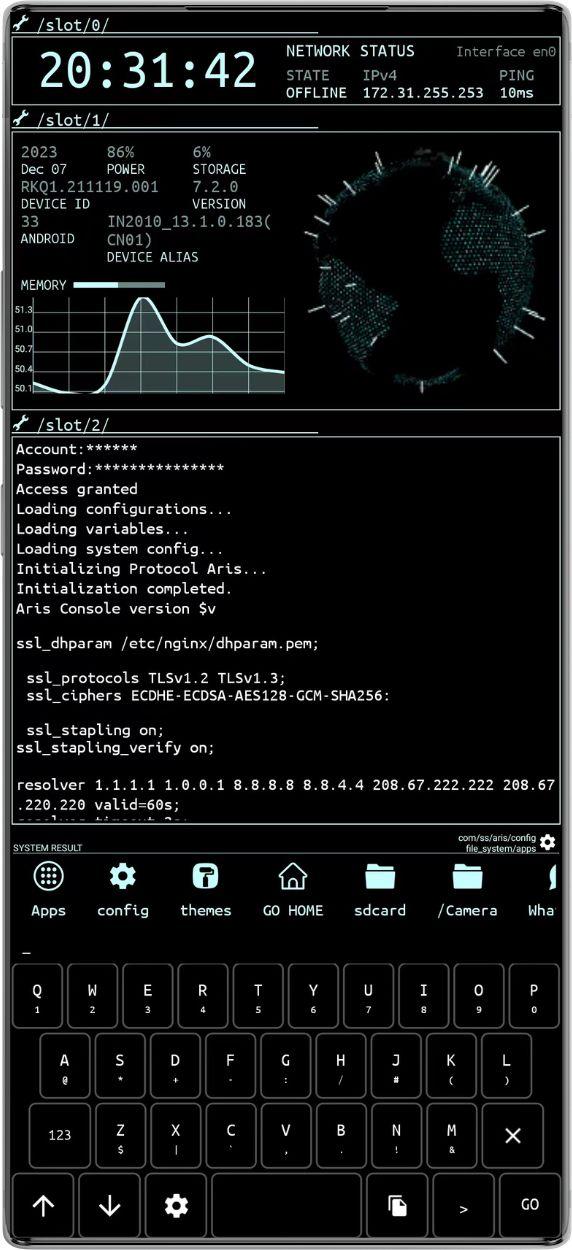
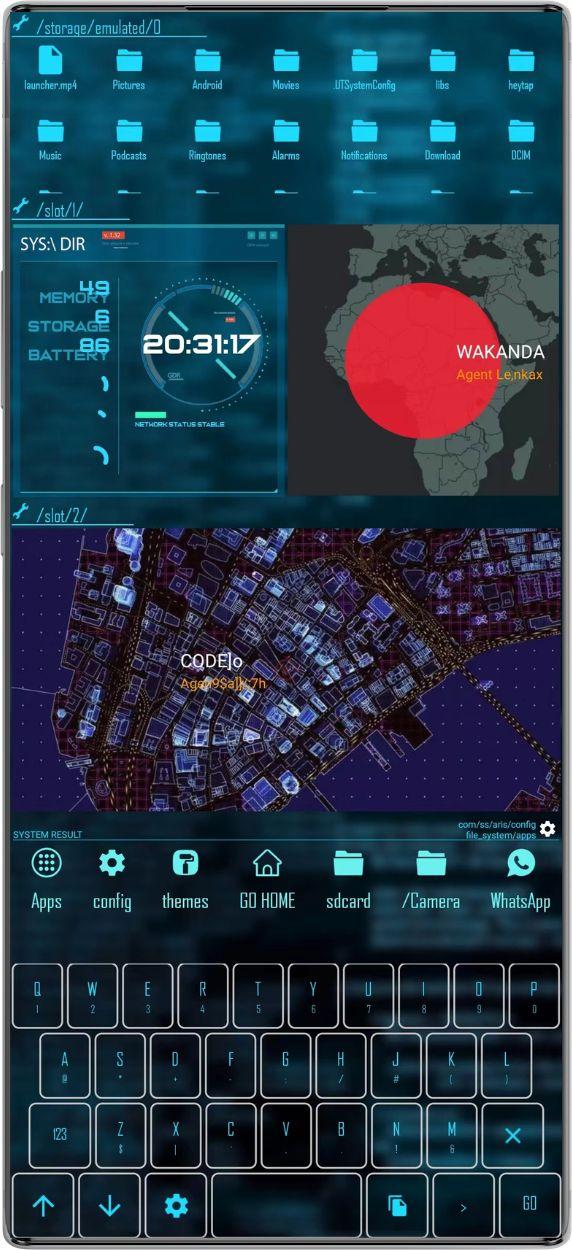
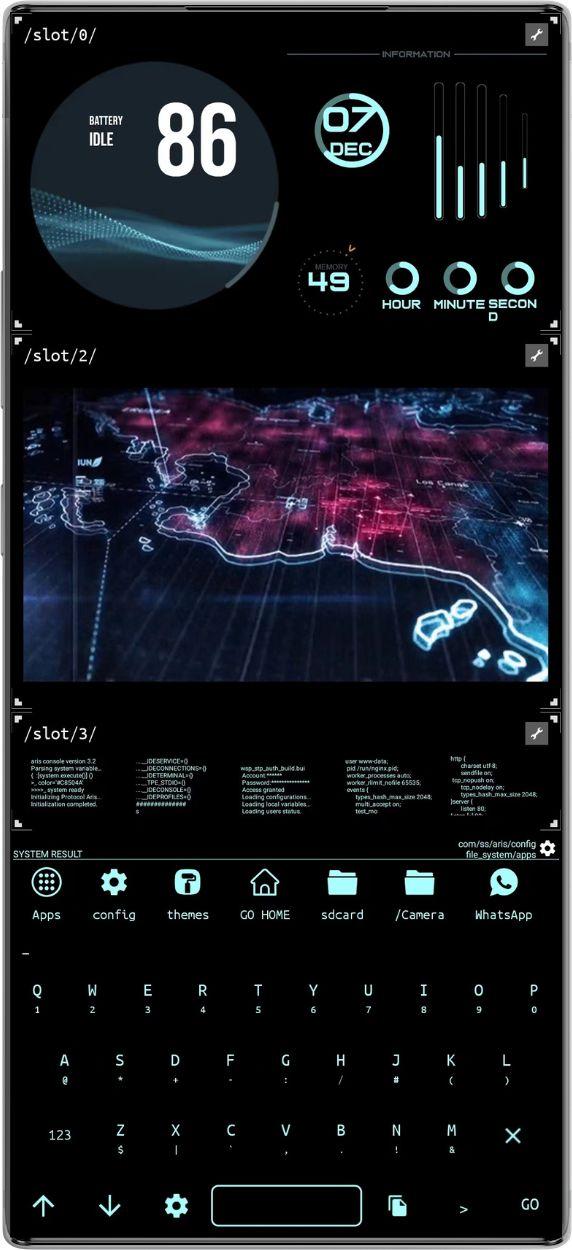
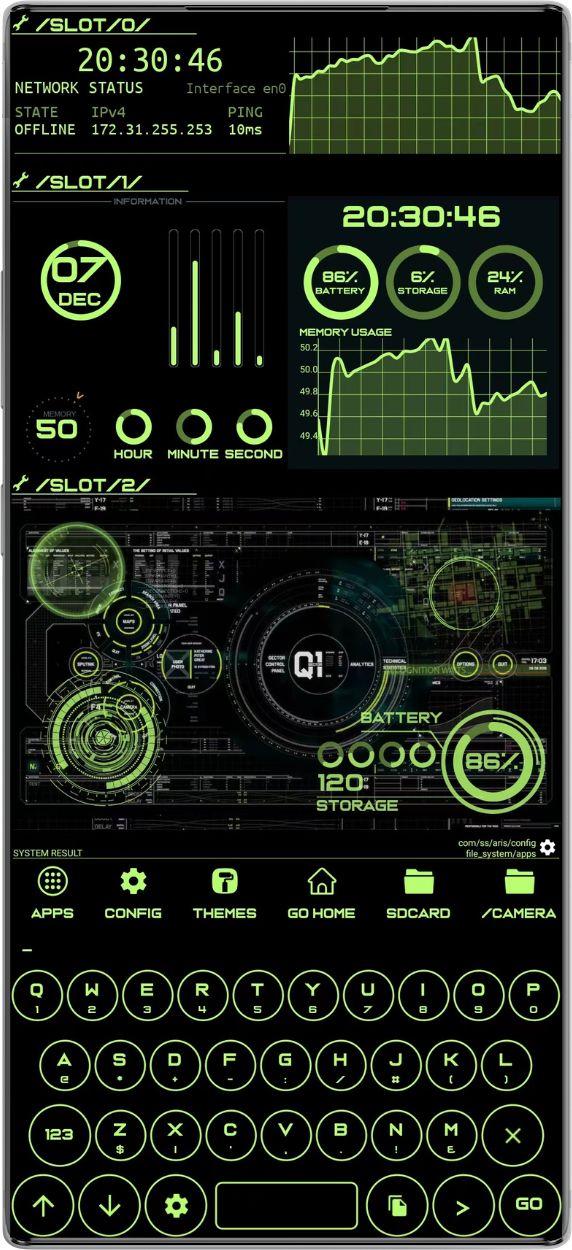
eDex UI is a launcher app that brings a terminal style interface and command tools to Android.
eDex UI suits users who prefer typing commands to launch apps, organize items, and control settings. It turns the home screen into a console where you enter simple words to run actions, and results appear in a live output window. With this approach, quick tasks feel consistent across different tools, from toggles to utilities. You can also personalize the look to match your taste. If you need a portable console experience, installing the eDex UI APK is a clear way to start.
eDex UI Features
Command console
Once you download eDex UI, you can type concise commands to perform actions. Examples include wifi to toggle WiFi, bluetooth to toggle Bluetooth, flash to switch the flashlight, apps to list installed apps, folder to show folders, add or remove to manage items, clear to reset the output, show to enable disabled entries again, and weather to display current conditions.
Shell access inside the launcher
Beyond basic commands, you can enter the shell command to start a session and run supported shell commands from the home screen. This keeps command work in one place and reduces steps when testing or controlling tasks.
Built in tools
- clipboard shows text currently on the clipboard.
- locateme returns an image of your current location.
- note opens a note editor for quick edits.
- encrypt sends an encrypted message.
- number places a phone call.
- equation calculates an entered expression.
Widgets and customization
You can place widgets on the launcher and adjust visual details. Change wallpaper, text color, size, and font. You may also swap the keyboard style and apply an icon pack to match your preference.
Start using eDex UI
eDex UI offers a typing first launcher for quick actions and customization. New users can begin with simple commands, then explore advanced tools like shell. For recent improvements and compatibility updates, review the eDex UI latest version before installing.
Additional APP Information
Latest Version
7.2.0Uploaded by
Juan Tamayo
Requires Android
Android 4.4+
Category
Free Personalization AppContent Rating
Everyone
Report
Flag as inappropriateWhat's New in the Latest Version 7.2.0
Last updated on Mar 23, 2024
Fixed crashes
eDex UI Screenshots