
About deBeam - Secure File Transfer
Send files over Wi-Fi Direct or LAN — encrypted, zero internet, no cloud
deBeam transfers files directly between devices over local Wi-Fi at full network speed. No cloud upload. No account. No file size limit. Your files never leave your local network.
── HOW IT WORKS ──
Pairing takes just 3 seconds:
The receiver taps "Receive" to show a QR code and a 6-digit token.
The sender scans the QR code or enters the 6-digit token.
Tap "Send" to complete.
── CROSS-PLATFORM TRANSPORT MODES ──
▶ Wi-Fi Direct (Peer-to-Peer)
No router needed. deBeam creates a direct device-to-device Wi-Fi link. The receiver becomes a Group Owner, and the sender joins directly.
• Real-world speed: 50–100 MB/s. A 1 GB video transfers in under 20 seconds.
• No router bottleneck, no bandwidth sharing with other network devices.
▶ LAN (Same Wi-Fi Network / Hotspot)
Already on the same router or connected via a Mobile Hotspot? deBeam uses your existing local network path. Every device keeps its own IP, eliminating collisions. Seamlessly transfer files between Android, iOS, iPadOS, macOS, and Windows with zero setup.
── MILITARY-GRADE NATIVE ENCRYPTION ──
Security in deBeam is implemented in C++ at the lowest native layer using Monocypher 4.0.2 for maximum performance (~500 MB/s on modern chips) and zero latency.
• Key Exchange (X25519 ECDH): Every session generates a fresh keypair from scratch using the OS secure random number generator. The receiver's public key is embedded in the QR code or derived via token entry to establish a mathematically unbreakable shared secret.
• Encryption (ChaCha20-Poly1305 AEAD): Every byte of your data is encrypted using the same protocol as TLS 1.3 and WireGuard VPN. Files stream in 1 MB chunks with unique nonces to eliminate cryptographic reuse attacks.
• Integrity Verification: Each chunk carries a 16-byte Poly1305 authentication tag. Any tampered or replayed chunk is instantly detected, terminating the connection immediately.
• Memory Security (crypto_wipe): Ephemeral private keys and session keys are wiped from memory immediately after use. Past sessions cannot be recovered even if the device is compromised later.
• Anti-MITM Protection: An 8-byte visual key fingerprint ("A1B2-C3D4...") on the screen allows instant visual verification before data moves.
── NO SERVER. NO CLOUD. NO ACCOUNT. ──
deBeam has no backend infrastructure. No signup, no login, no tracking, no telemetry. Pairing is computed entirely on-device and works 100% offline. Files travel directly from sender to receiver.
── CORE FEATURES ──
• Send multiple files, folders, or bulk media in a single session
• All file types: videos, photos, docs, archives, APKs, RAW files, and custom formats
• Works completely offline in Wi-Fi Direct mode
• No file size or bandwidth limit
• QR code pairing & 6-digit token input (seamlessly support devices without cameras like Mac mini, PC, or laptops)
• Visual key fingerprint for authenticity verification
• Files saved securely to system Downloads or custom user-defined directory
• Real-time transfer progress per file
• Full Dark mode support
• Full Android, iOS, iPadOS, macOS, and Windows cross-platform support
deBeam. Beam it.
Additional APP Information
Latest Version
Varies with deviceRequires Android
Category
Free Tools AppContent Rating
Everyone
Report
Flag as inappropriateWhat's New in the Latest Version Varies with device
Last updated on Jun 16, 2026
Minor bug fixes and improvements. Install or update to the newest version to check it out!
deBeam - Secure File Transfer Screenshots



Related Tags



Popular Articles In Last 24 Hours
- Honkai Star Rail 4.4 Livestream: Release Date, Characters, Banners, and More
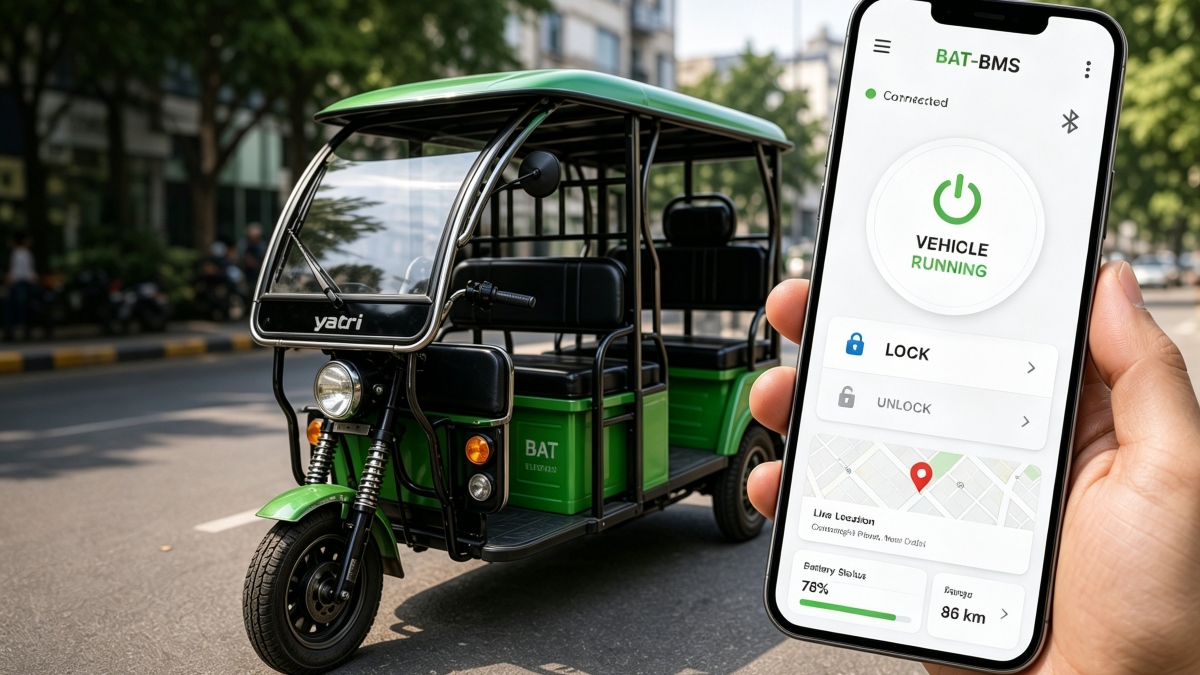
- BAT-BMS App Download Is Surging: Why It’s Trending and Whether It’s Safe to Install
- Brawl Stars July Update: Ramen Rebellion Theme, Noodle Shop, and More
- Minecraft 26.31: Changes, bug fixes, and new features in the Bedrock Edition hotfix