
About Couple360

Reviewed byBernadine WisokyContent Editor
Couple360 is a private couples relationship app that helps partners stay connected across any distance.
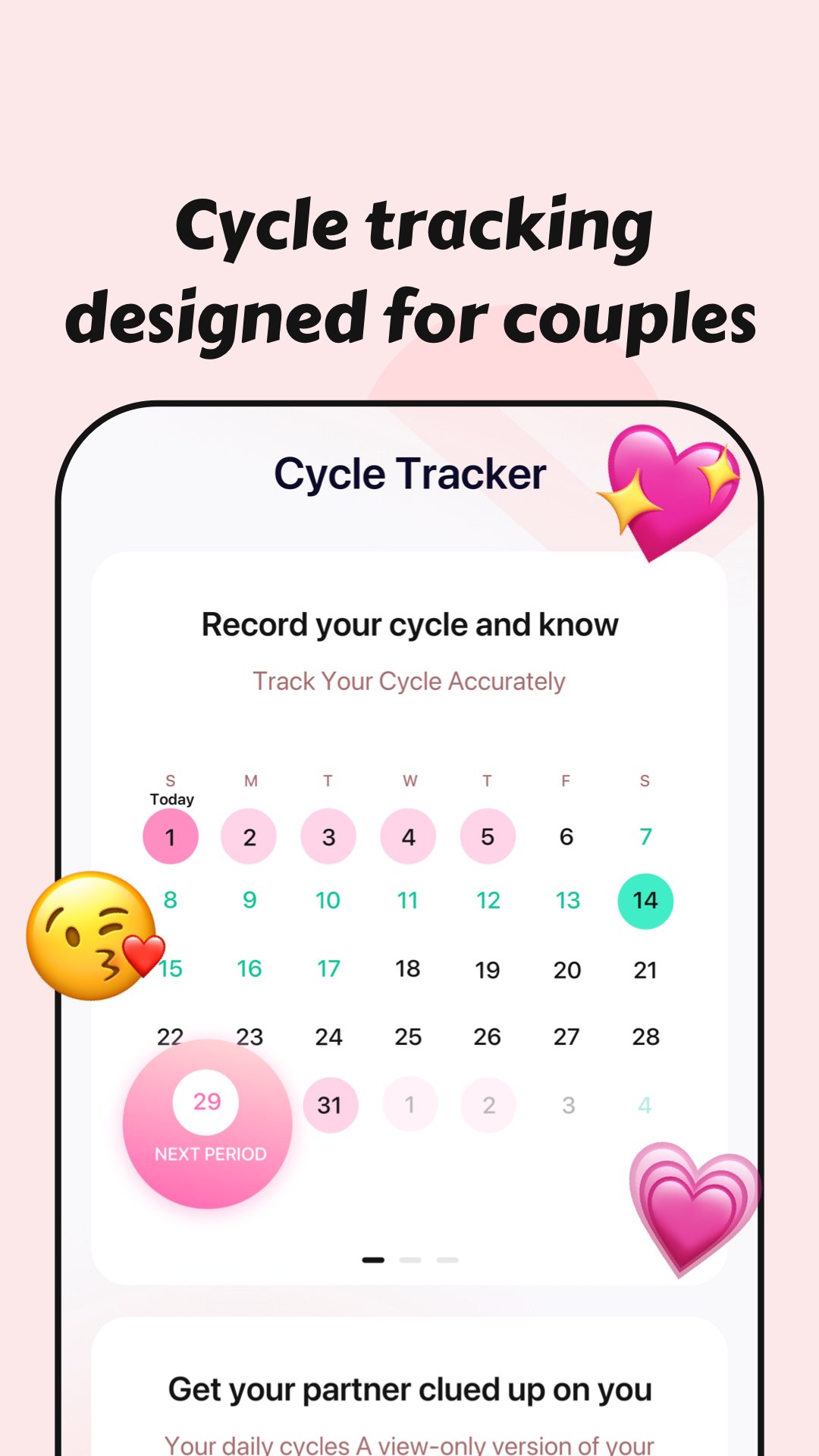
Couple360 supports couples who live apart or juggle different schedules, making small daily check-ins simple. It creates a private space for two people to share status, mark important dates, and keep a shared record of time together. As days pass, it helps both of you see progress and plan upcoming moments without extra messaging threads. It also fits long-distance routines where a quick glance can reduce uncertainty. To start, download Couple360 and connect with your partner in a secure, shared account.
Features that keep two people in sync
Real-time distance tracking
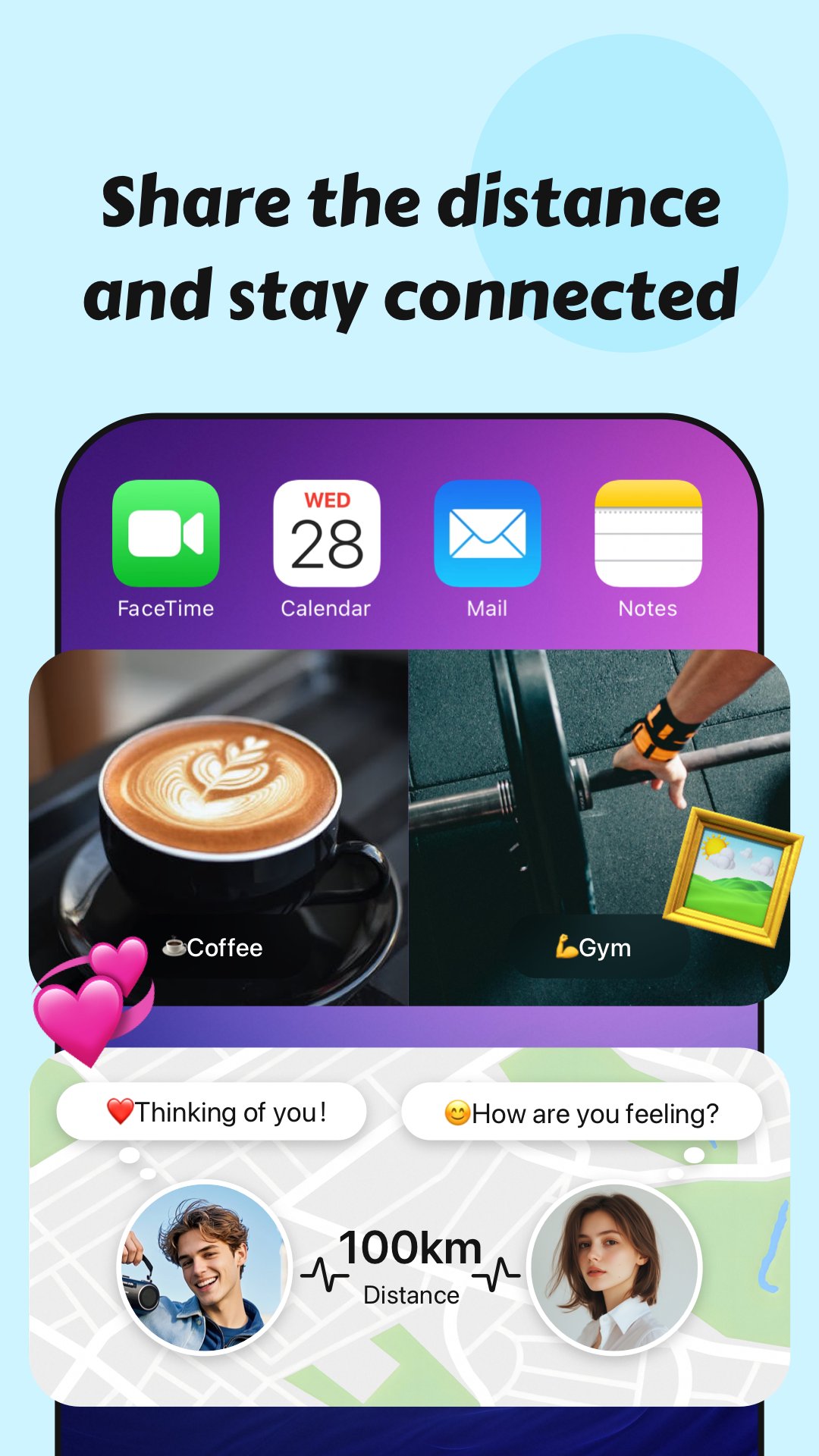
You can see the current distance between you and your partner with precise location sharing. This view reduces guesswork during travel or busy days, so both of you know who is closer or farther at any moment. Location sharing is fully optional and requires consent from both users.
Lock screen and home widgets
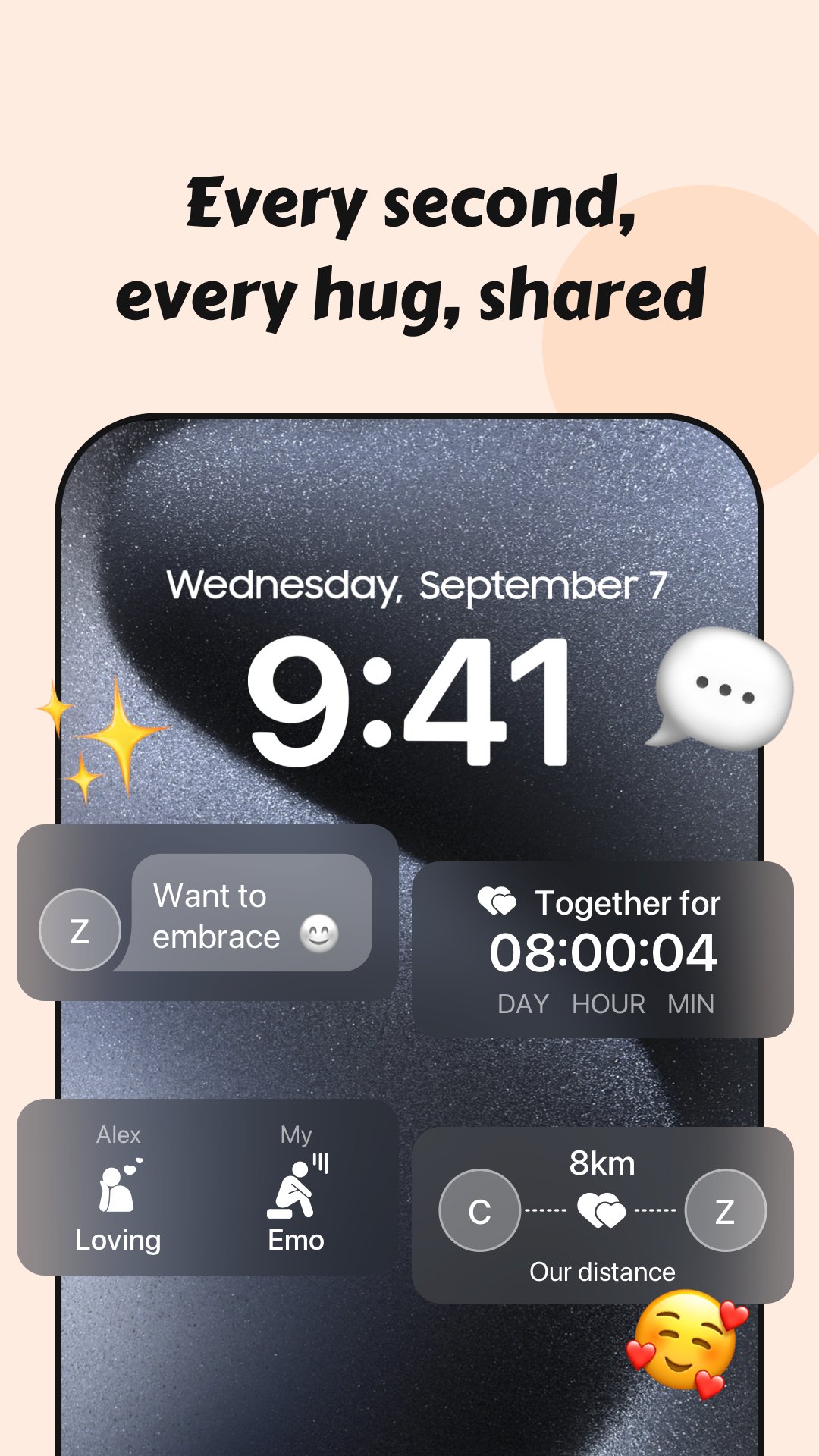
Couple360 surfaces essential relationship details on your phone’s screens for quick, glanceable updates. Widgets can show connection status, time together, and your partner’s latest story without opening the Couple360 app. This setup supports daily habits and helps you check in consistently.
Relationship timer
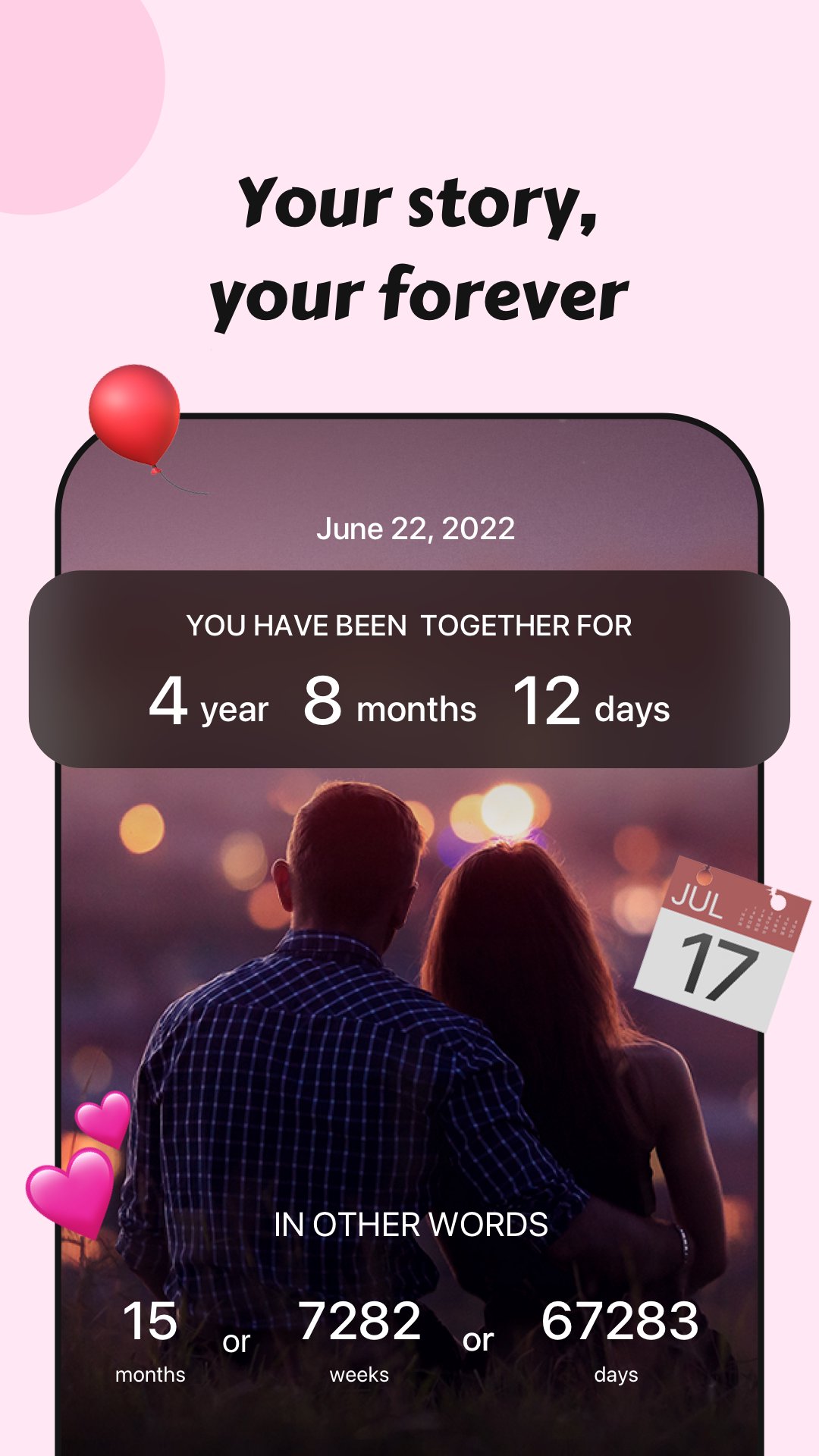
Count-up and countdown timers show how long you have been together and what is coming next. You can track anniversaries, upcoming reunions, or important dates down to the second. These timers turn planning into a simple routine and keep key moments front and center.
Shared journal and memories
Couple360 lets both of you record stories, photos, and milestones in one joint timeline. Each entry stays private to your relationship and is easy to revisit later. Over time, this shared record becomes a dependable way to remember what matters.
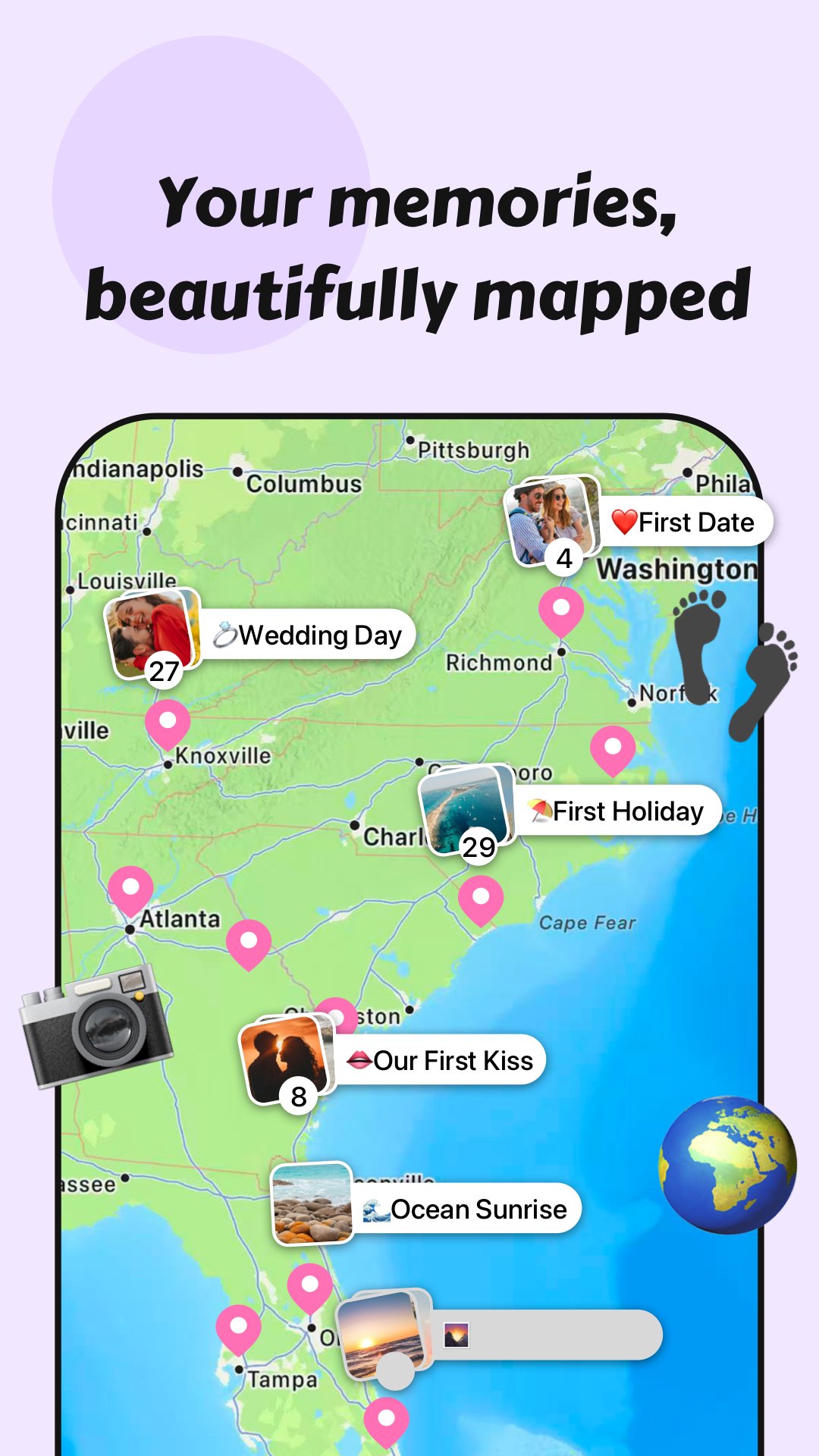
Love Map
You can mark cities and countries visited together to visualize your journey as a pair. As you add places, the map grows into a clear picture of shared adventures. It also encourages small prompts like “mark a new city together” to keep the story active.
Before you use Couple360
Couple360 is designed for two people, so both partners need an account to see synced content. Distance tracking works only when both users opt in to location sharing and keep permissions enabled on their devices. Widgets require setup on your lock and home screens, and the content shown there mirrors what is inside the app. The Love Map relies on entries you add, so either partner can record a new city or country after a trip. If you change phones or reinstall, you can download the Couple360 APK and sign in to continue your shared space with no interruption. This couples relationship app focuses on privacy and two-person use, which helps keep attention on your connection.
How to use Couple360 each day
Setup on Android takes a few steps that build into simple routines. Use the Couple360 latest version to access widgets, distance tracking, and the relationship timer. The guide below helps you start and move into daily check-ins.
- Install the app, open it, and create your account. Then complete basic profile details so your partner can recognize you.
- Invite your partner from within Couple360, and ask them to sign up and accept the connection. Once linked, the shared space becomes active.
- Add your relationship start date to the timer and choose any upcoming anniversaries you want to track.
- If both agree, enable location sharing to see real-time distance, and allow notifications for timely updates.
- Place widgets on your lock and home screens, then add your first memory and mark your first place on the Love Map.
Get started together
Couple360 brings daily connection into one shared place for two people. It supports long-distance routines with distance tracking, timers, widgets, and a private timeline of memories. To begin, download Couple360 and set up your shared account.
For official information or support, use the details below.
- Website: https://couple360.net/
- Email: support@couple360.net
Additional APP Information
Latest Version
2.4.8Uploaded by
Burban Jamshaid
Requires Android
Android 10.0+
Category
Free Lifestyle AppContent Rating
Everyone
Report
Flag as inappropriateWhat's New in the Latest Version 2.4.8
Last updated on Aug 27, 2026
This release includes minor bug fixes and general improvements. Update to the latest version for the best experience.
Couple360 Screenshots