




About Compare Two Faces
App to compare two face from Camera and face from folder using Face Recognition
App to compare two faces, one face from camera and one other face from storage folder, i.e. from /Pictures/_FACE folder.
This app is using Face Recognition algorithm process to search the face image that match with the face image in the real time process.
How to use this app?
1. Open this compare two faces app
2. Select the camera to capture / make preview of the face image. You can select Front camera or Back camera
2. Copy face image to /Pictures/_FACE folder manually, or
3. Click add face to /Pictures/_FACE folder button to Capture the face from camera and save it to the /Pictures/_FACE folder
4. Automatically the app will search the face image file that is match between the face image from camera and the face image from /Pictures/_FACE folder
You can put as many as possible the face image data in the /Pictures/_FACE folder and the app will automatically search the face image that is matching with face image from camera in the real time.
Additional APP Information
Latest Version
1.5Uploaded by
منى محمد المشهدانية
Requires Android
Android 5.0+
Category
Free Tools AppContent Rating
Everyone
Report
Flag as inappropriateWhat's New in the Latest Version 1.5
Last updated on Sep 2, 2022
Enable new function, i.e. enable function for recognized face list and function to compare face from two face images that is taken from folder of phone storage
Compare Two Faces Screenshots
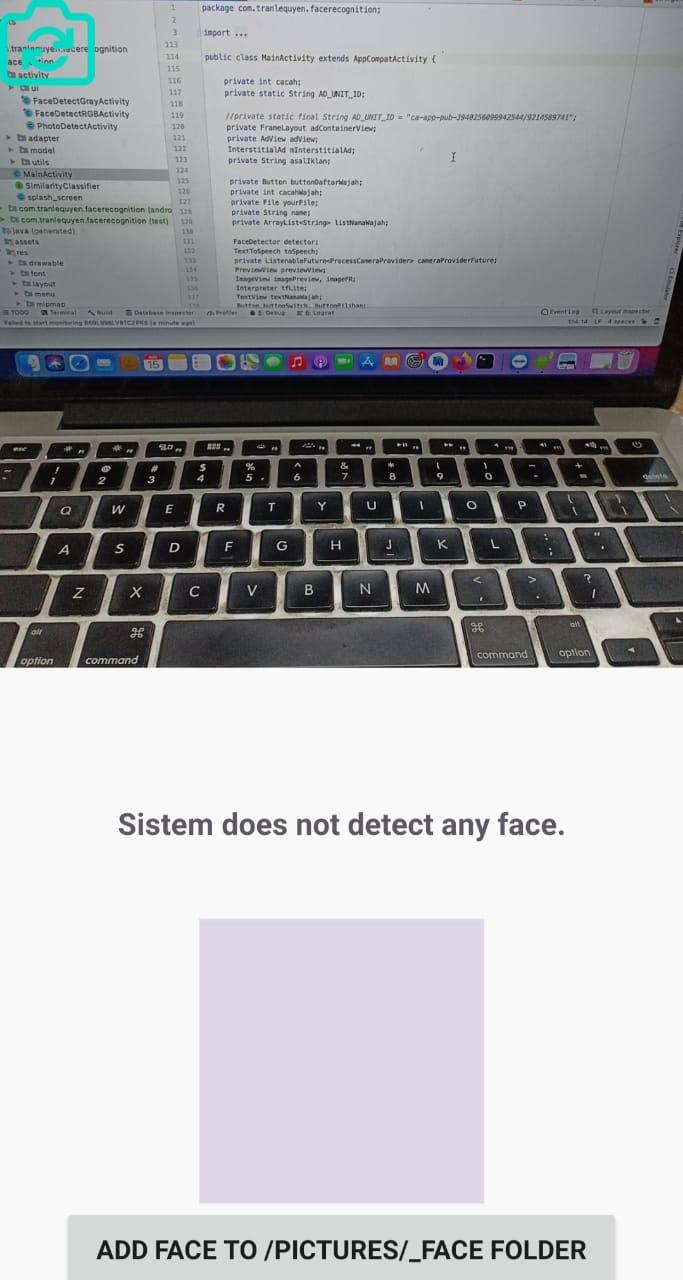

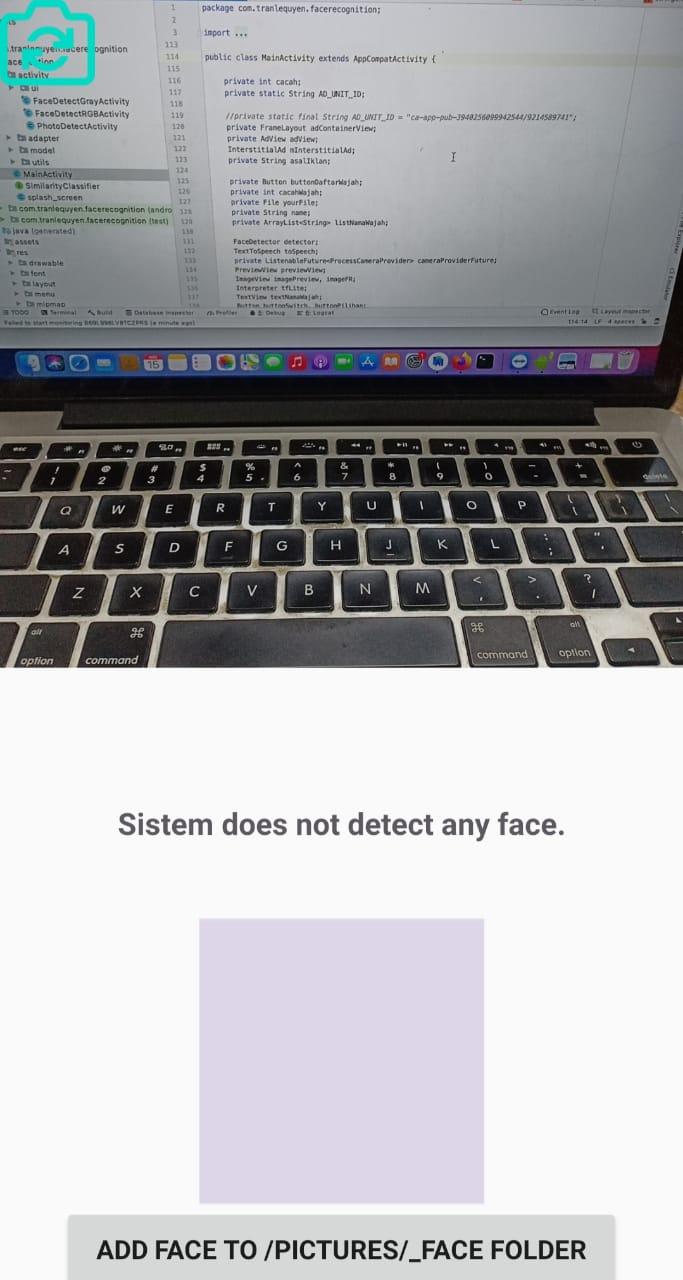
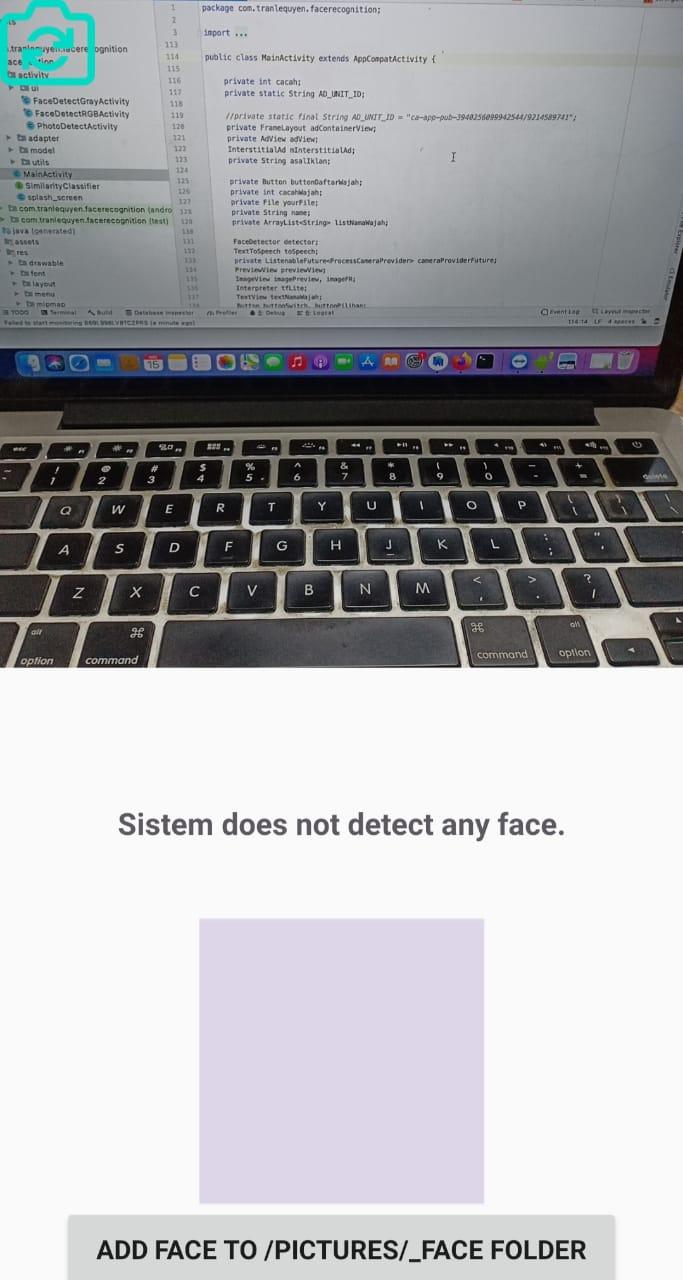
Old Versions of Compare Two Faces
36.5 MBSep 2, 2022

Related Tags









Popular Articles In Last 24 Hours
- Honkai Star Rail 4.4 Livestream: Release Date, Characters, Banners, and More
- BAT-BMS App Download Is Surging: Why It’s Trending and Whether It’s Safe to Install
- Brawl Stars July Update: Ramen Rebellion Theme, Noodle Shop, and More
- Minecraft 26.31: Changes, bug fixes, and new features in the Bedrock Edition hotfix




