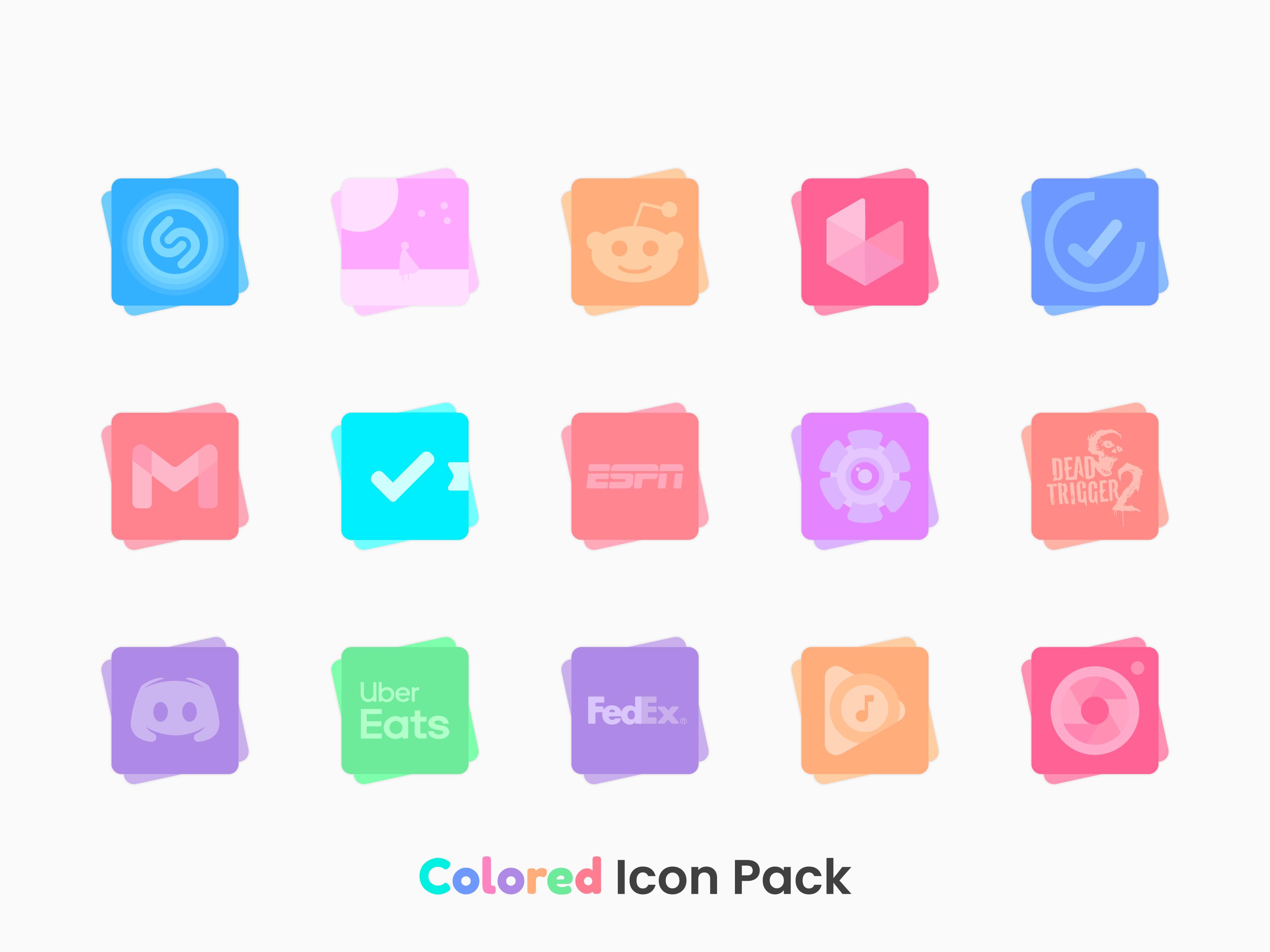

About Colored Icon Pack
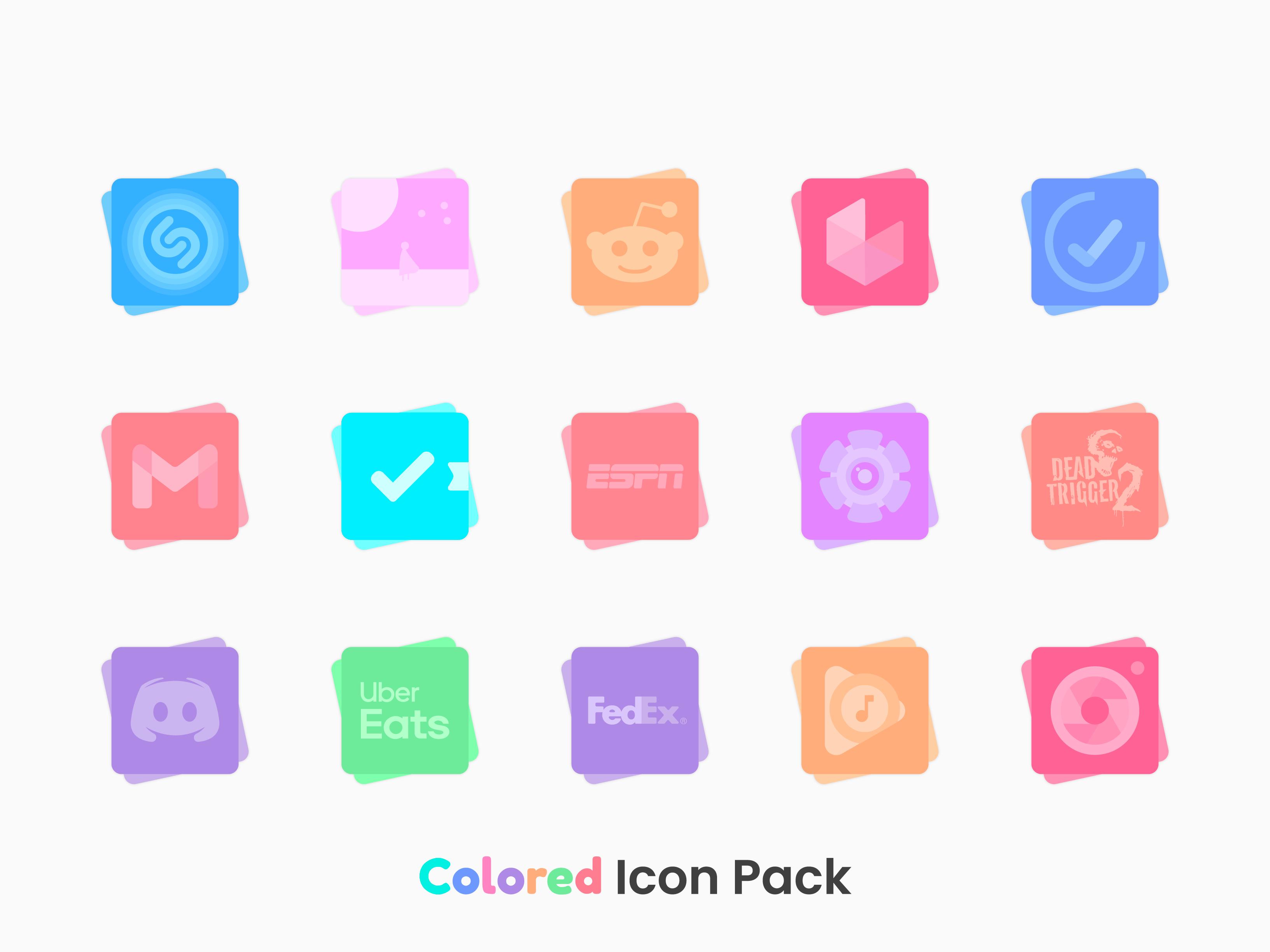
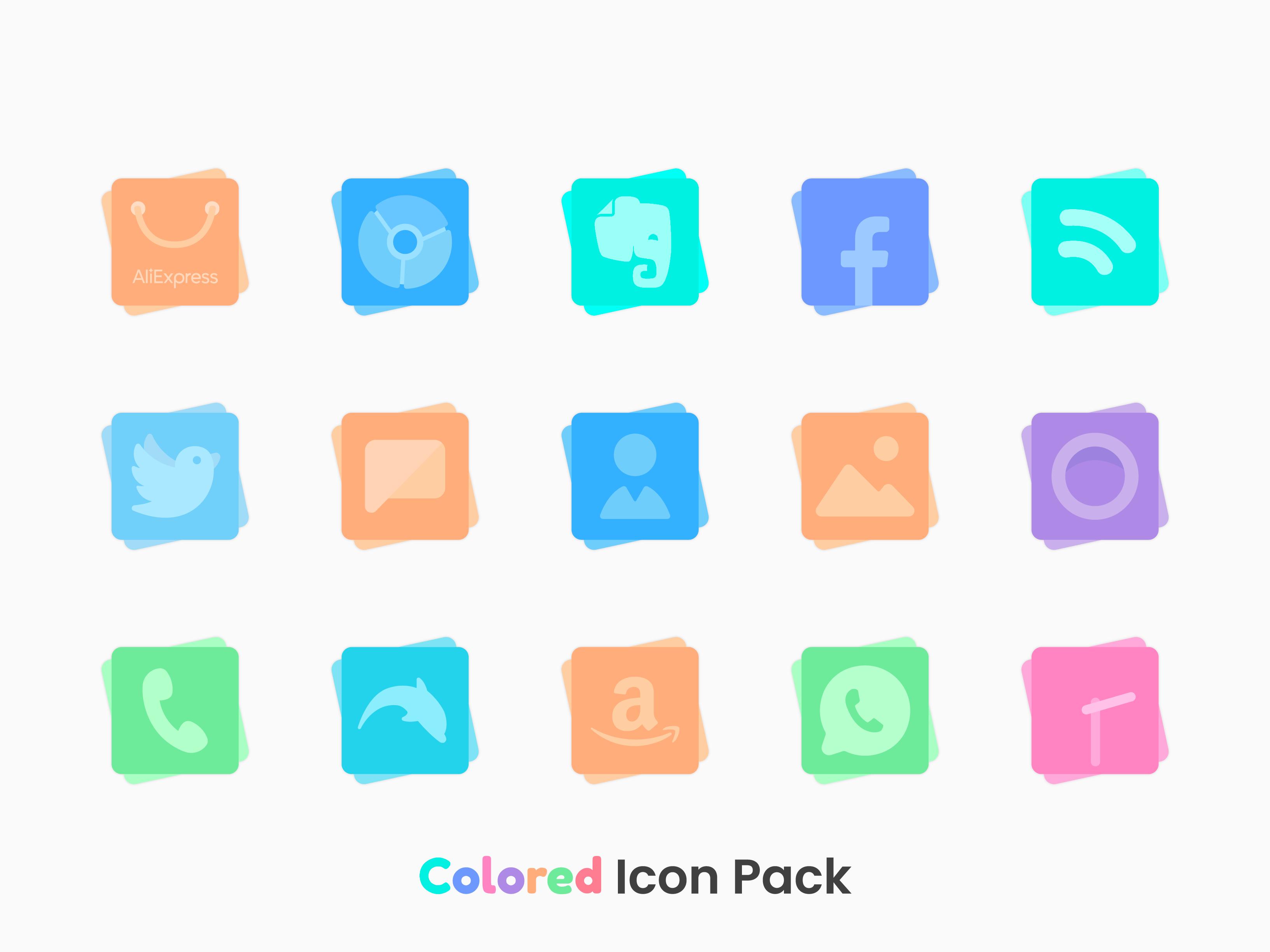
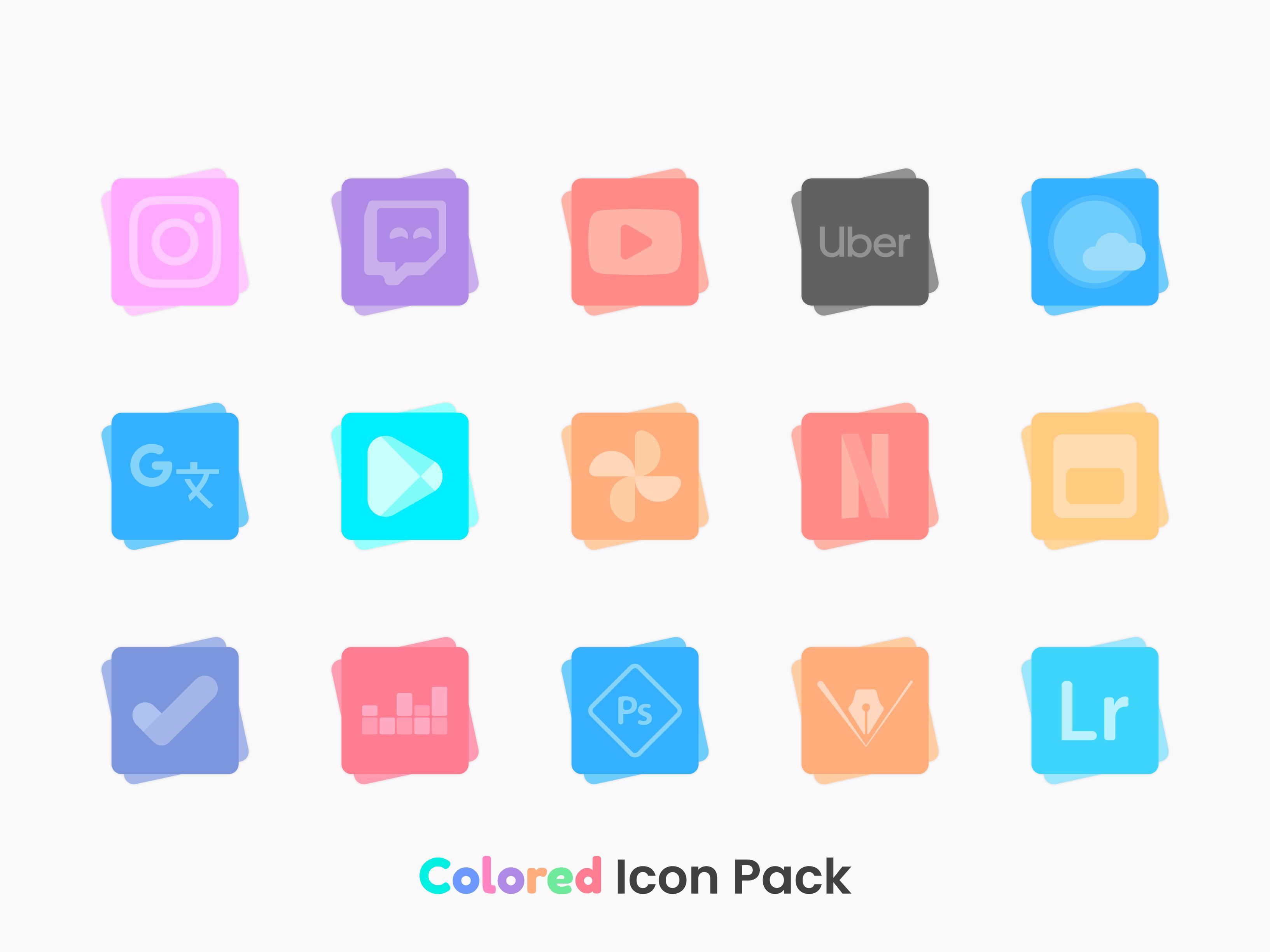
2700+ High Quality Colored Icons
Features:
• 2700+ high quality Colored Icons.
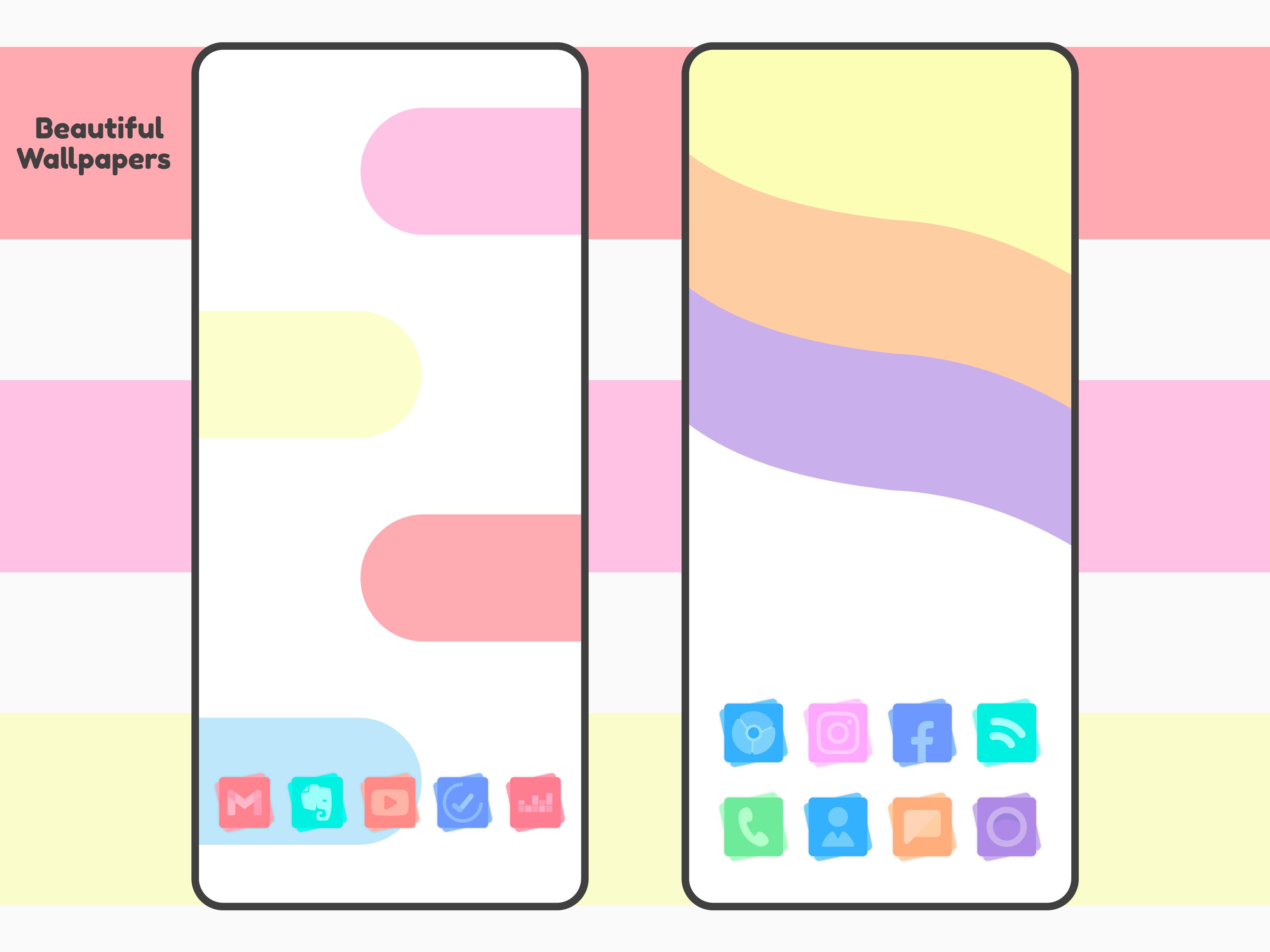
• Wallpapers designed exclusively for the icon pack
• Frequent Updates.
• Alternative Icons.
• Dynamic Calendar support.
• Icon Request Tool.
• Icon Search.
On some launchers you need to enter the launcher settings to activate the icon pack. :)
If you are using OnePlus launcher just enter the launcher settings: hold your finger on the home screen, then click "home settings" and then "icon pack".
Supports
• Nova Launcher
• Apex Launcher
• OnePlus Launcher
• Go Launcher
• ADW2
• Action Launcher
• ABC Launcher
• Aviate Launcher
• Evie Launcher
• Holo Launcher
• ICS Holo Launcher
• Lucid Launcher
• M launcher
• Zero launcher
• V Launcher
• Smart Launcher
• Mix Launcher
• Cool Pixel Launcher
• Lawnchair Launcher
• Super P Launcher
• Rootles Launcher
• Solo Launcher and many more...
Stay in touch:
https://twitter.com/FLDesign5
https://www.instagram.com/fl_icon_design/
How to Apply Icons with Colored - Icon Pack
1- Open Colored- Icon Pack
2- Navigate to Apply Colored Icon Pack
3- Select Your Launcher
4- Enjoy Your New Theme :)
Additional APP Information
Latest Version
Varies with deviceRequires Android
Category
Personalization AppContent Rating
Everyone
Report
Flag as inappropriateWhat's New in the Latest Version Varies with device
Last updated on Oct 23, 2025
This release includes minor bug fixes and general improvements. Update to the latest version for the best experience.
Colored Icon Pack Screenshots