
关于Tabletopia Remote
桌面遥控器
这是一个配套应用程序,旨在与 Tabletopia Family 基于浏览器的游戏客户端一起作为遥控器使用。基于 Web 的游戏客户端可在
https://test.tabletopia.com/static/clients/webgl/test/index.html
1.打开网页链接
2.选择要测试的任何游戏,按播放
3. 等待游戏加载完毕,房间代码显示在右侧
4. 启动 Tabletopia Remote 应用程序
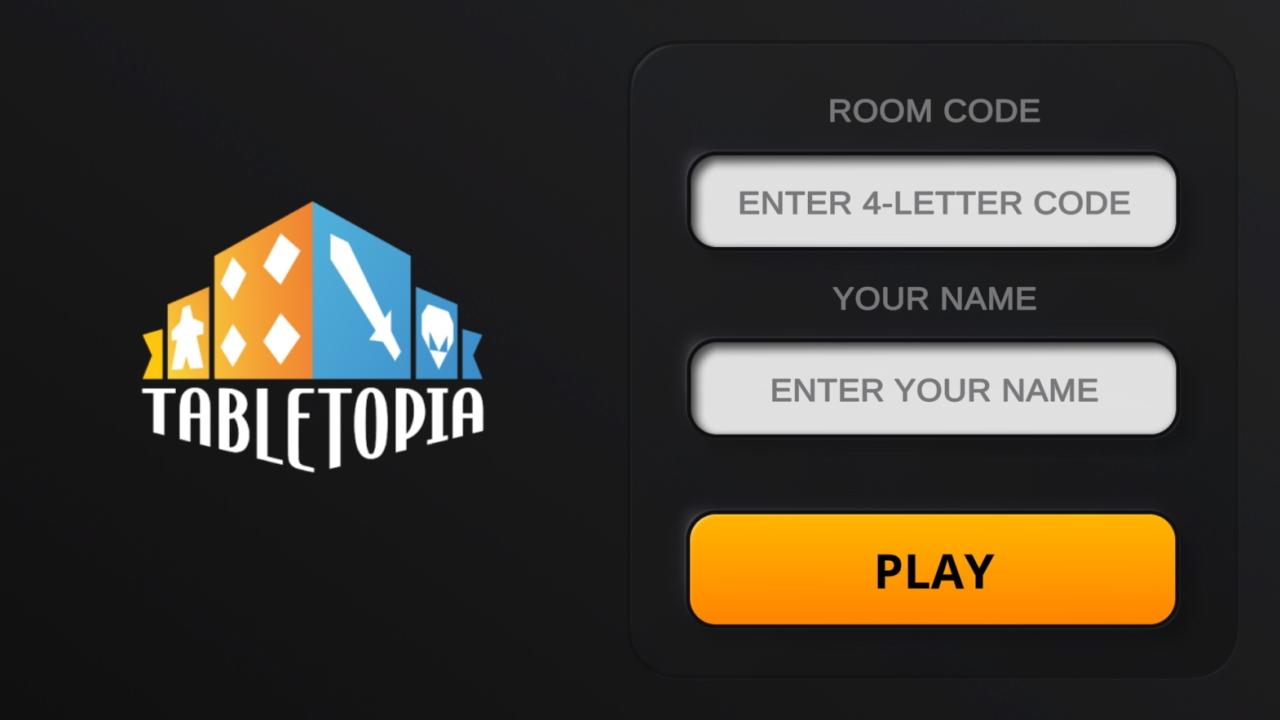
5.输入房间代码和玩家名称,按播放
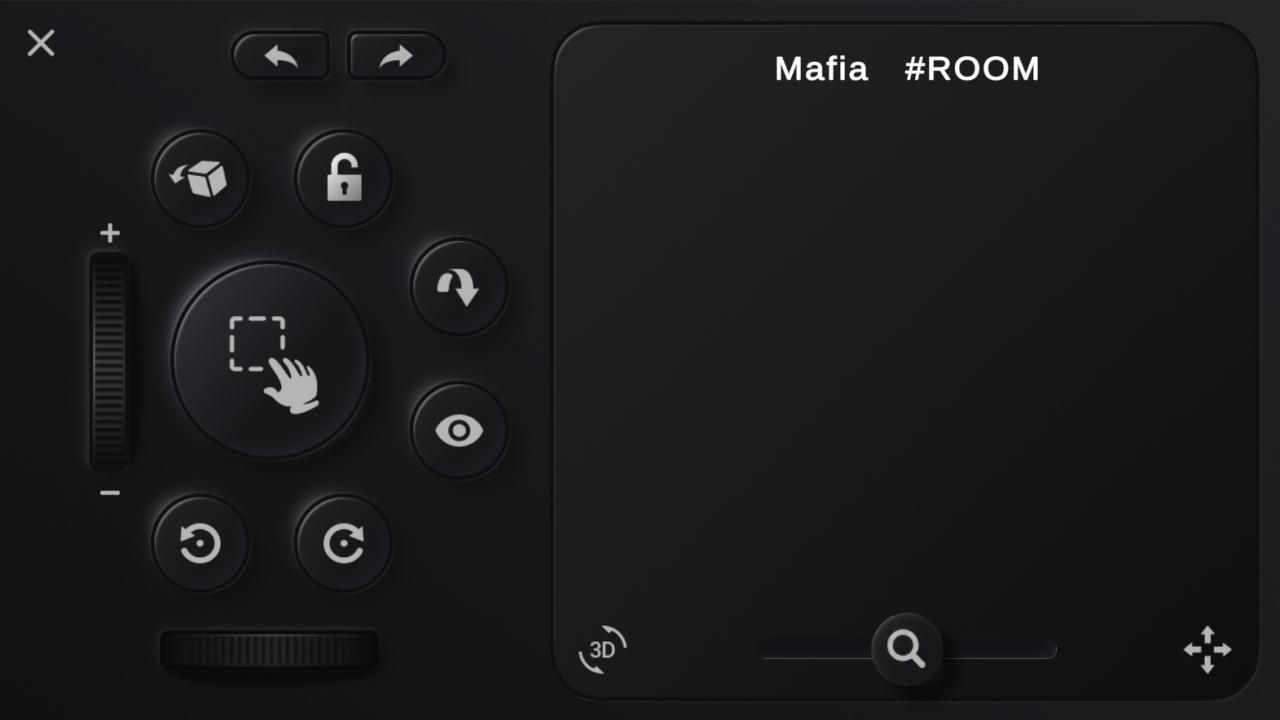
您已准备好使用触摸板和移动应用程序中的其他控件来控制 Web 应用程序中的游戏光标
最新版本0.1.8更新日志
Last updated on 2022年10月19日
- Camera switch button added
- In-game help button added
- Minor improvements & bug fixes
Tabletopia Remote 屏幕截图
Tabletopia Remote历史版本
24.1 MB2022年10月19日