
关于FileSecure
To secure a file by encrypting with password.
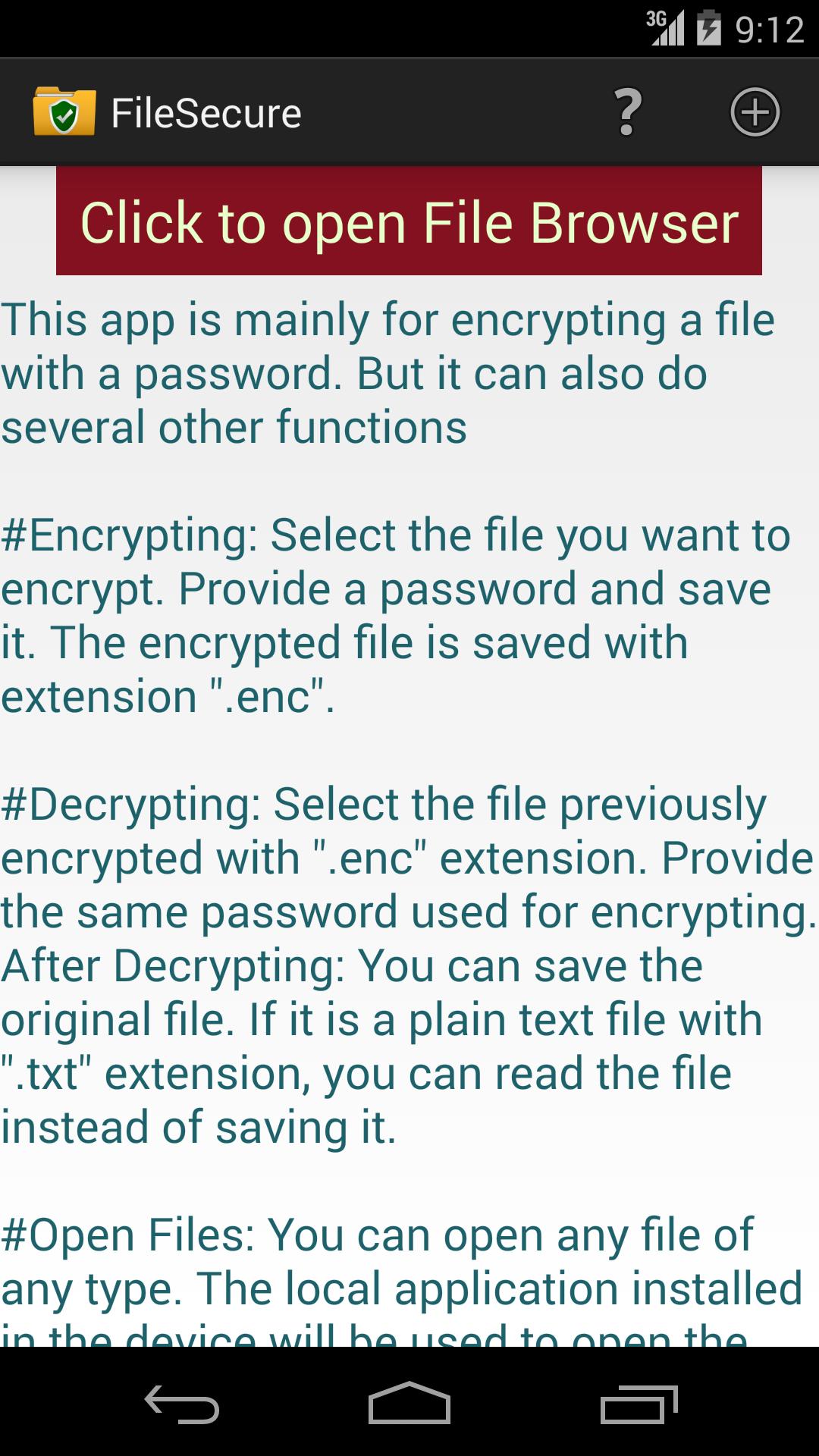
This app is mainly for encrypting a file with a password. But it can also do several other functions
# Encrypting: Select the file you want to encrypt. Provide a password and save it. The encrypted file is saved with extension ".enc".
# Decrypting: Select the file previously encrypted with ".enc" extension. Provide the same password used for encrypting. After decrypting, you can save the original file. If it is a plain text file with ".txt" extension, you can read the file instead of saving it.
# File Browser or Explorer: You can browse and open any file of any type. The local application installed in the device will be used to open the file.
# Delete: You can delete a file if supported.
# Create/Edit: You can create or edit a text file. To create a new file, click the menu button on top. The new file will be created in the last folder operation.
# There are several uses of encryption.
1. All important files can be encrypted and stored in your local device or in a cloud like Google-Drive etc.
2. The encrypted files can be shared with others securely by email or cloud. The other person needs this app and the same password to open the file.
更多应用信息
最新版本7更新日志
Last updated on 2018年04月01日
Updated algorithm.
FileSecure 屏幕截图