
关于File Manager Plus
管理你的Android设备上使用PC-如Windows本地和云文件
You love your Android device, but miss the way you can easily manage files on a PC. With Roma Software's File Manager Plus, you can have both! Movable and resizable windows, copy and paste, drag and drop, shortcuts, and much more.
All the features of Roma Software's File Manager, plus support for cloud drives. Features include:
Windows
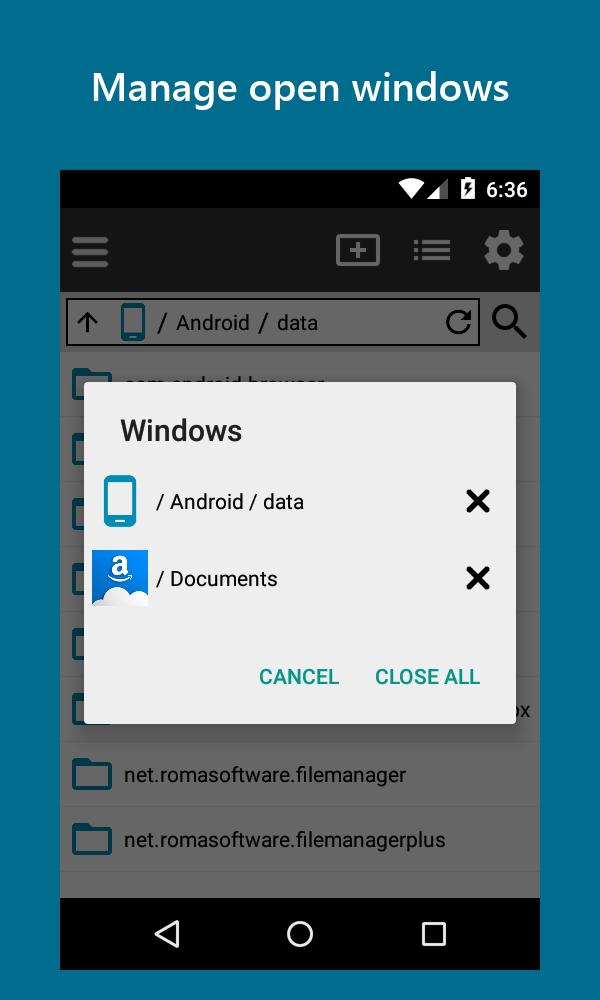
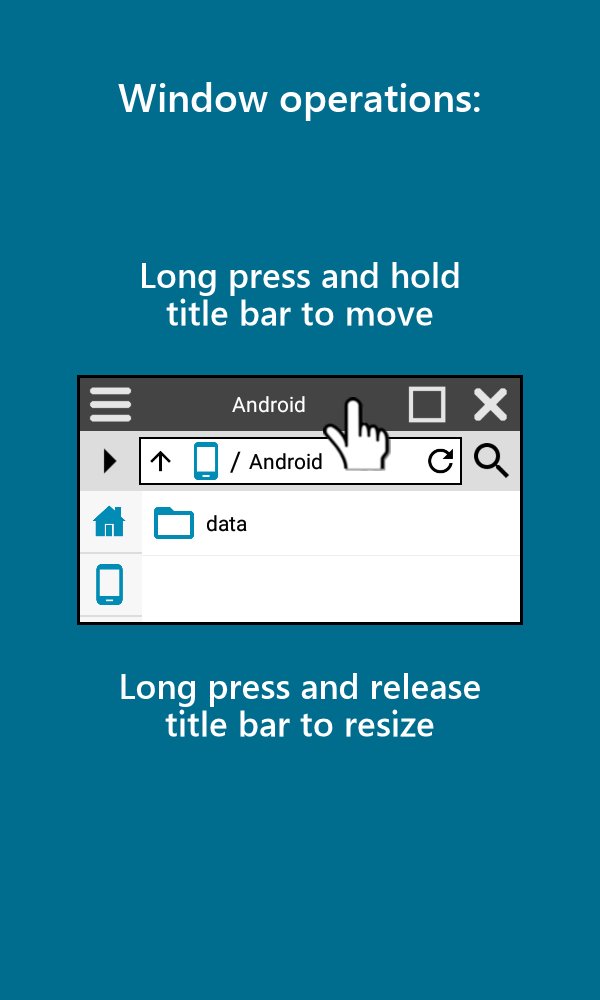
• Any number of movable, resizable, and overlapping windows
• File explorer
• Use full screen or windowed
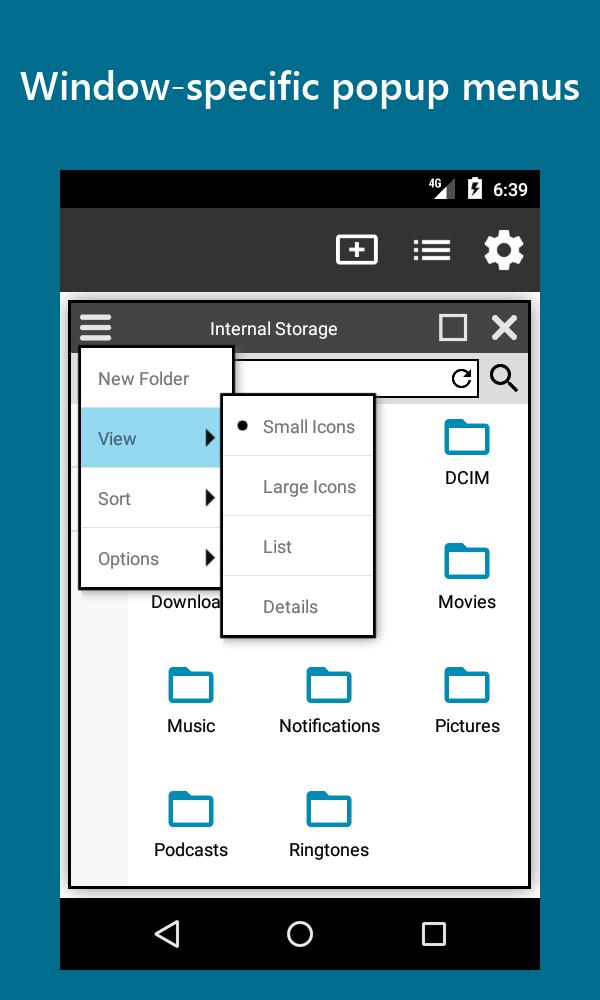
• Context-sensitive popup menus
• Shortcuts to your favorite file locations
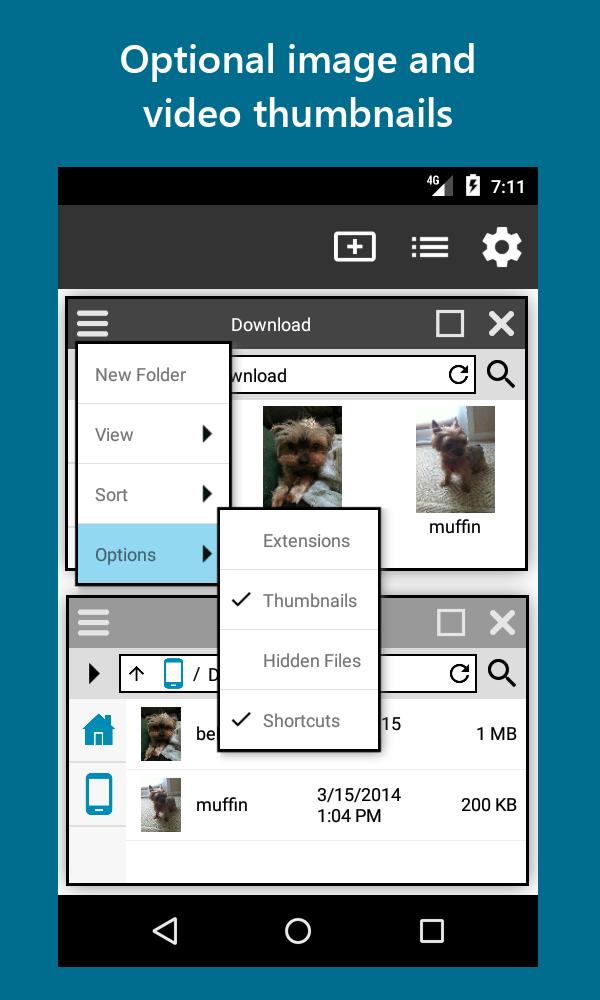
• Hide or show file extensions
• Thumbnails for images and videos
• Views: Small Icons, Large Icons, List, Detail
• Sorts: Name, Date, Size
Tasks
• Copy or move multiple files and folders via copy & paste or drag & drop with optional verification
• Delete files or folders
• Rename files or folders
• Create folders
• Open files
• Multiple simultaneous operations supported
Work with cloud files
• Click on the cloud file to download a temporary working copy
• View or Edit
• Upon exiting, if changes have been made, you'll be prompted to upload back to the cloud
Work with external files (Android 5.0+ only)
• Open directly from SD cards or USB OTG devices using Storage Access Framework for applications that support it
• Or copy a temporary working copy, and optionally copy back if modified
Secure
• All network operations use secure connections (SSL)
• Authentication done using provider's web site
• User names and passwords are never captured or stored
Customize
• Default view options
• Whether to verify on copies, moves, or both
• Whether drag and drop does a copy or a move
Supported Cloud Providers
• Amazon Drive
• Box
• Dropbox
• Google Drive
• Microsoft OneDrive
• Yandex Disk
We are always looking to improve our applications. Feedback is appreciated!
更多应用信息
最新版本1.3.4更新日志
Last updated on 2017年08月13日
• Bug fixes
File Manager Plus 屏幕截图