
关于EZ Reader No Ads
应用程序读取菜单或书籍或任何在低光情况。 在
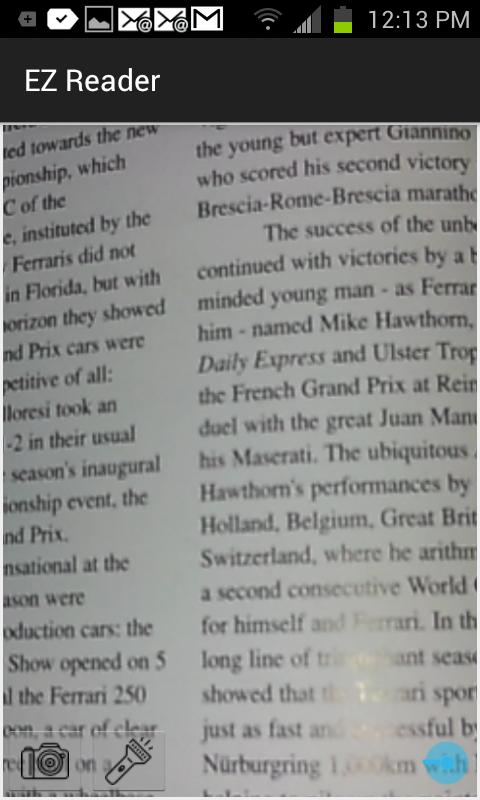
This app was developed to read small text in low light situations, and when you have forgotten your reading glasses. You can zoom in on text, and use the flashlight to illuminate the text that you are reading. It also helps in a low light area such as a restaurant, or an airplane when the area is dark. Use the flashlight to illuminate. If the camera resolution on your phone does not support the zoom, you can take a picture of the text and zoom in with your fingers on the image. Take a picture and save the image, then on the next screen zoom in with your fingers to read the illuminated text.
Reading glasses app
Forgot my glasses
最新版本1.1更新日志
Last updated on 2016年09月09日
此版本包含小幅错误修复和常规改进。请更新至最新版本,以获得更佳体验。
EZ Reader No Ads 屏幕截图