
关于CPU Hog
实时,重量轻,电池保护器
CPU Hog will find processes that hog your CPU, and drain your battery.
Its works like this, if it detects that your battery temperature is higher then normal, it will periodicity try to find the process that consume most of your CPU.
If it finds such a process, it will send a notification with the process name and usage.
You can control the battery temperature threshold, in which CPU Hog starts to look for the hogging process.
Note that every device has its normal work temperature, and its important to set this temperature with accordance with your device behavior.
You can also set the usage percentage in which the app will send a notification.
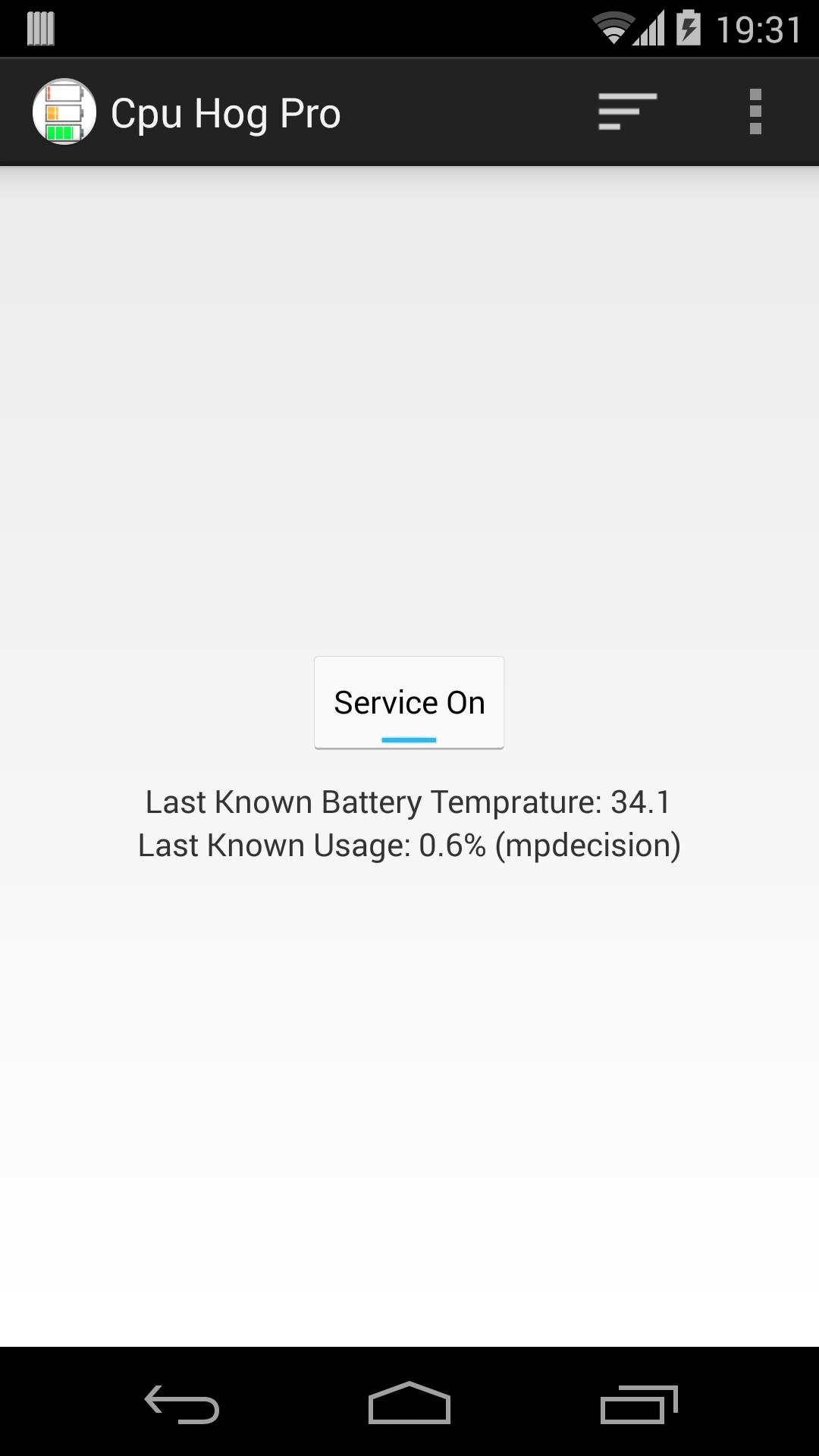
The main screen shows current battery temperature, and usage, this can help you set the values above.
最新版本2.0.2更新日志
Last updated on 2015年11月07日
此版本包含小幅错误修复和常规改进。请更新至最新版本,以获得更佳体验。
CPU Hog 屏幕截图


CPU Hog历史版本
309.4 KB2015年11月07日