
About Clear Clock
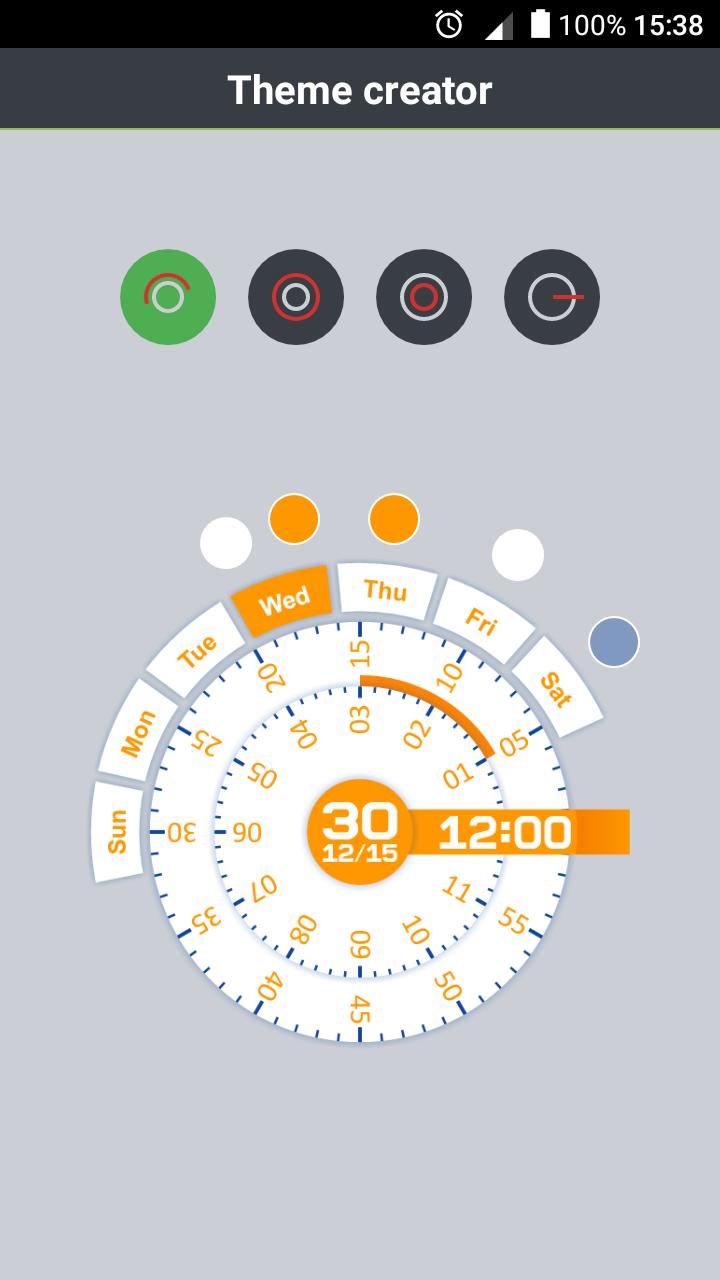
Exclusive clock widget
- More than 20 exclusive themes for your choice
- Theme Creator
- Supporst 27 languages for each day of the week
- Personal settings
- Quick access to the alarm
- Quick access to the calendar
IMPORTANT: If it does not appear in widgets section, try uninstall and reinstall the app! thank you :)
FOR XIAOMI READMI:
1. Open application "Security".
2. Go to "Permissions".
3. Open the first item "Auto".
4. Tick the application "Clear Clock".
Additional APP Information
Latest Version
7.1.1Uploaded by
Reham Al Ahmad
Requires Android
Android 4.1+
Category
Free Tools AppContent Rating
Everyone
Report
Flag as inappropriateWhat's New in the Latest Version 7.1.1
Last updated on Dec 22, 2017
- Bug fixing
Clear Clock Screenshots