
About ByteTerm: SSH Client & Shell
Professional SSH client & terminal with keys, tabs, SFTP, snippets , logs
ByteTerm: SSH Client & Shell
ByteTerm is a professional SSH client and full-featured terminal for Android, built for developers, system administrators, DevOps engineers, networking professionals, homelab users, and Linux power users.
Connect to Linux servers, VPS, cloud machines, NAS devices, Raspberry Pi systems, and other SSH-enabled devices with a fast, reliable, desktop-style terminal experience.
🚀 PROFESSIONAL SSH CLIENT
Connect using:
• SSH
• Password authentication
• RSA, ED25519 and ECDSA keys
• Passphrase-protected keys
• SSH certificates
• FIDO2 security keys
• SSH agent and agent forwarding
• Jump hosts and proxy connections
• Custom SSH ports
• Keepalive and compression
• Known hosts and fingerprint verification
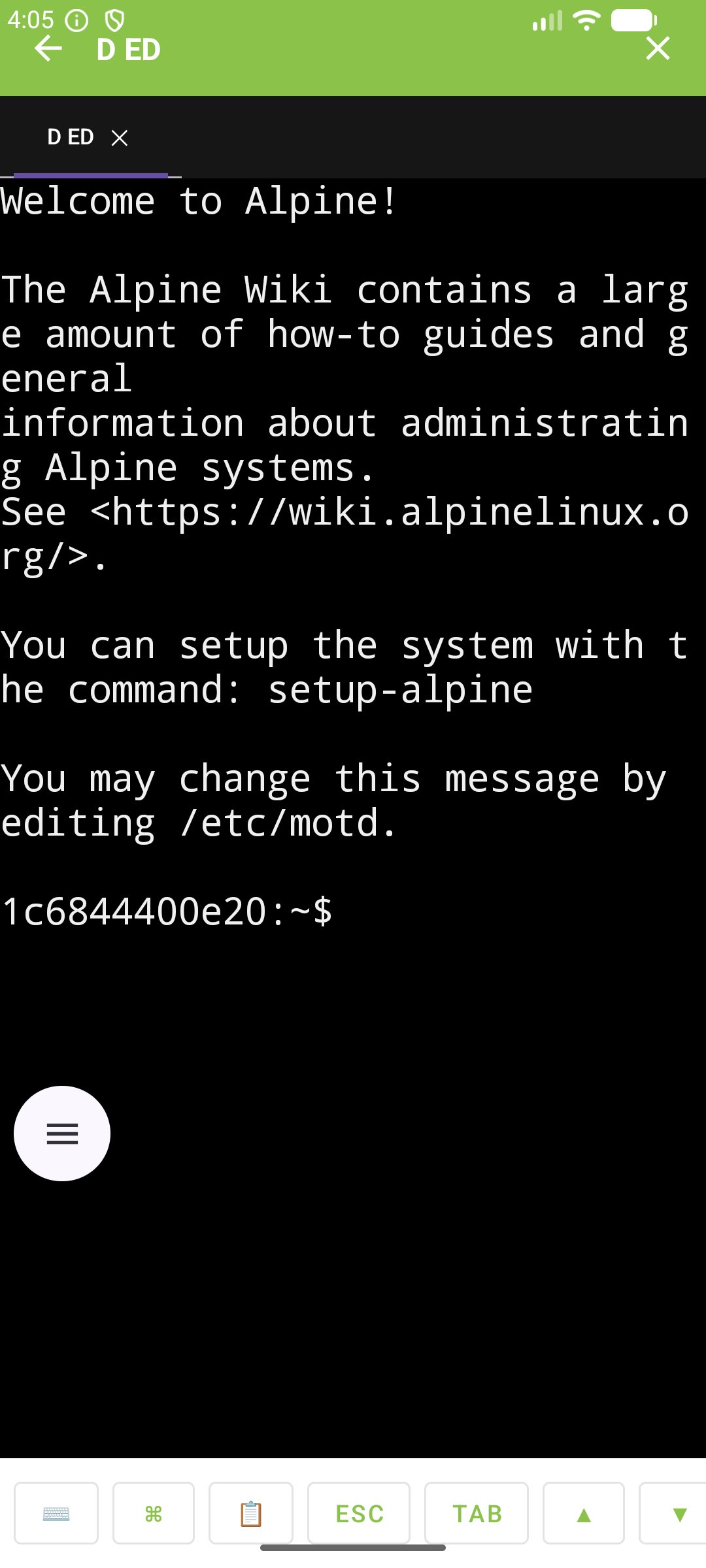
🖥️ DESKTOP-CLASS TERMINAL
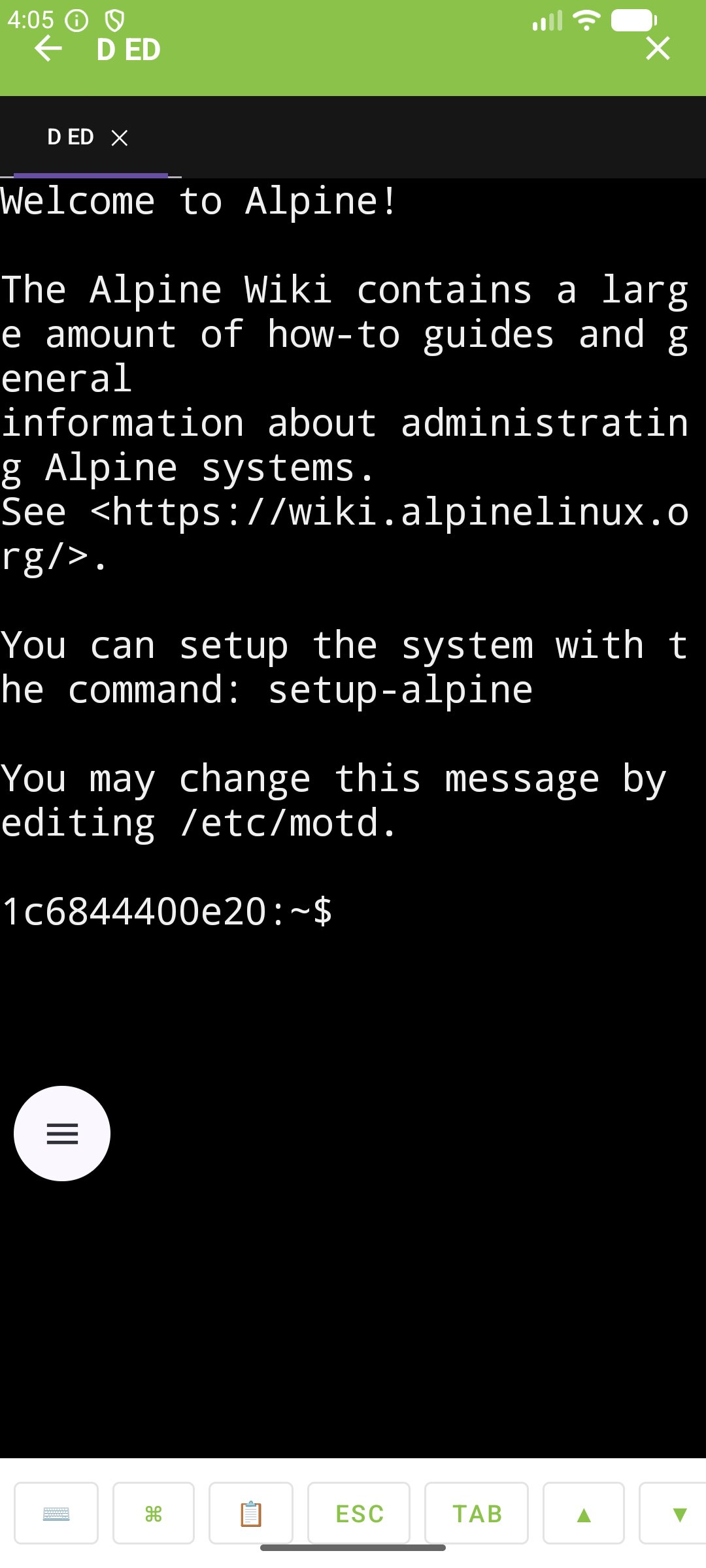
ByteTerm provides a real terminal experience on Android rather than a simplified command console.
Use Bash, Zsh, Fish, Sh, Vim, Neovim, Nano, Tmux, Htop, Btop, Git and other interactive command-line applications.
Terminal support includes:
• ANSI escape sequences
• UTF-8
• xterm compatibility
• 256 colors and true color
• Alternate screen buffers
• Scrollback
• Text selection
• Copy and paste
• Terminal search
• Link detection
• Mouse reporting
• Custom fonts and font sizes
📑 TABS & SPLIT PANES
Work with multiple servers simultaneously.
• Multiple terminal tabs
• Horizontal and vertical split panes
• Resizable panes
• Quick session switching
• Session restoration
• Background session handling
⌨️ KEYBOARD-FIRST EXPERIENCE
Built for both touchscreens and physical keyboards.
The terminal toolbar provides quick access to ESC, CTRL, ALT, TAB, arrow keys, HOME, END, PAGE UP, PAGE DOWN and other commonly required terminal keys.
External Bluetooth, USB and physical keyboards are supported for a desktop-like workflow.
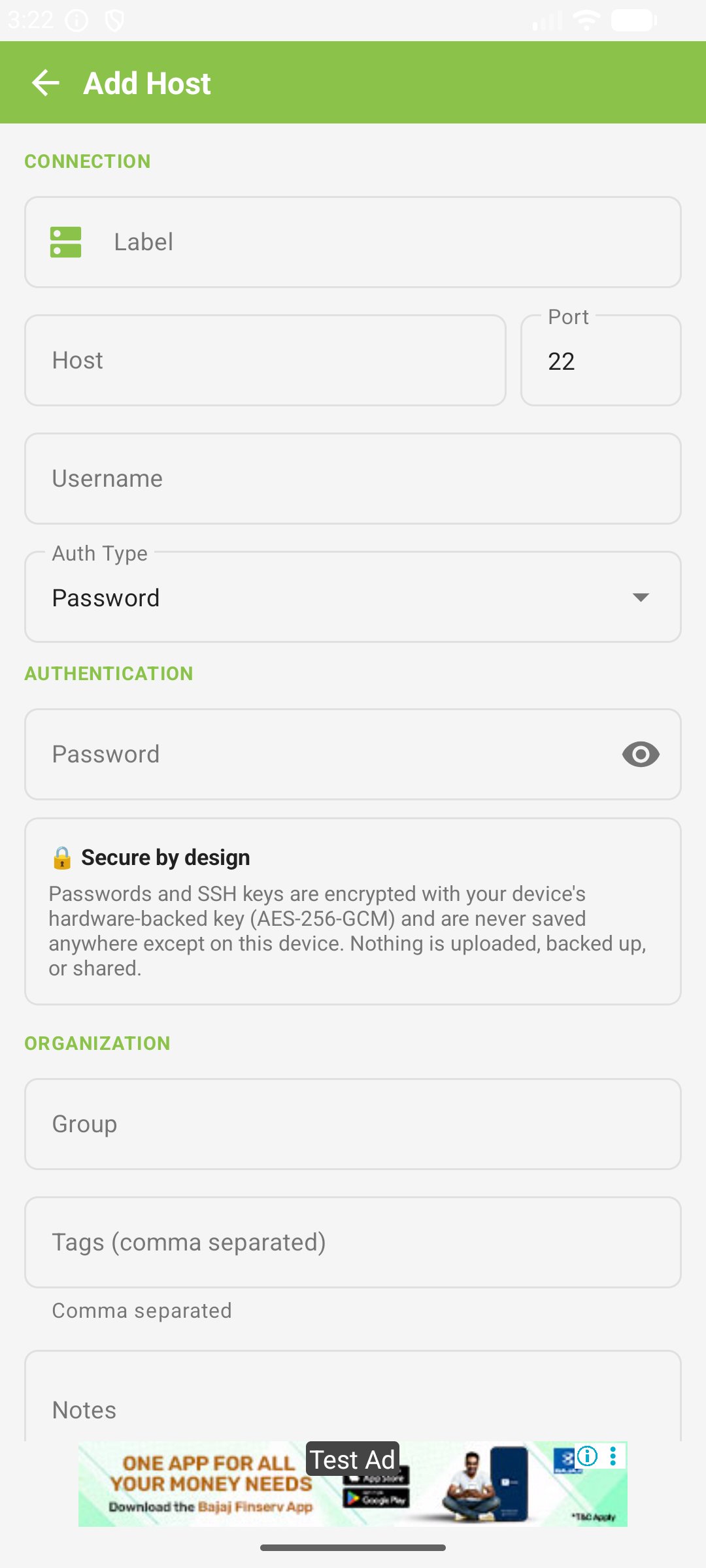
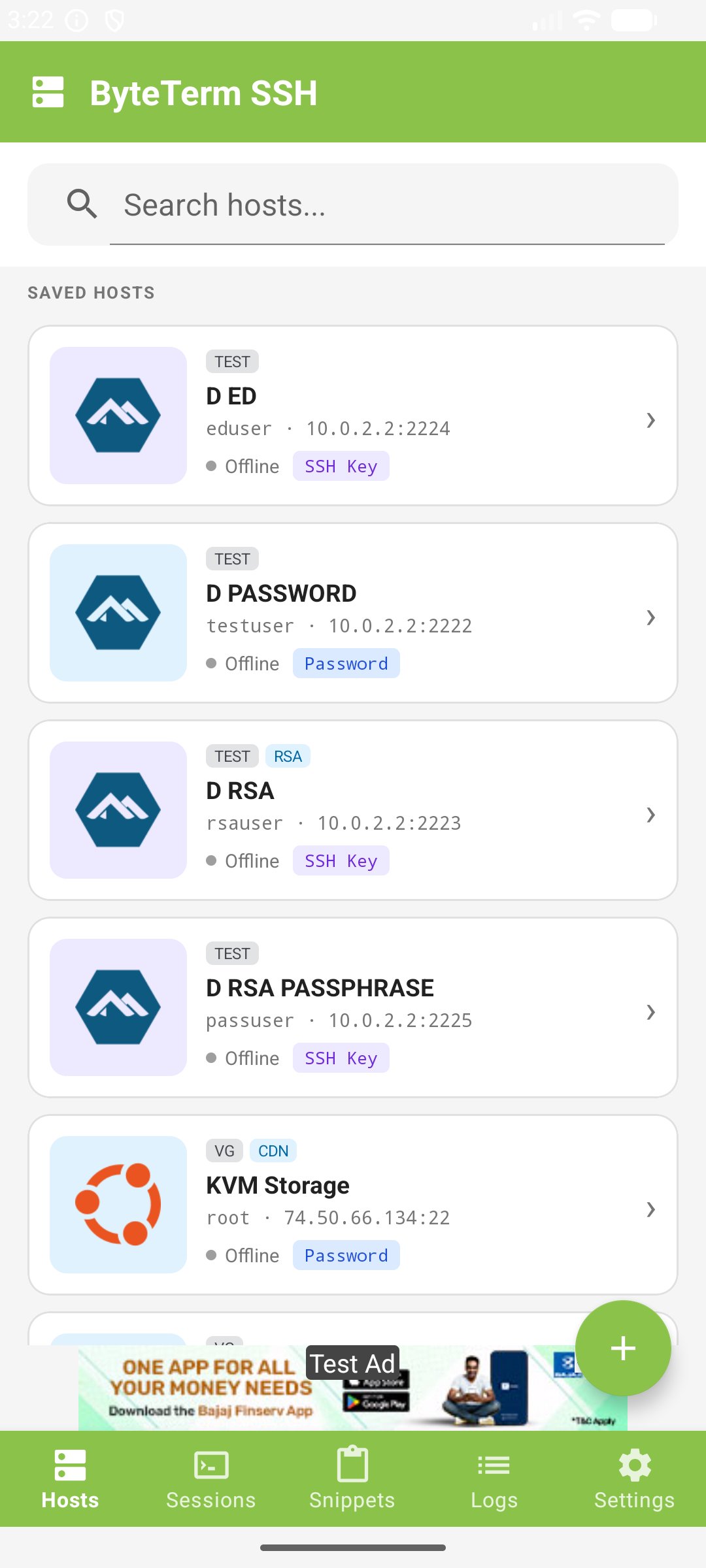
🗂️ HOST MANAGEMENT
Hosts are the heart of ByteTerm.
Organize servers using groups, tags, favorites, pinned hosts, recent connections, search and filtering.
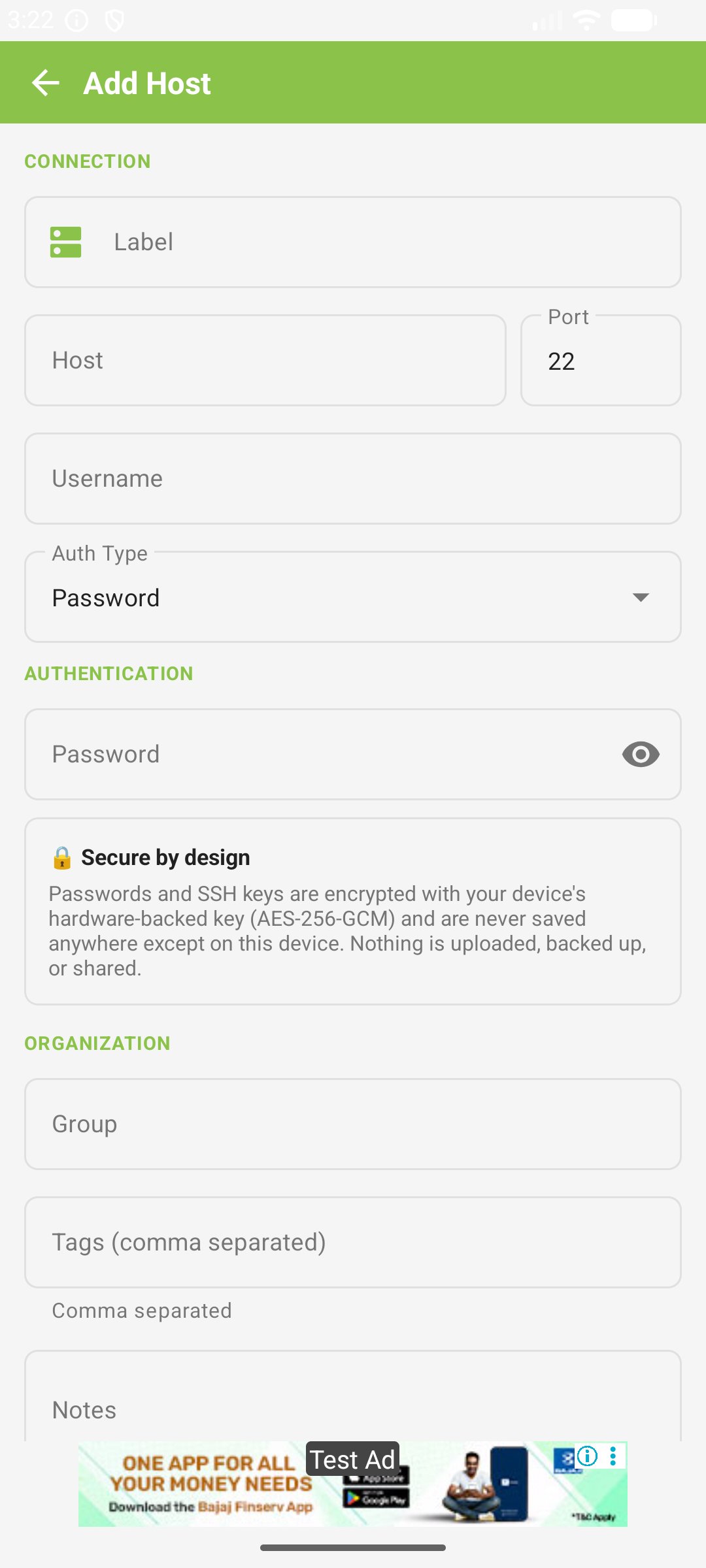
Each host can have its own authentication, terminal, SSH and advanced connection settings.
🔐 SECURITY & KNOWN HOSTS
Protect SSH credentials and keys using encrypted local storage and Android security mechanisms.
Manage known hosts and fingerprints with tools for:
• Host key verification
• SHA-256 fingerprints
• Previously trusted hosts
• Changed host key detection
• Manual fingerprint verification
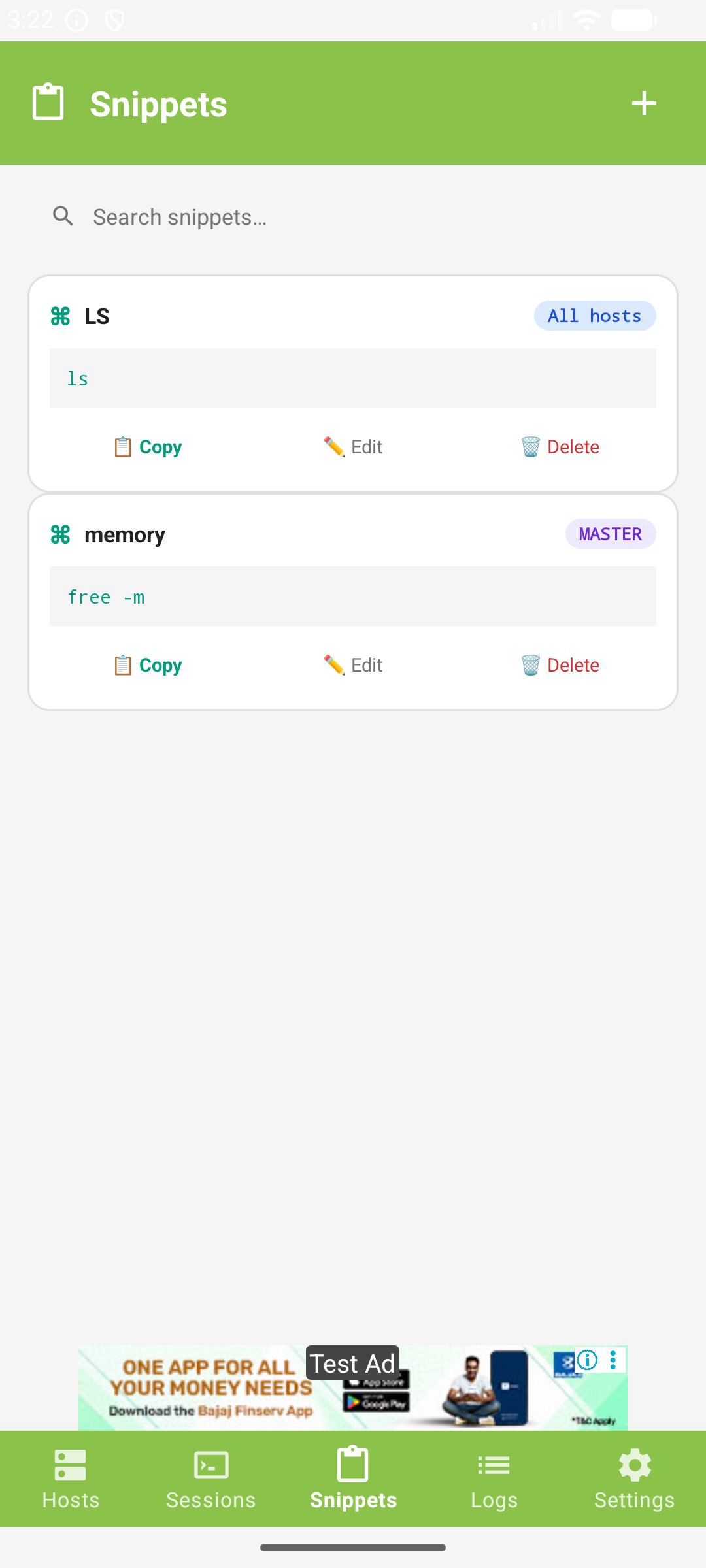
📋 SNIPPETS
Save frequently used commands and send them directly to an active terminal session.
Organize snippets into groups for server administration, deployment, maintenance, Git, networking and other repetitive tasks.
📝 LOGS & CONNECTION INSPECTOR
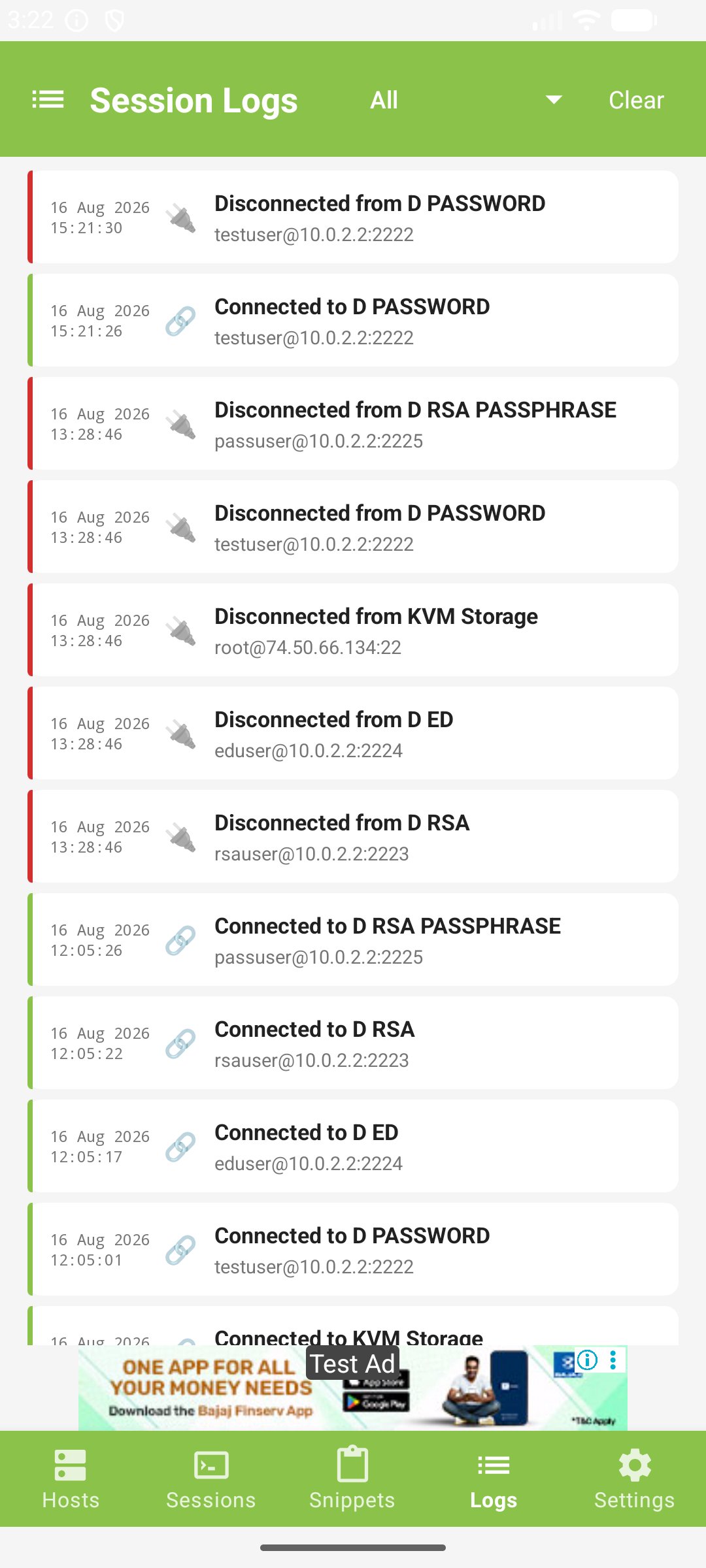
Track connection activity and troubleshoot SSH problems.
View connection history, failures, reconnect events, authentication events, SSH handshake information, host fingerprints, session logs and diagnostic information.
Inspect SSH details such as key exchange, host key algorithm, encryption cipher, authentication method, compression and server identification.
🎨 LIGHT & DARK MODE
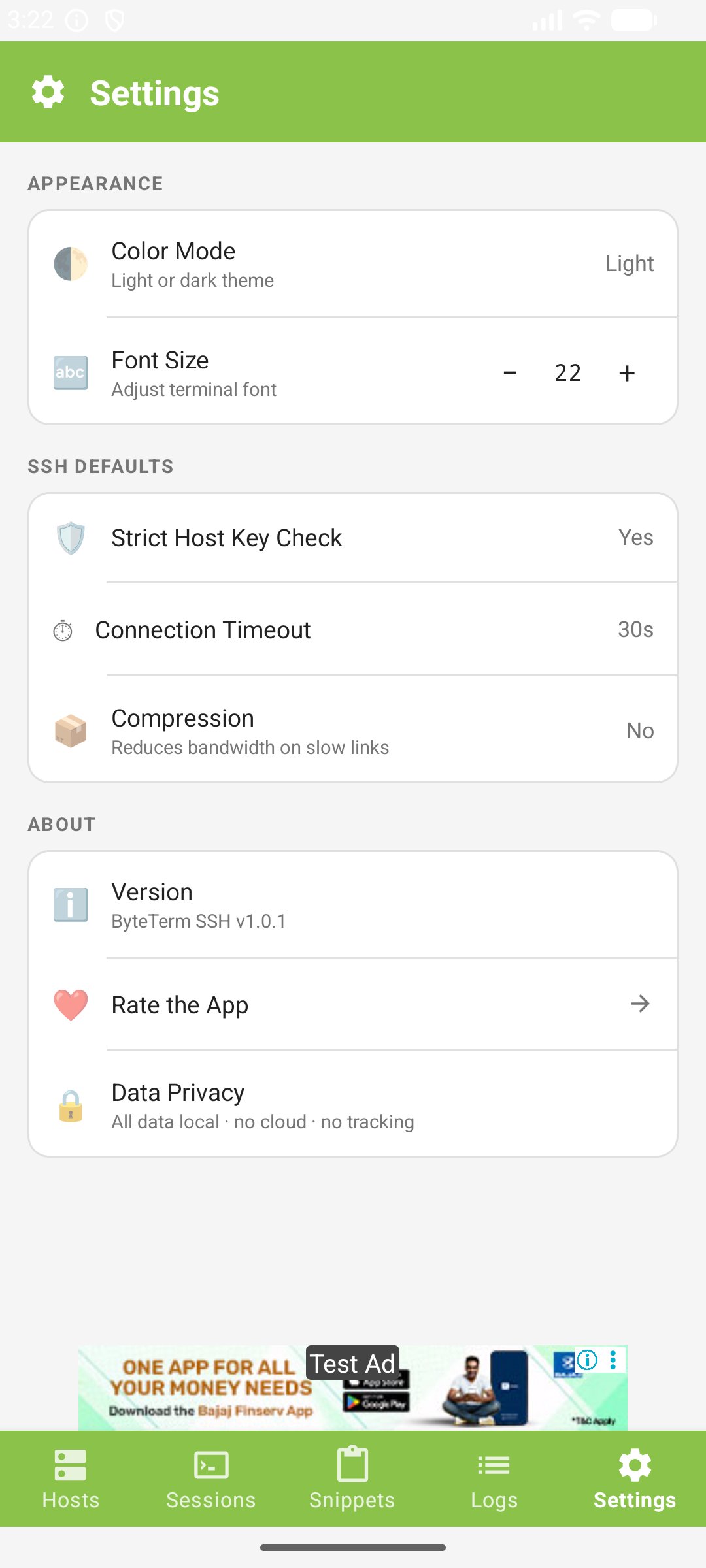
Choose light or dark mode with terminal themes, adjustable fonts and an AMOLED-friendly experience.
📱 BUILT FOR ANDROID
Optimized for phones, tablets, foldables, Chromebooks, landscape mode, external keyboards and large displays.
🔒 OFFLINE-FIRST
ByteTerm does not require a cloud account to manage your SSH hosts.
Your hosts, snippets and configuration can remain on your device. No mandatory cloud synchronization and no subscription required for the core SSH experience.
💻 BUILT FOR POWER USERS
Manage your VPS, Linux server, homelab, Raspberry Pi, development environment or production infrastructure from anywhere.
ByteTerm — Your terminal, wherever you are.
No forced cloud. No subscription required. Just a powerful SSH client and terminal for Android.
Additional APP Information
Latest Version
Varies with deviceRequires Android
Category
Free Tools AppContent Rating
Everyone
Report
Flag as inappropriateWhat's New in the Latest Version Varies with device
Last updated on Aug 16, 2026
This release includes minor bug fixes and general improvements. Update to the latest version for the best experience.
ByteTerm: SSH Client & Shell Screenshots