Sobre este AppLock
AppLock é uma ferramenta protector app luz para proteger sua privacidade em aplicativos móveis
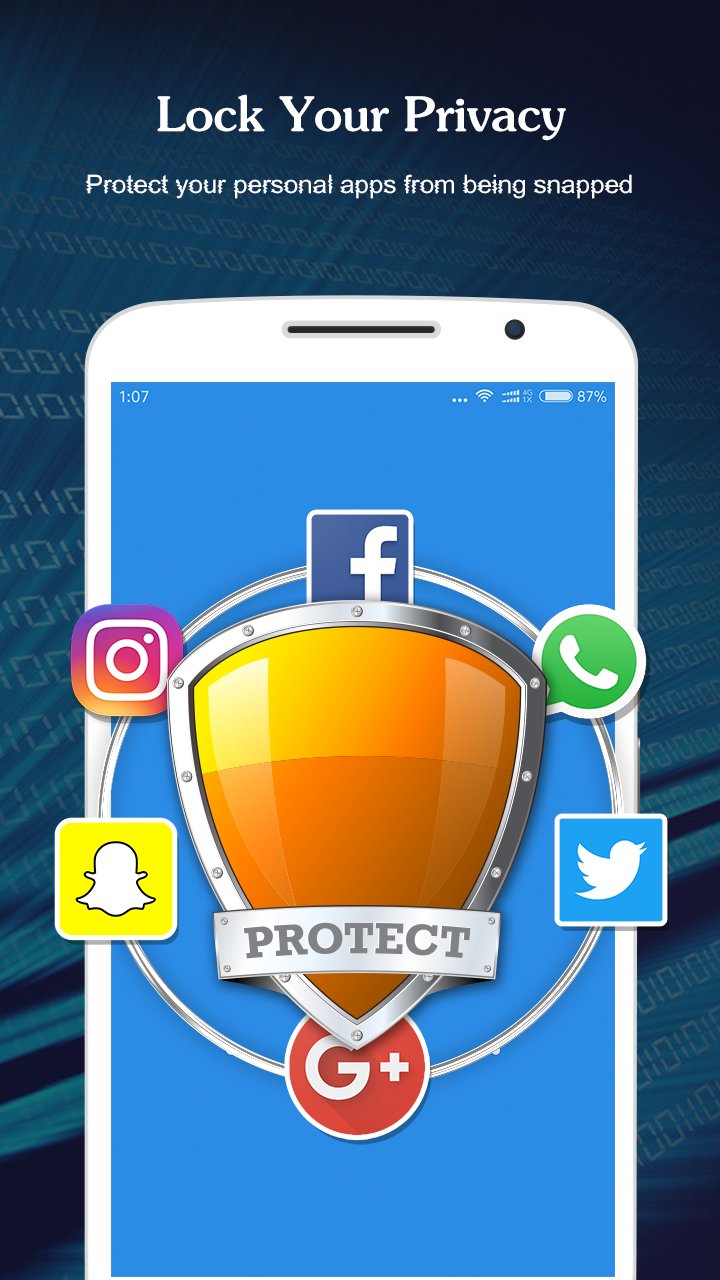
AppLock can lock apps, photos, videos and other private data with password lock or pattern lock. AppLock is a free app lock and privacy guard to prevent intruders & snoopers from peeping at your private data, hide sensitive photos and videos by encrypting your Gallery, keep children or snoopers away from messing up your settings, deleting important things or making in-app purchase. Customize app lock settings as you want, more secure and smart to lock all privacy in one small AppLock.
——Main Features——
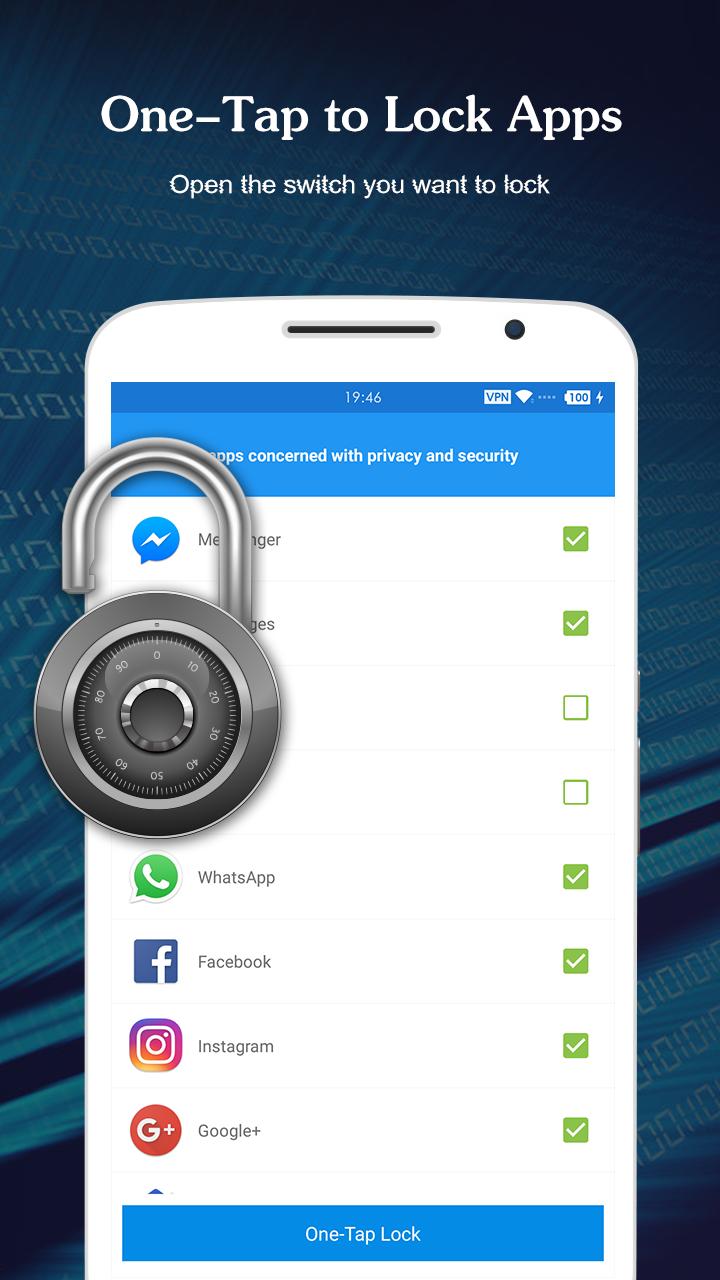
* A key lock, simple, quick!
* Lock application to prevent others are free to buy, uninstall applications!
* Lock setting to prevent misuse of the phone to change the system settings!
* Privacy lock, to prevent others from seeing your album, video and a variety of sensitive applications!
* Pattern Lock: simple and fresh interface, unlock faster!
* PIN lock: random keyboard. Much safer for you to lock apps
* Lock any apps using pattern(e.g Twitter, Gallery, Camera)
* Lock screen timeout
* Lock 3G, 4G data, Wi-Fi, Bluetooth and more
* Lock new apps
* Uninstallation Prevention
* Set Lock Time to only activate lock at certain time
* Easy-to-use and user friendly GUI
AppLock Lite can lock all android apps, including:
- Social apps: AppLock Lite can lock Facebook, WhatsApp, Messenger, Vine, Twitter, Instagram, Snapchat, WeChat and so on. No one can peep at your private chat any more.
- System apps: AppLock Lite can lock Contacts, SMS, Gallery, Videos, Email and so on. No one can mess up your settings for system apps.
- Android pay apps: AppLock Lite can lock Android Pay, Samsung Pay, Paypal and so on. No one can use your wallet to purchase any item.
- Other apps: AppLock Lite can lock any third-party apps, including Gmail, Youtube, games and so on. Completely protect your privacy.
——How it Works——
■ Download and install the Transparent Pattern Lock.
■ Go in setting and enable the lock.
■ Set your pattern.
■ To unlock draw your pattern and you open the lock and see you home screen.
Contact US: NiceAppsToYou@gmail.com
Informações Adicionais do Aplicativo
Última versão
1.0.0Enviado por
Magan Chaline
Requer Android
Android 4.0.3+
Categoria
Grátis Ferramentas APPClassificação do Conteúdo
Everyone
Relatório
Marcar como inapropriadoNovidades da Última Versão 1.0.0
Last updated on Mar 1, 2017
Esta versão inclui pequenas correções de bugs e melhorias gerais. Atualize para a versão mais recente e tenha a melhor experiência.
AppLock Capturas de tela




Versões Antigas de AppLock
4.0 MBMar 1, 2017

Tags Relacionadas









Artigos Populares nas Últimas 24 Horas
- Como baixar Toca Boca World apk versão mais recente 1.137.1 para Android 2026
- Códigos do EA SPORTS FC MOBILE 26 (agosto de 2026) para resgatar recompensas gratuitas
- Como baixar Google Play Store apk versão mais recente para Android 2026
- Como baixar TLN+ : Filmes e Séries apk versão mais recente 3.8.1 para Android 2026