

Sobre este App Lock
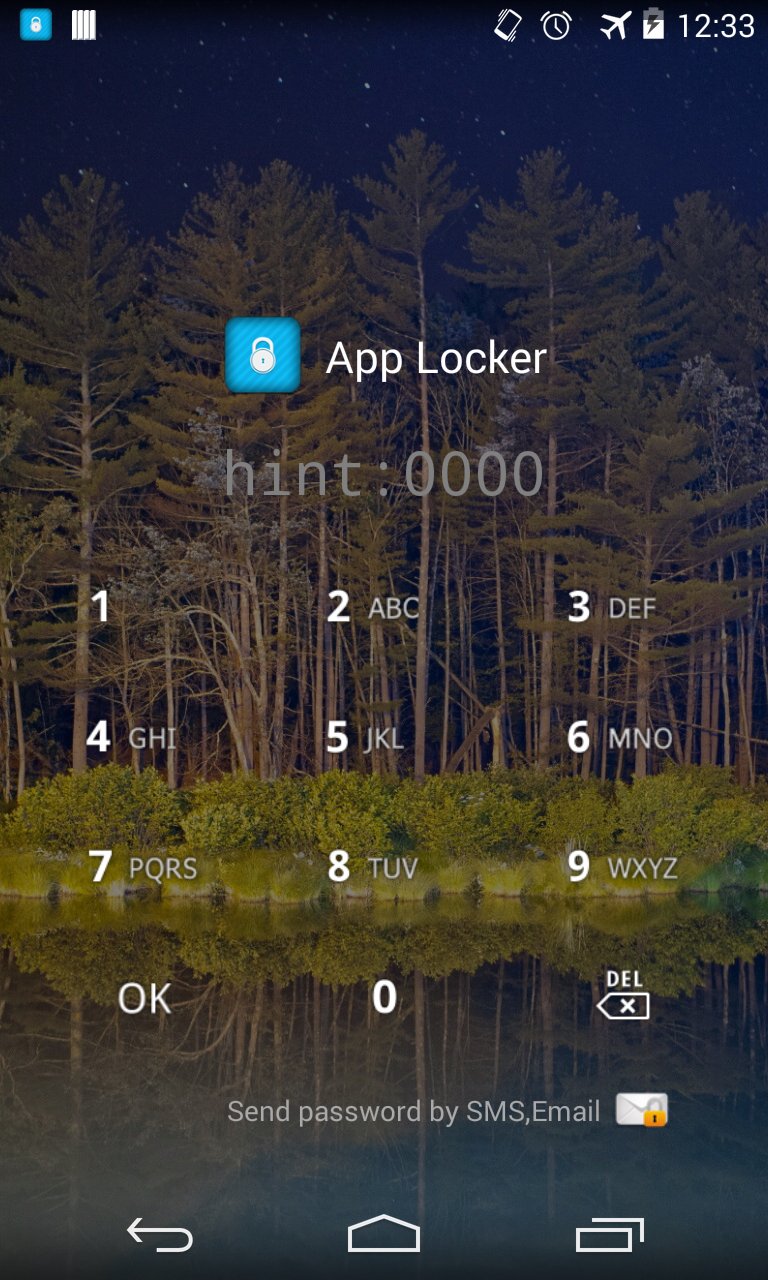
Se você quiser proteger aplicativo, bloquear com App Locker.
An individual's confidential information protected from others please.
# How to delete App Locker
1. Enter Settings App.
2. Select "Location and security".
3. Select the "Select device administrators".
4. App Locker device administrators check and deactivate.
5. Delete the same way to proceed.
Intended use:
A. Specific application at run time by locking the screen from any other users can help protect your personal information.
Two. Market and settings by locking the screen and other users to install apps that can be prevented.
Three. Calls as the application lock prevents other users on the phone and call you accidentally run the application that the call can be avoided.
Key features include:
A. Application Lock
Two. Change the lock screen background
Three. Change the style lock screen
Four. Lock your password sent SMS (SMS sending code when registering)
Informações Adicionais do Aplicativo
Última versão
2.7.12Enviado por
Yan Lay
Requer Android
Android 2.3.2+
Categoria
Grátis Ferramentas APPClassificação do Conteúdo
Everyone
Relatório
Marcar como inapropriadoNovidades da Última Versão 2.7.12
Last updated on Aug 9, 2015
1. android 5.0 support
App Lock Capturas de tela


Versões Antigas de App Lock
2.6 MBAug 9, 2015

Tags Relacionadas









Artigos Populares nas Últimas 24 Horas
- Como baixar EA Sports FC Mobile 26 apk versão mais recente 27.0.04 para Android 2026
- Códigos do EA SPORTS FC MOBILE 26 (Julho de 2026) para resgatar recompensas gratuitas
- Como baixar APKPure apk versão mais recente 3.20.7609 para Android 2026
- Como baixar Google Play Store apk versão mais recente para Android 2026