
About Borwap

Reviewed byBernadine WisokyContent Editor
Borwap is a VPN app that provides fast, secure browsing with one tap connection and no registration.
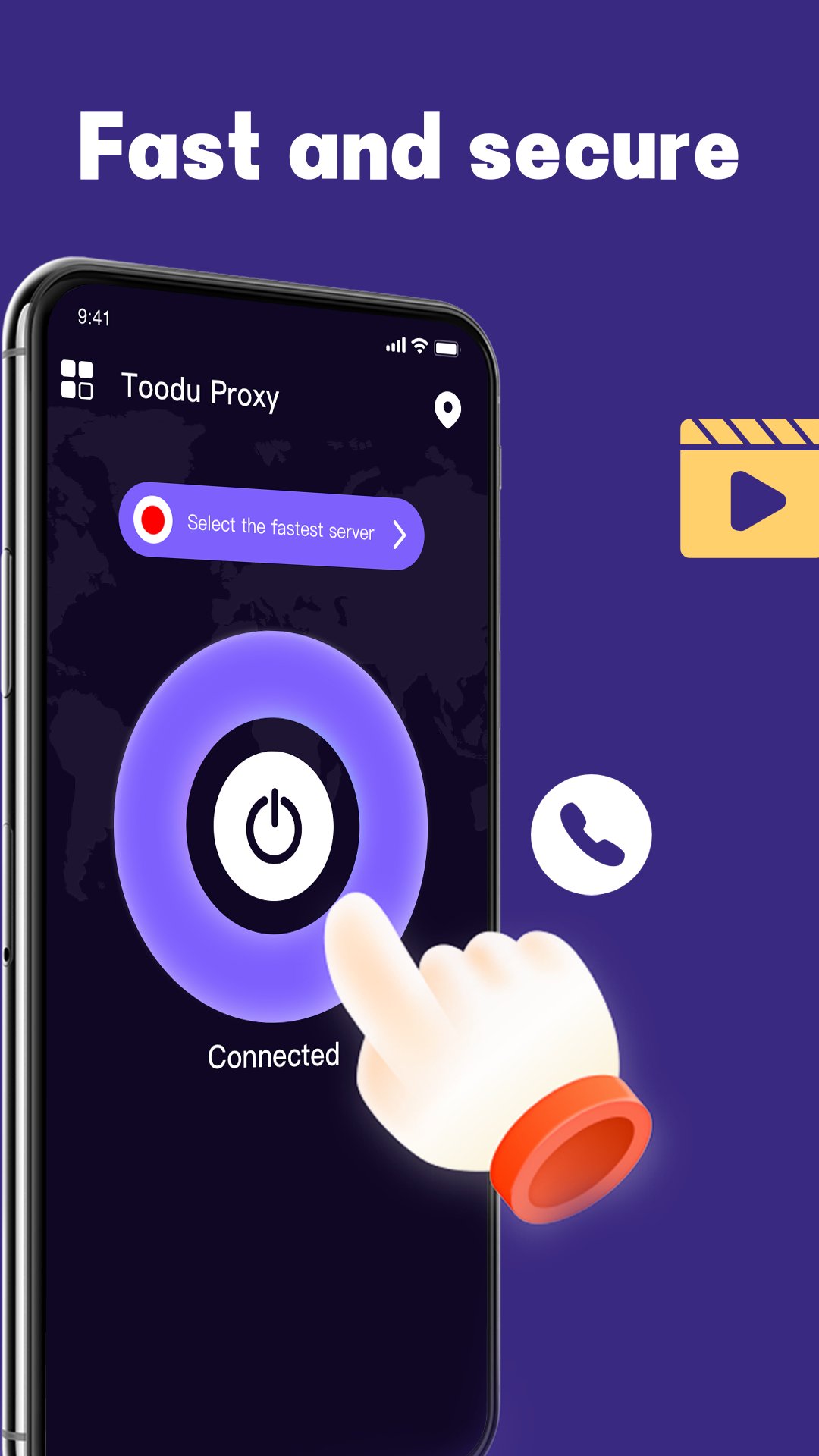
Borwap helps when a website or a video is blocked in your region or when you want extra privacy on public networks. It routes your traffic through an IP address in another country so your location stays private while you browse. The interface focuses on simplicity, so you can connect quickly and get back to your apps. For users who see a different label, the same app may appear as Toodu Proxy on some devices. If you prefer direct installation, you can find the Borwap APK through trusted channels.
Borwap features you can rely on
One tap to connect
Borwap keeps setup simple so you can get online quickly. Open the app, tap the main button, and wait for the connected status. There are no extra forms or setup screens to slow you down. This approach helps you switch to a secure session without fuss.
Access content in other countries
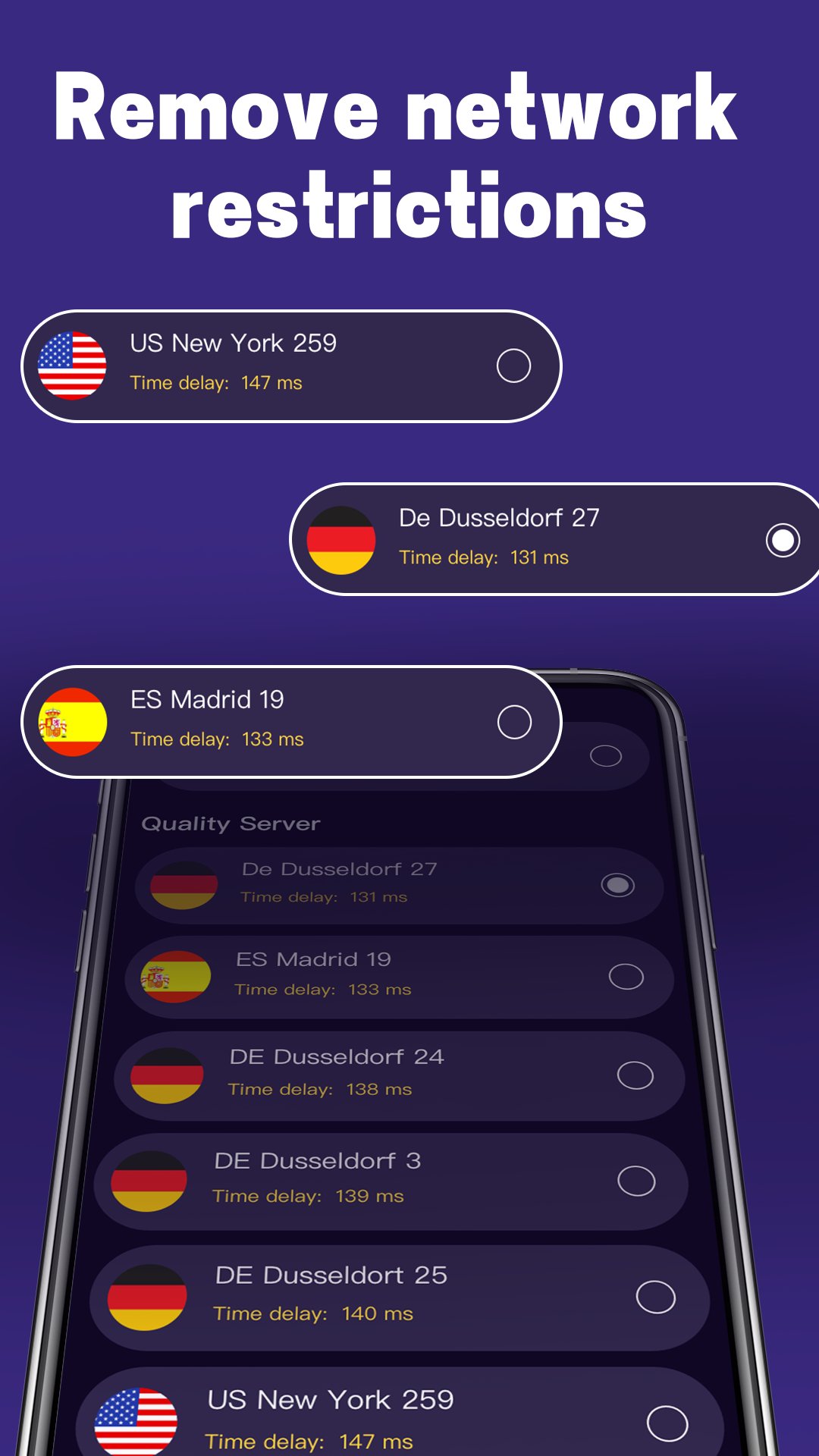
When you connect through Borwap, your traffic goes out from an IP address located in a different country. This helps you reach videos, music, and websites that may be limited in your current location. It also makes your online activity harder to link to your physical place. As a result, everyday browsing feels more open and flexible.
Privacy protection with no logs
Borwap hides your IP address so the sites you visit see the VPN location rather than your device. The app states it uses a strict no logs approach and does not monitor your activity. It also states it does not track or sell your data. This setup supports more private browsing for tasks like checking bank accounts or using public WiFi.
No account and no data limits
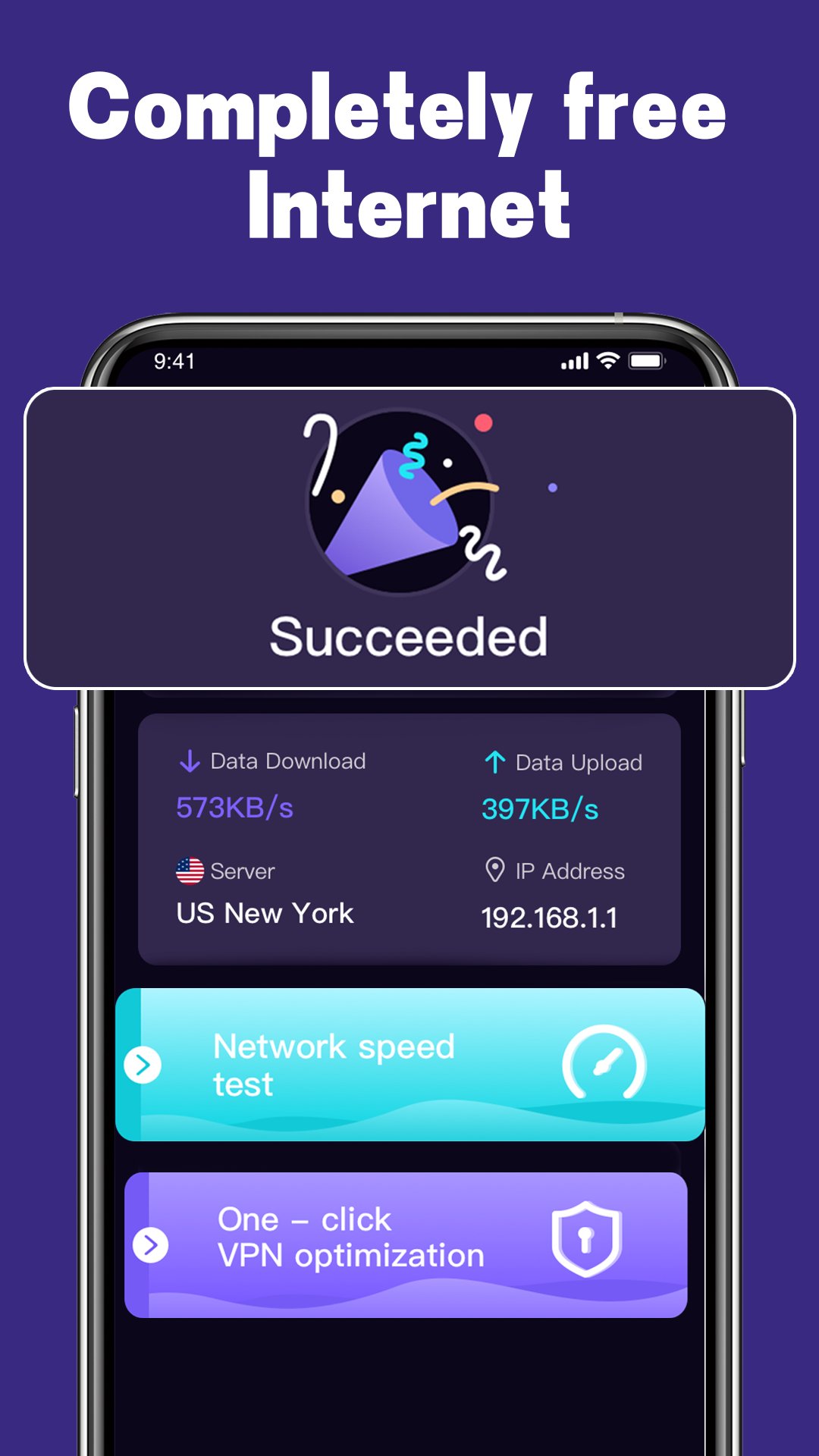
You can start using Borwap without creating an account. There is no need for a username, password, or registration step. The app also states there are no data limits, so you do not have to watch a meter while you browse. This makes it practical for quick checks and longer sessions alike.
Works across mobile and WiFi networks
Borwap is designed to work on WiFi as well as 3G, LTE, and 5G connections. You can stay connected at home, in the office, or on the go. If you change from mobile data to WiFi, you can check the app to confirm your secure session remains active. This keeps your routine consistent across different networks.
How to use Borwap on Android
Getting started is straightforward and takes only a moment. After you download Borwap, the app guides you with clear prompts so you can connect securely. Follow the steps below to begin a private session on your phone.
- Install the app on your Android device, then open it from your home screen.
- When prompted, allow the VPN connection so Android can route your traffic through Borwap.
- Tap the main connect button and wait until the app shows a connected status.
- Switch to your browser or favorite apps and use the internet as you normally do.
- When you are done, return to Borwap and tap disconnect to end the session.
Start with secure browsing
Borwap focuses on quick setup, private connections, and access from an IP in another country. It keeps the process simple while aiming to protect your traffic. For the best experience, consider using the Borwap latest version to ensure you have the newest fixes and improvements.
Additional APP Information
Latest Version
1.2.1Uploaded by
Wai Yan Kyaw
Requires Android
Android 5.0+
Category
Free Tools AppContent Rating
Everyone
Report
Flag as inappropriateWhat's New in the Latest Version 1.2.1
Last updated on Jul 20, 2023
fix some bugs.
Borwap Screenshots