About Boots

Reviewed byBernadine WisokyContent Editor
Boots is a shopping and pharmacy app that helps manage everyday health, beauty and prescription needs.
Boots supports users who regularly shop for pharmacy, skincare, fragrance, baby care, wellness and healthcare products. The Boots app brings these everyday tasks into one place, so you can browse items, manage your Boots account and prepare for visits to a nearby store more easily. In addition, it connects shopping activity with pharmacy access and rewards, which makes it useful for people who already use Boots services or want a simpler way to organise repeat purchases.
Main Boots Features
Shop health and beauty products
Boots lets you browse thousands of products across beauty, skincare, fragrance, haircare, wellness, baby care and healthcare categories. You can look for everyday items, compare available options and add products to your basket from your Android phone. This makes the app useful when you want to check items before visiting a store or place an order from home.
Manage Boots Advantage Card rewards
Boots connects your Digital Boots Advantage Card with your shopping activity. You can collect points, check your balance and use rewards when eligible. When shopping in a store, you can scan the card from your phone, which helps reduce the need to carry a physical card.
Use offers linked to your account
Boots shows personalised offers based on your shopping habits and account activity. You can view available savings, early promotions and competitions in the app before deciding what to buy. As a result, regular shoppers can check rewards and offers in the same place where they browse products.
Order and manage NHS prescriptions
Boots supports NHS prescription ordering, including repeat prescriptions and family prescriptions. You can track prescription status, choose collection when available and use eligible home delivery where the service applies. This is helpful if you need a clearer way to follow prescription progress without visiting the pharmacy first.
Book pharmacy services and find stores
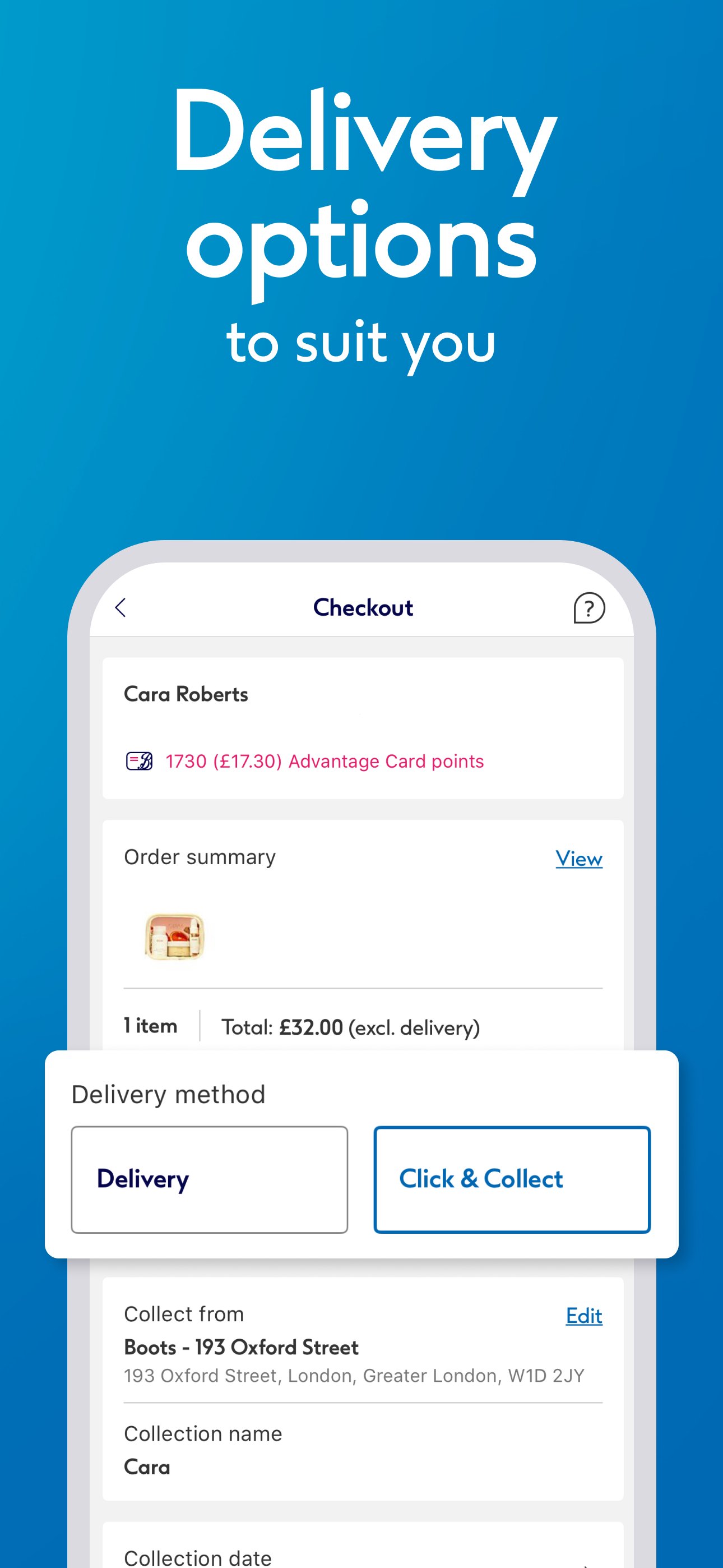
Boots includes tools for booking pharmacy services such as vaccinations and health checks. You can also use the Store Finder to look for nearby Boots locations and check product availability before travelling. Alongside this, Click and Collect, home delivery and next day delivery options help you choose how to receive eligible orders.
What to Know Before Using Boots
You may browse parts of Boots without signing in, but saved account features need a login. This includes Boots Advantage Card details, personalised offers, prescription tools and profile based services. Before a Boots download, it is useful to have your account details ready if you plan to use rewards or prescription management.
The app is most useful for users who already shop with Boots or use Boots pharmacy services. If you only need to browse products once, the shopping tools may be enough. However, regular customers will get more practical value from linking rewards, orders, pharmacy bookings and store tools to one account.
Boots Recycle Scheme
Boots also supports the Boots Recycle Scheme for eligible beauty, skincare and wellness empties. Through the scheme, users can learn how to recycle accepted packaging in store and receive rewards when the conditions are met. This adds a practical option for users who want to reduce waste while continuing to shop for regular personal care products.
How to Use Boots on Android
After installing the Boots APK, open the app and decide whether you want to browse first or sign in straight away. Signing in gives access to saved rewards, prescriptions and account based services, while browsing can help you check products before creating or using an account.
- Open Boots on your Android phone, then allow only the permissions needed for the features you plan to use.
- Sign in to your Boots account or create one if you want to save your Advantage Card, offers, prescriptions and order details.
- Browse product categories, search for a specific item and check availability or delivery options before adding products to your basket.
- Open the Advantage Card area to view points, check available offers and prepare the digital card for in store scanning when needed.
- Go to the pharmacy section if you need to order repeat prescriptions, track prescription status or book an available pharmacy service.
Start with Boots
Boots combines shopping, Boots Advantage Card rewards, NHS prescription tools, pharmacy bookings and store services in one Android app. Users who want these features in one place can download Boots to manage regular health, beauty and pharmacy tasks more easily.
Additional APP Information
Latest Version
59.1Uploaded by
ภาณุภัท เเสงศร
Requires Android
Android 11.0+
Category
Free Shopping AppContent Rating
Everyone
Report
Flag as inappropriateWhat's New in the Latest Version 59.1
Last updated on Oct 9, 2026
NEW APP, WHO'S THIS?
Meet our refreshed homepage, designed to make shopping even more fun. Plus, our new chatbot is here to help with your orders, returns and all your general queries - right from the homepage!
Tap update now!
Boots Screenshots