

About APP2VR

Reviewed byBernadine WisokyContent Editor
APP2VR is a utility app that converts regular Android apps into VR viewing with basic controls.
APP2VR helps when you want to place everyday apps inside a VR headset for watching or simple operation. It adapts supported screens into a VR style view, so you can look and interact without workarounds. The app supports Android 5.0 or later and focuses on direct control. You can switch from standard use to a VR layout as needed, then see how different apps behave. For flexible trials across apps, APP2VR APK offers a practical way to explore VR viewing.
APP2VR Features
Convert apps into VR mode
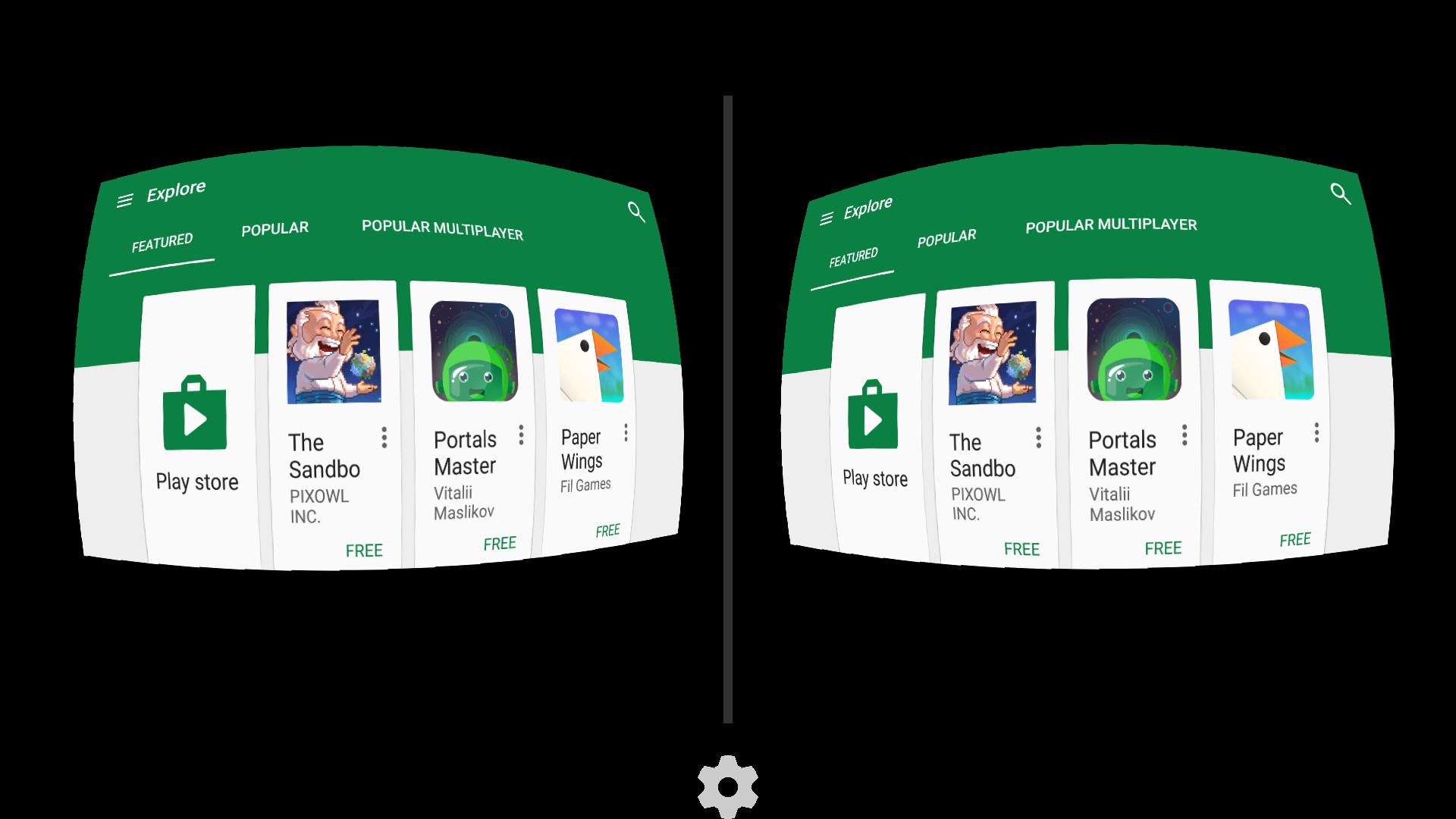
APP2VR converts application screens into a VR view for watching content and operating basic actions inside a headset.
Adjust screen size with volume keys
After enabling VR mode, you can use the volume up and down keys to increase or decrease the image size on screen.
Touch mapping from the upper left
For interaction, touch input is supported. The touch screen mapping begins from the upper left corner of the physical screen to help position taps.
Global VR mode and device setup
- Global VR mode in landscape screens is available when Xposed is installed.
- While using a horizontal screen, hold the phone upright to avoid a black screen.
- Compatibility is for Android 5.0 and later.
Get started with APP2VR
APP2VR converts selected apps into a VR view with size control and touch mapping. Check Android version support and any Xposed needs before enabling specific options. For recent fixes and compatibility, look for the APP2VR latest version and begin with a simple app to confirm your layout and controls.
Additional APP Information
Latest Version
24.0Uploaded by
Oğuzefe Kuralay
Requires Android
Android 4.1+
Category
Free Tools AppContent Rating
Everyone
Report
Flag as inappropriateWhat's New in the Latest Version 24.0
Last updated on Nov 20, 2017
make app to vr mode
APP2VR Screenshots


Old Versions of APP2VR
1.4 MBNov 20, 2017