

Scan Date:Feb 12, 2026
Show More

Save App helps users keep local copies of installed apps when internet access is limited or updates are uncertain. It focuses on privacy and simplicity, so activity stays offline and there are no ads or accounts. As a result, users can maintain control over app versions and move them between devices with a straightforward flow. If you need a quick way to handle APK files, the Save App APK offers a clear, lightweight path.
Save App creates APK files from installed applications for safe archiving. This APK backup helps you keep a local copy before an update or removal. When a change is not desired, you can preserve the current version for later use.
Export to local storageYou can export APKs to your device’s storage for offline access. This keeps files available even without network coverage and simplifies later restoration. The APK export process uses a simple selection flow to avoid confusion.
Share APKs between devicesSave App makes sharing APKs straightforward. You can send files to another device using standard Android share options. This is useful when a friend or coworker cannot download APK due to limited connectivity.
Offline use and no accountsThe app works entirely offline. There are no sign-ins, tracking, or cloud uploads. As a result, activity stays on your device and control remains in your hands.
No ads and simple interfaceSave App is 100 percent free from ads and keeps the interface clean. The layout focuses on listing installed apps and letting you back up all of them or select specific ones. This reduces distractions and keeps tasks quick.
Save App APK Backup (in.fourt.saveapp) refers to the Android utility for backing up, exporting, and sharing APK files. This listing is not related to any personal finance product with a similar name. If you search by package name, you can confirm you are viewing the APK backup tool.
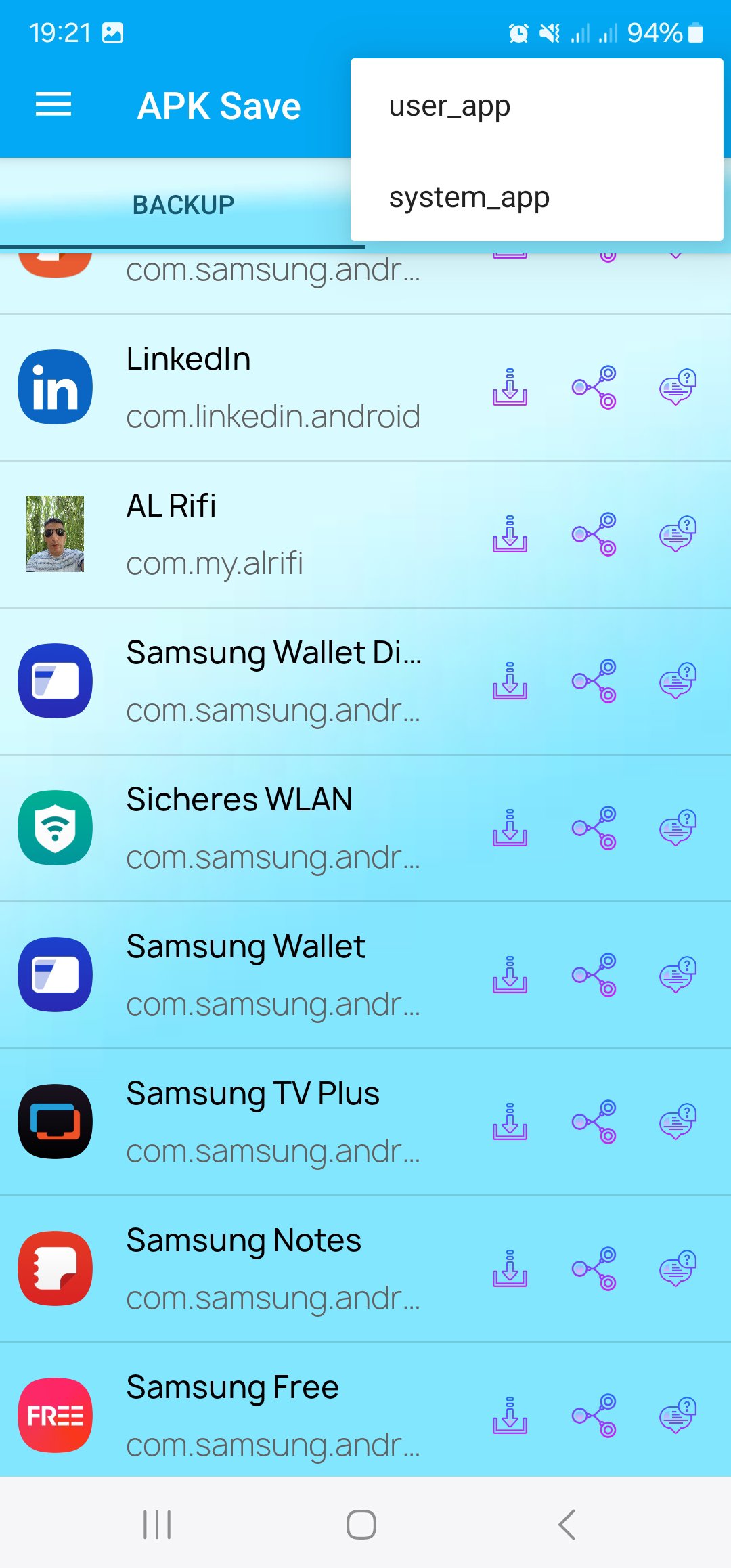
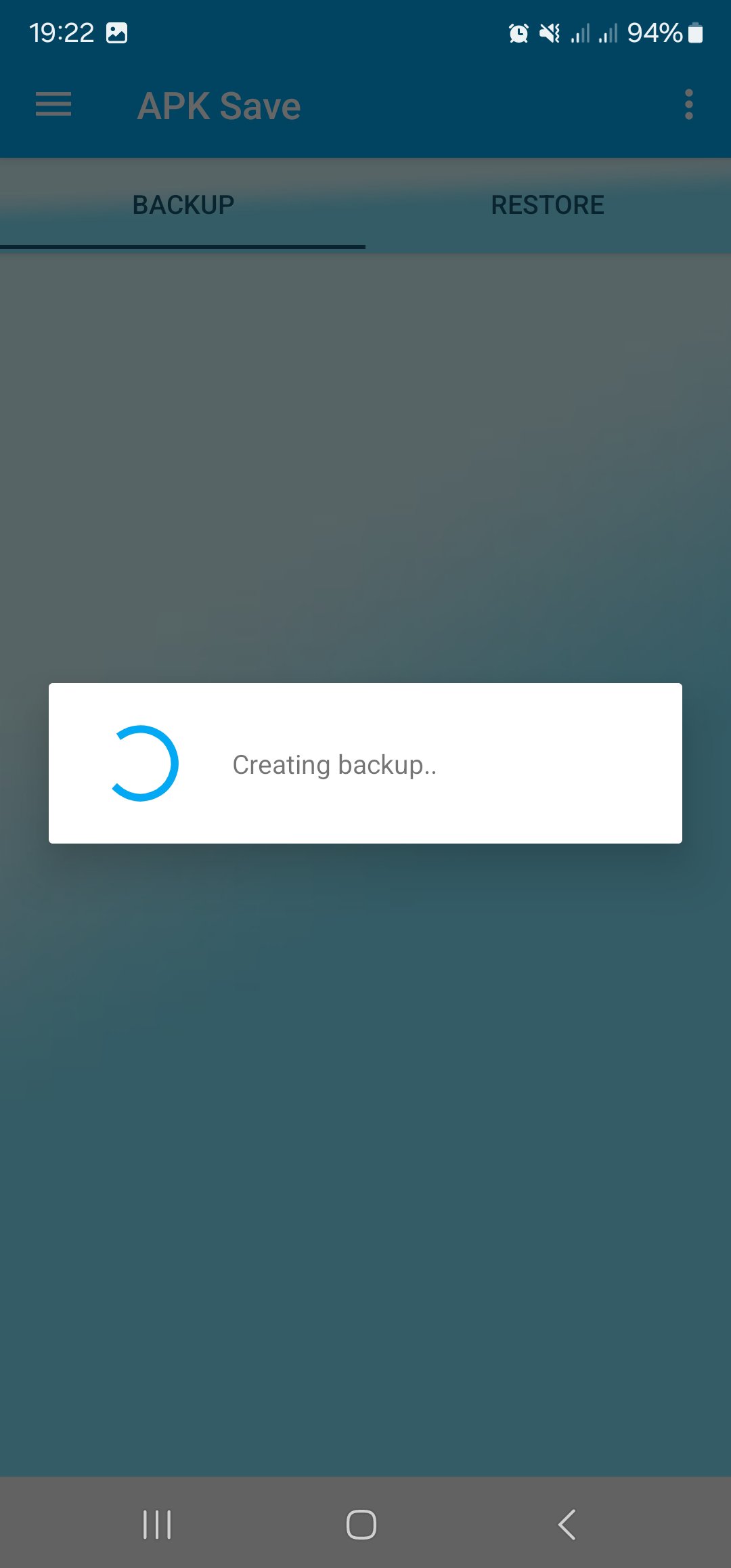
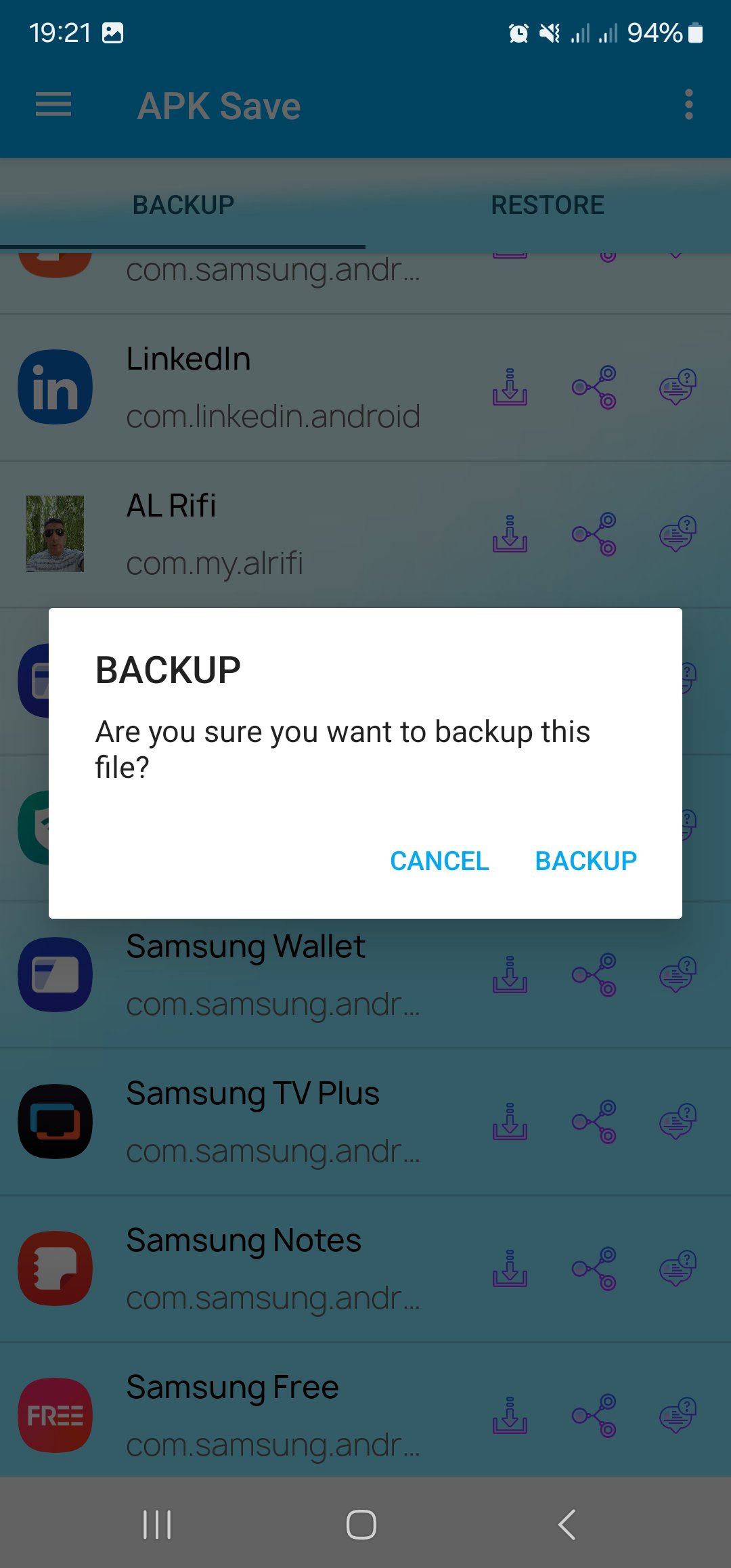
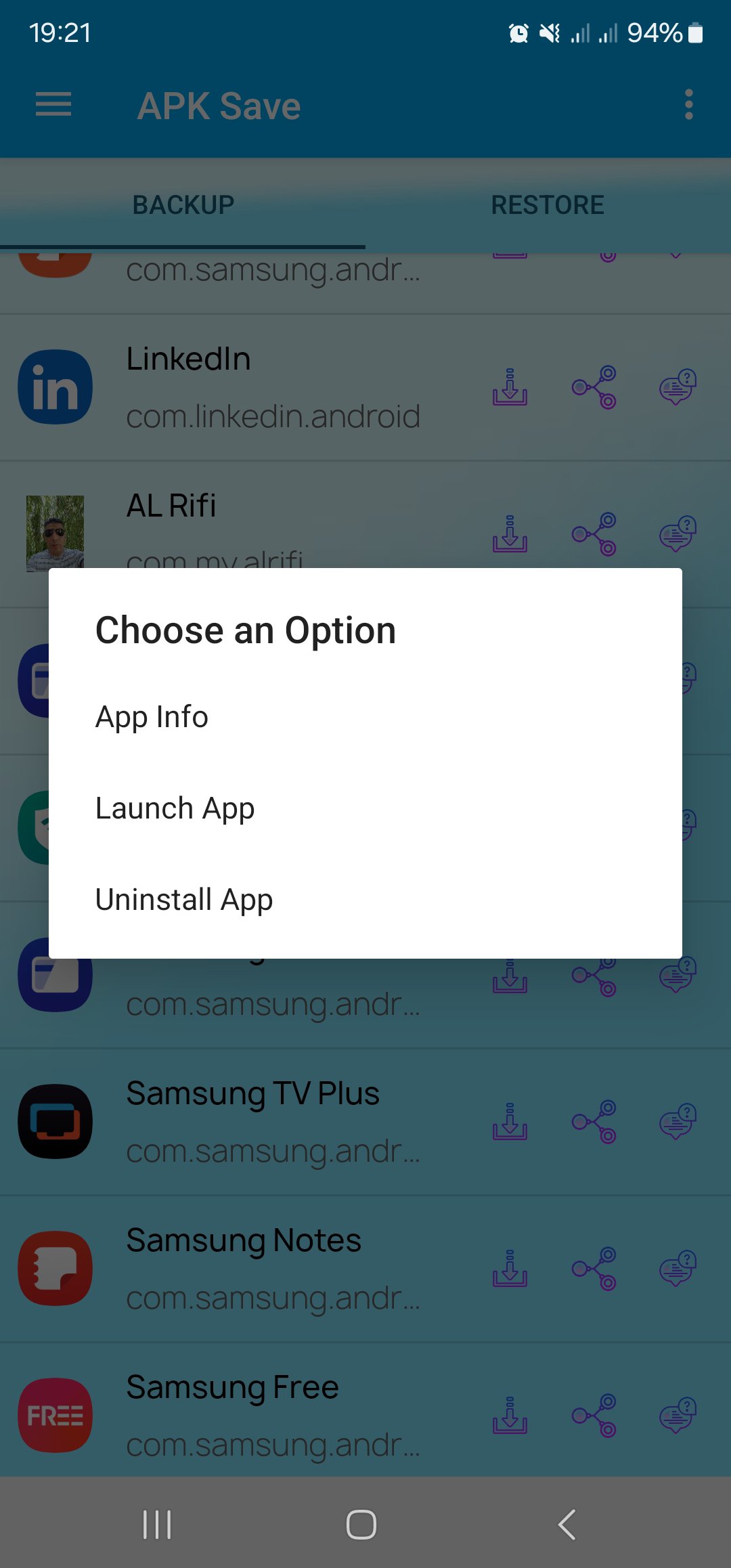
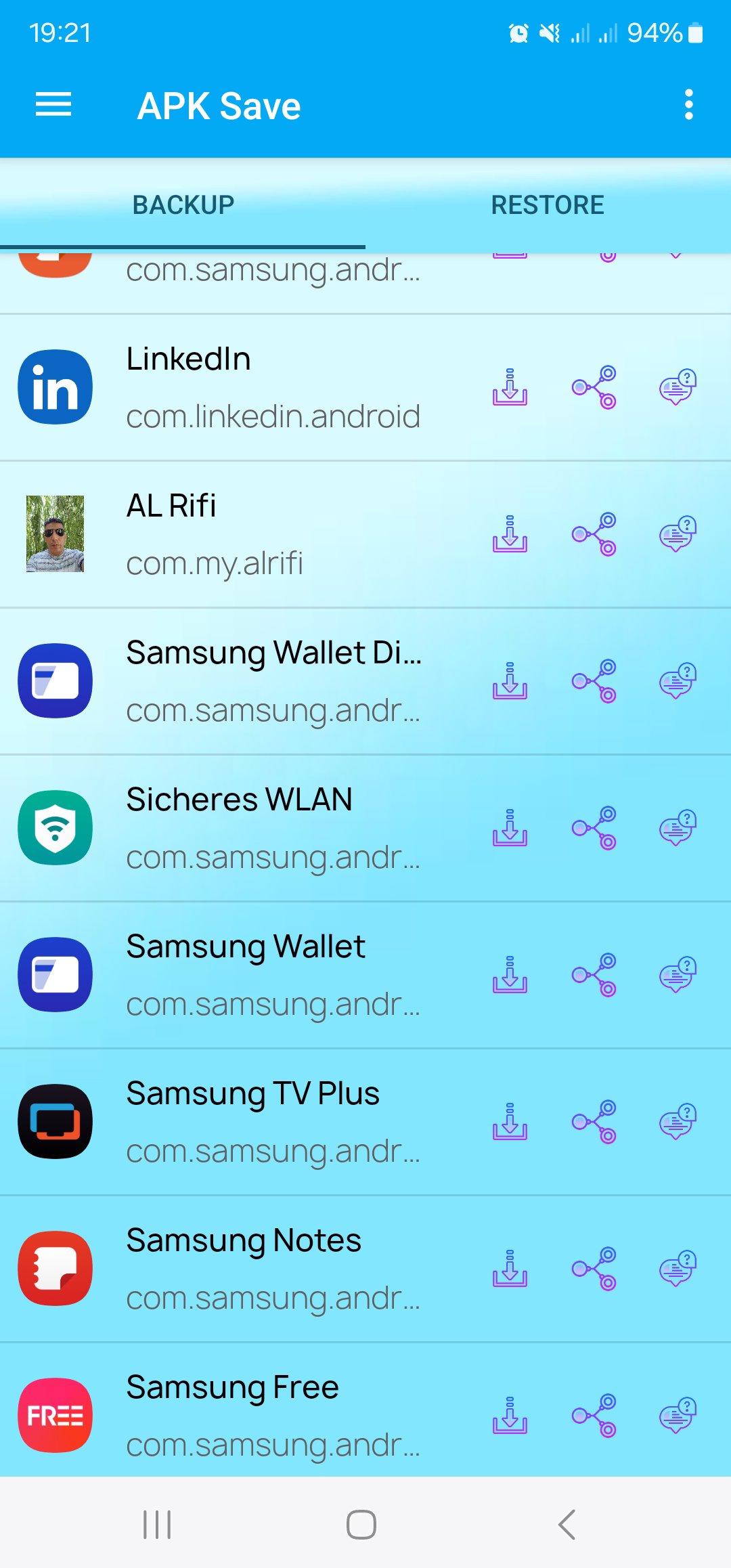
The main screen shows your installed apps in a clear list. From there, you select one or more items and choose backup, export, or share. The export screen shows the target location in local storage, while the share screen uses familiar Android share menus. These screens keep actions focused and avoid extra steps.
To begin, download Save App and open it. The following steps cover backing up, exporting, and sharing APK files in a simple flow.
Save App offers offline APK backup, export, and share in a clean interface. If you need local control over app versions, install the Save App latest version to keep tasks simple.
Latest Version
1.0Uploaded by
Zio Hossam
Requires Android
Android 8.0+
Category
Free Productivity AppContent Rating
Everyone
Security Report
Report
Flag as inappropriateLast updated on Jan 26, 2026
Apk-Backup – Apk-Export –
النسخ الاحتياطي للتطبيقات - تصدير التطبيقات - مشاركة التطبيقات - بدون انترنت او اعلانات -
Apk Backup - Apk Export- Apk Share.

APKPure - A multi-platform app store primarily focused on Android, providing extensive app-related content. Discover the app you want easier, faster, and safer, with quick and efficient downloads and installations.