
About APK Manager

Reviewed byBernadine WisokyContent Editor
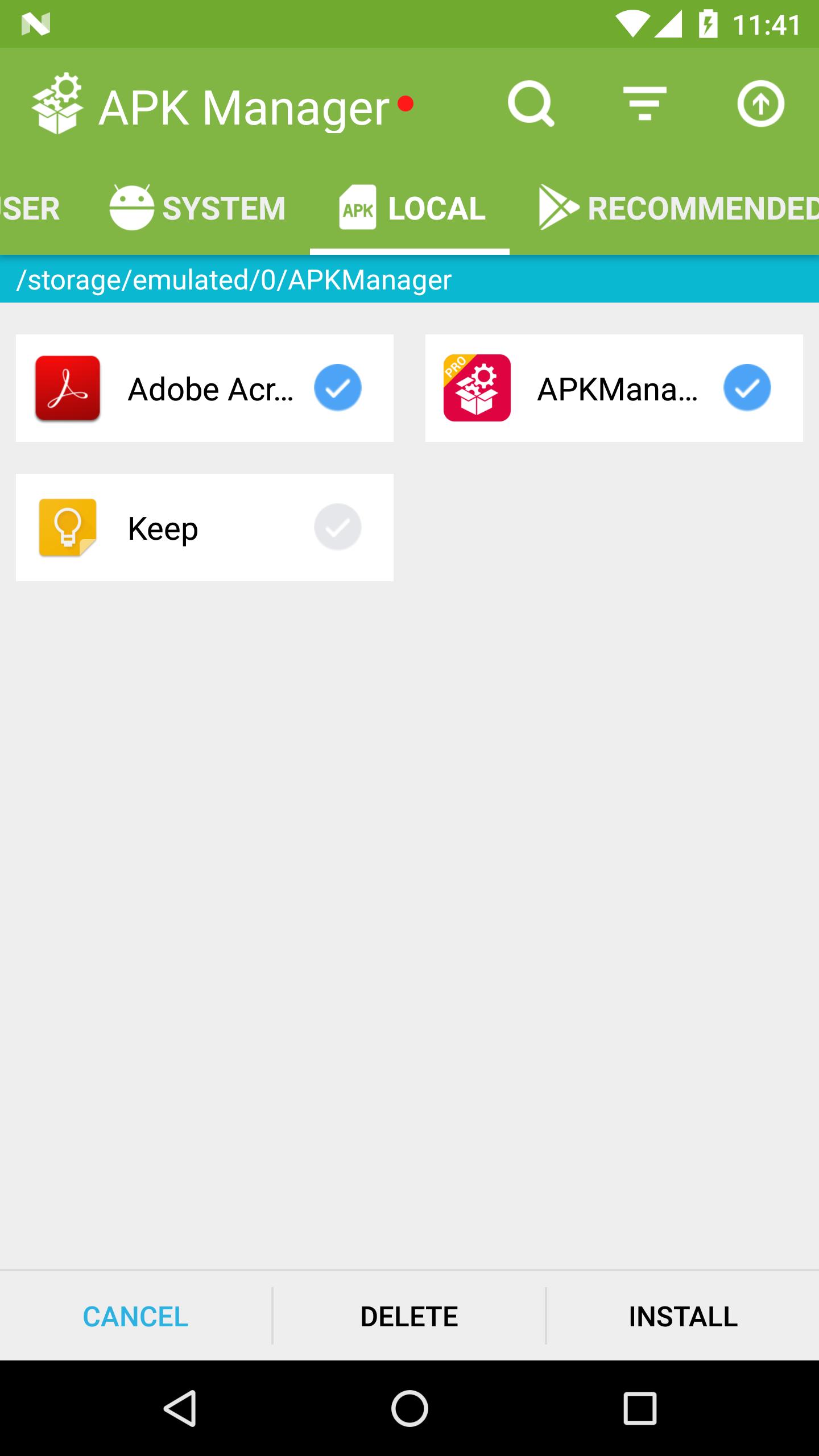
APK Manager is a utility app that installs, uninstalls, and extracts multiple apps at once.
APK Manager helps when your device has many apps to handle. It focuses on routine tasks so you spend less time tapping through menus. Install, remove, or extract several apps at once, and keep storage organized along the way. When you want a straightforward tool for bulk actions, download APK Manager for an efficient workflow.
APK Manager Features
Disable Preinstalled Apps
APK Manager lets you disable unwanted preinstalled apps. This reduces clutter and limits activity from apps you do not use. Start here to clean up your device, then move on to organizing what remains.
Custom Sorting Options
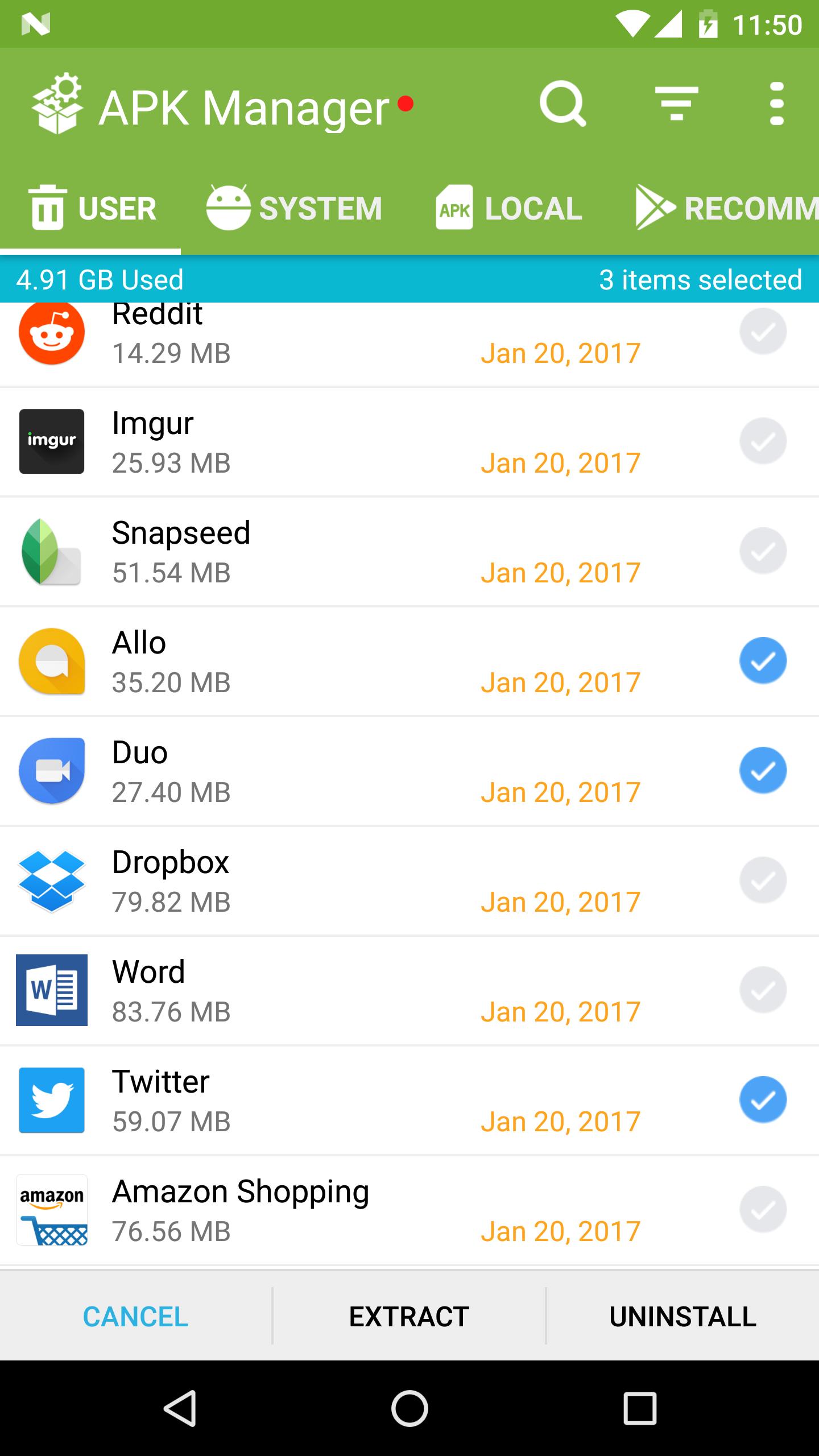
You can sort your apps to find items faster. Choose the view that suits the task.
- Sort by name for quick alphabetical browsing
- Sort by app size to manage storage
- Sort by last updated to review recent changes
- More sorting choices are available
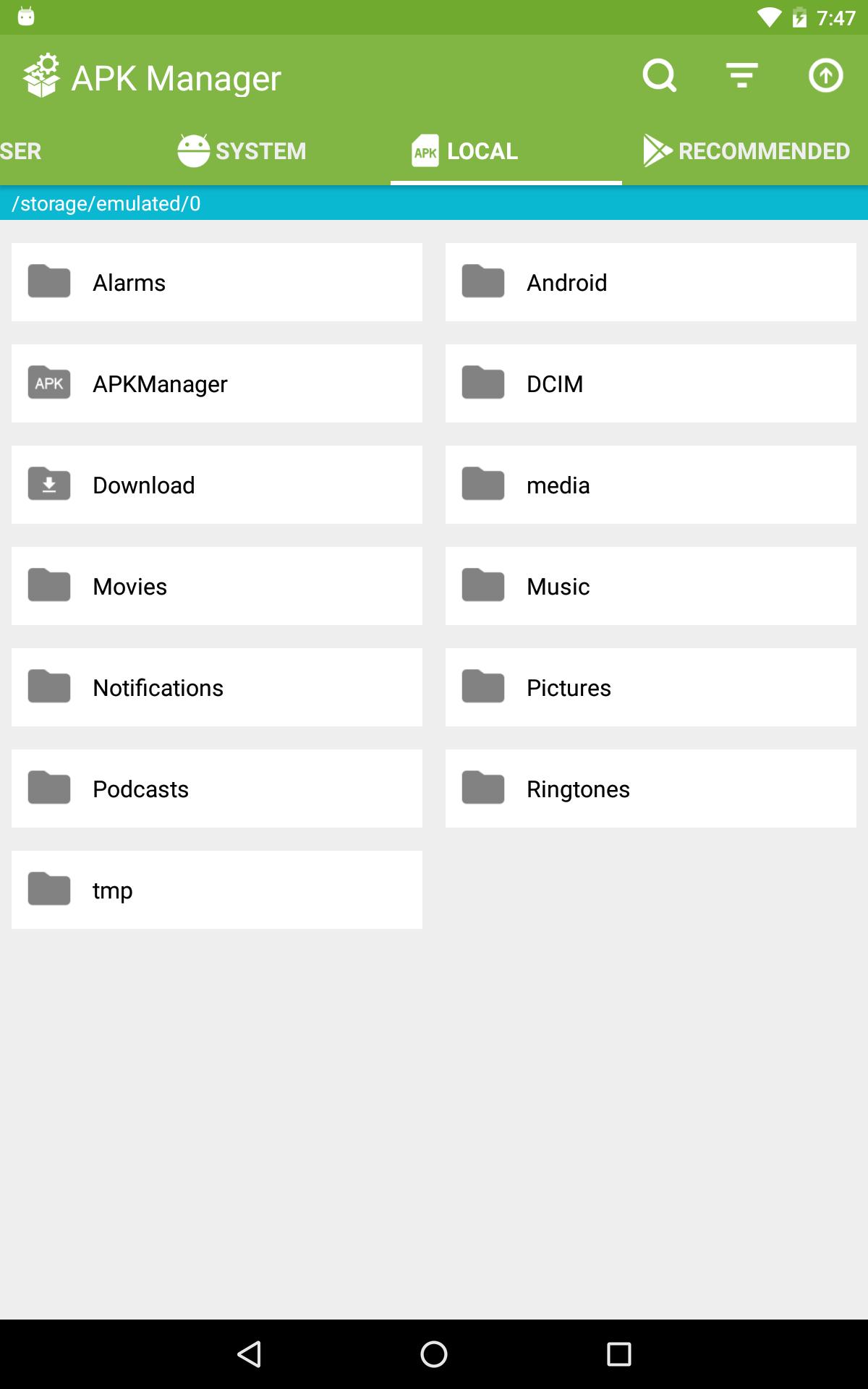
Directory View
Browse local folders directly inside APK Manager. Navigate device storage to locate APK files without switching between tools. After organizing your lists, open folders to spot exactly where files live.
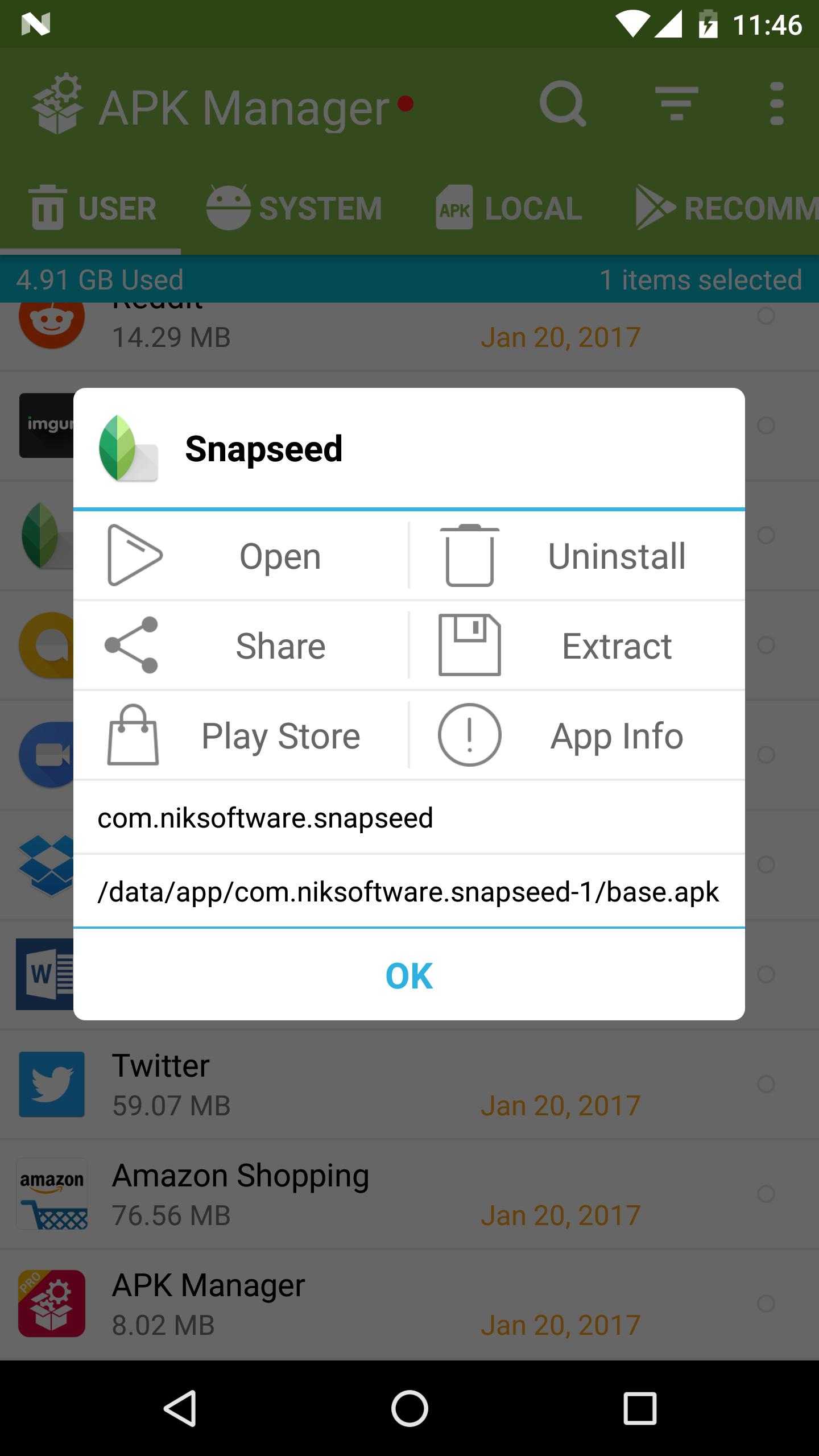
APK Information
- Check the installation path for each app
- View the package name and related details
Once you find a file, review its information to confirm what you are working with before making changes.
Start using APK Manager
APK Manager focuses on bulk installs, removals, and file handling with clear views and practical controls. Use it to tidy preinstalled apps, organize lists by what matters, and inspect file details as needed. For new improvements and fixes, get the APK Manager latest version.
Additional APP Information
Latest Version
3.2.4Uploaded by
Paijo Mann
Requires Android
Android 4.0+
Category
Free Tools AppContent Rating
Everyone
Report
Flag as inappropriateWhat's New in the Latest Version 3.2.4
Last updated on Jan 9, 2020
Compatibility with Android 10.
Fixed a crash when running APK installation.
APK Manager Screenshots