Package Name:com.alightcreative.motion
SHA-256:ec2c7e47f49f49642d7dfad2687256288de9670cf7ccd2d45b84e1d40286057c
Show More


Alight Motion helps when you need to create animations, titles, and short edits directly on your phone. It suits quick social posts, simple explainers, and more structured motion graphics for work. The interface focuses on arranging visuals with precise timing so your ideas move in sync. Meanwhile, projects stay organized and can be reused, which supports consistent results across videos. If you prefer an installable package, Alight Motion APK is also available for Android devices.
Keyframe animation with easing
Alight Motion lets you keyframe almost any property and control how it changes over time. You can apply preset easing or draw custom timing curves for natural motion. This helps fine tune moves, opacity shifts, and other adjustments with frame level precision.
Work across multiple layers
You can build scenes with video, images, text, audio, and vector graphics on separate layers. Alight Motion supports grouping and masking so complex layouts stay manageable, and parenting connects parts that should move together. This structure keeps edits clean as projects grow.
Effects and color controls
Alight Motion includes over 150 visual effects along with detailed color adjustments. You can add motion blur based on speed and style borders, shadows, and strokes for clarity. These tools help you set a consistent look from clip to clip without leaving your phone.
Virtual camera and depth tools
With pan and zoom controls, Alight Motion simulates camera moves for added dynamism. Focus blur and fog can create a sense of depth and parallax, which is useful for intros, explainers, and light scene build outs. You adjust these settings directly on the timeline for quick feedback.
Compositing and flexible export
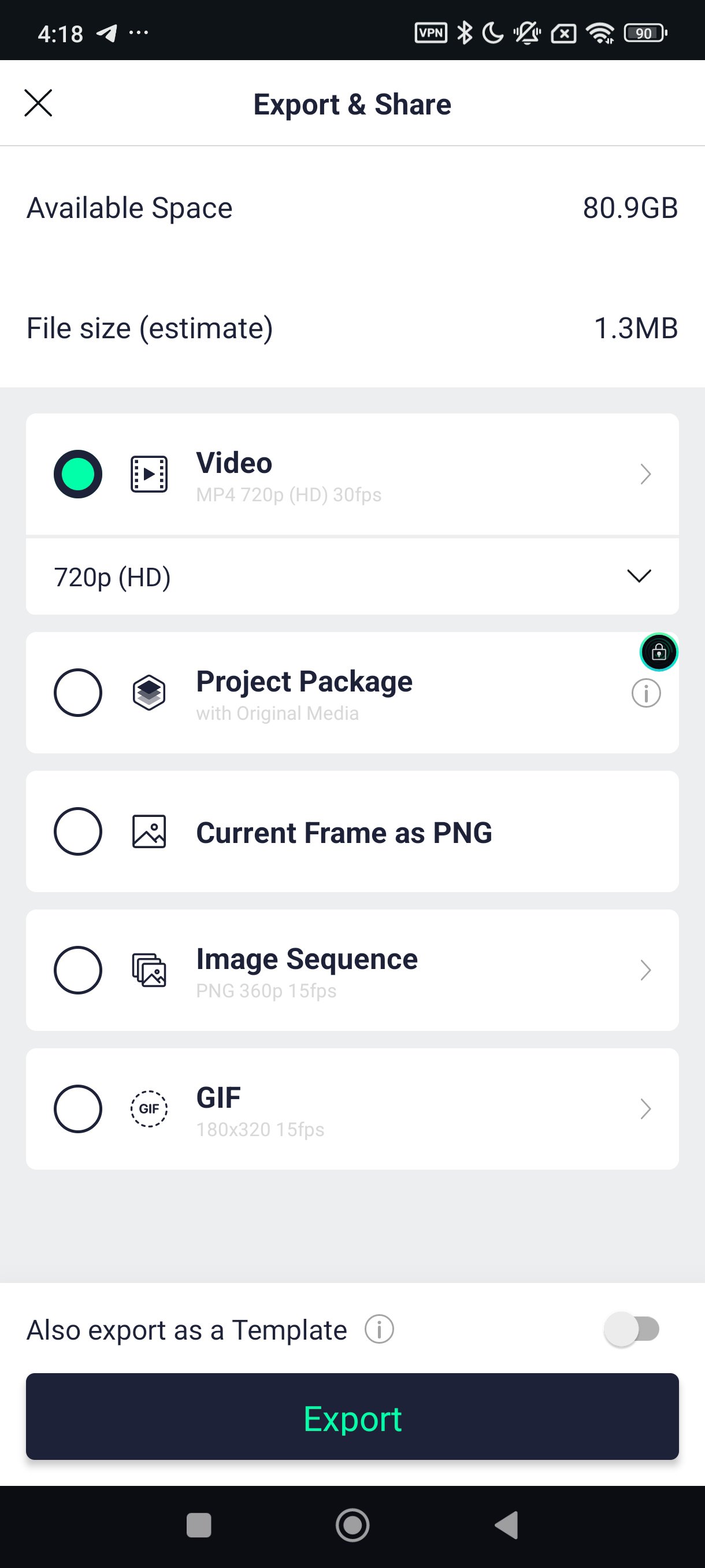
Alight Motion supports masking groups and blending modes for powerful compositing on Android. On this platform, chroma or luma key is not provided, so masking and blends handle most cutouts and mixes. When you are done, export to MP4, GIF, PNG sequences, or still images, and share project packages or use custom fonts as needed.
The Alight Motion app offers a free tier that exports with a watermark. A subscription removes the watermark and unlocks premium effects and assets for broader creative choices. You can create and test your workflow for free first, then decide if the additional tools and clean exports fit your needs.
Alight Motion is available on Android, as well as on iPhone and iPad, and on Mac with Apple Silicon. There is no native Windows version and no web based editor at this time. If you work primarily on a phone, Alight Motion for Android provides the core motion graphics and editing features described here.
Project packages let you share work with fonts and settings intact, which supports consistent branding across devices. Reusable elements can be saved and dropped into new timelines so recurring titles and lower thirds stay uniform. This approach helps teams align on look and timing even when projects are created on different phones or tablets.
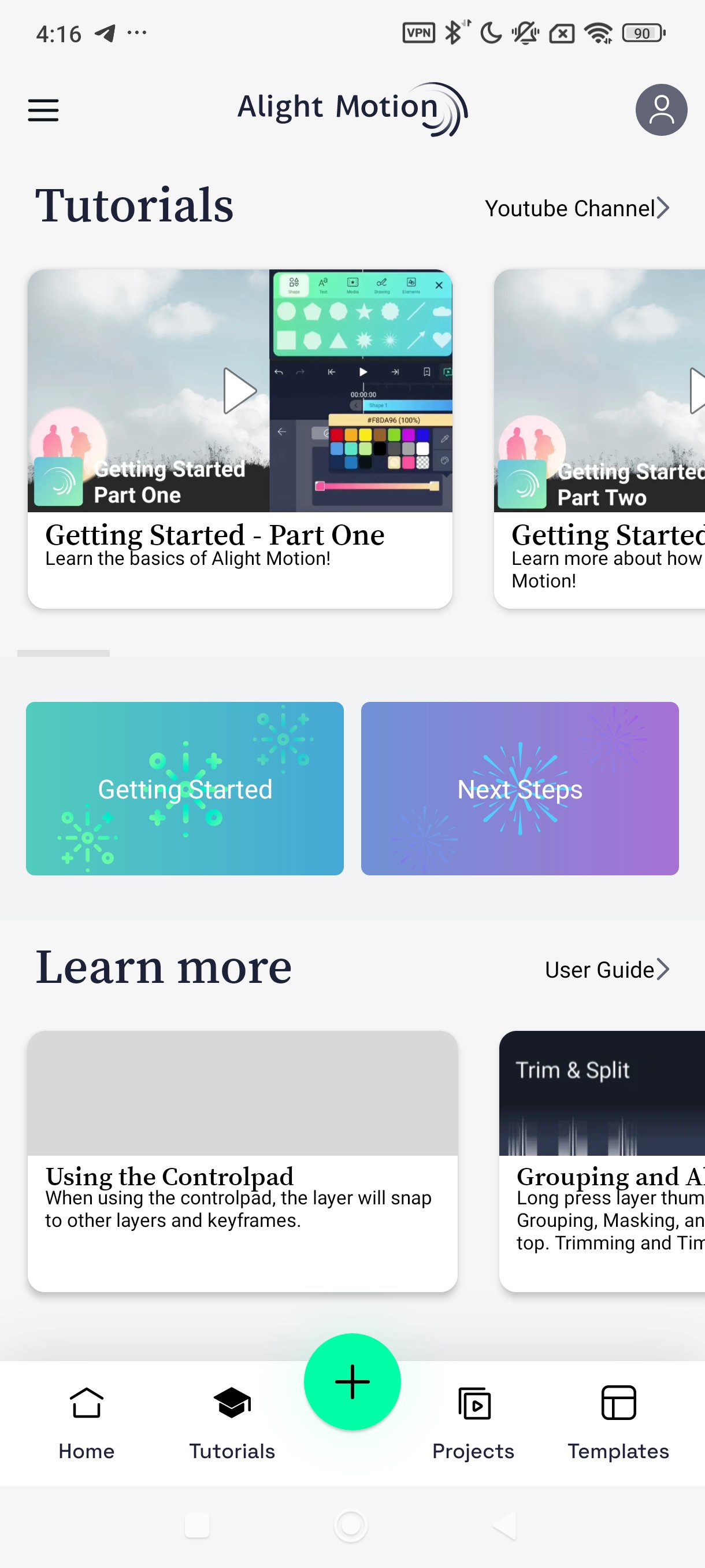
After you download Alight Motion, you can create a project and start building a motion clip on Android. The basic flow moves from setup, through timing and effects, to export. Follow the steps below to complete a simple edit.
Open the app and tap New Project, then set resolution, frame rate, and background before confirming.
Tap the plus icon to add media, import videos or images, and insert text or shapes as needed.
Arrange layers on the timeline, trim clips, and position elements; add keyframes where movement or opacity should change.
Apply effects or color adjustments, adjust easing curves for smoother motion, and preview your scene with the play control.
Tap export and choose MP4, GIF, PNG sequence, or a still image; set quality and save or share the file.
Alight Motion brings keyframe animation, motion graphics, and video editing into one mobile workspace. Install the Alight Motion latest version to access current tools and export formats. Create, refine, and share projects on Android with control over timing and style.
For official support and information, see the links below.
Website: https://alightmotion.com
Latest Version
5.0.273.1028425Uploaded by
Hugo Gabriel
Requires Android
Android 7.0+
Category
Free Video Players & Editors AppContent Rating
Everyone
Security Report
Check Now
Report
Flag as inappropriateLast updated on Jun 11, 2026
Alight Motion 4.2.5.866






APKPure - A multi-platform app store primarily focused on Android, providing extensive app-related content. Discover the app you want easier, faster, and safer, with quick and efficient downloads and installations.