Package Name:com.agc.gcam
SHA-256:6c04a0fbec15b7394d17c126e0d1ed46de8b48327e4709a43c87bd1acebd7932
Show More

AGC Camera is a professional RAW photography app inspired by Google Camera's HDR+ pipeline, built for users who want full control over image capture and processing.
⭐ KEY FEATURES
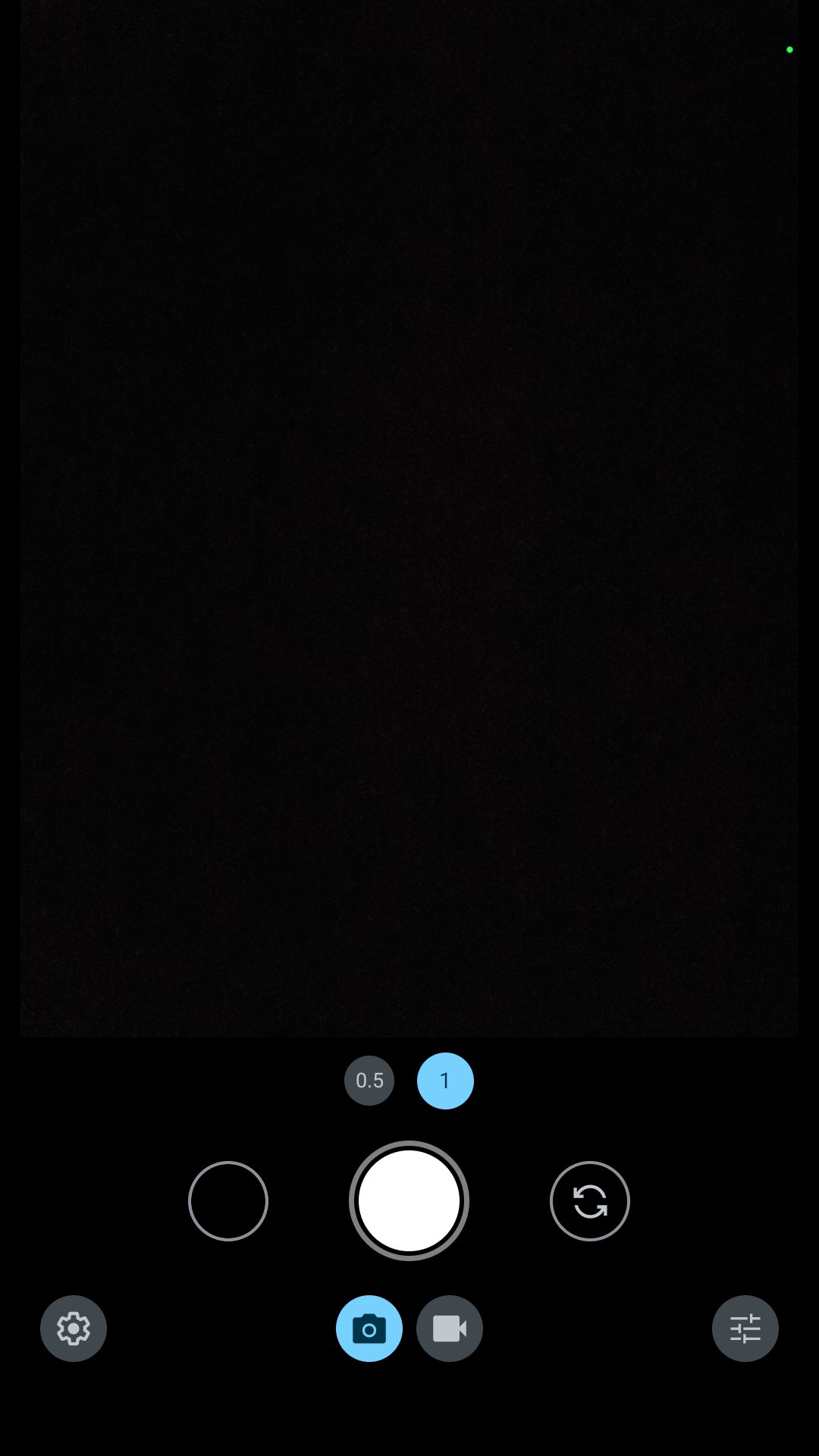
📷 Pro Manual Controls
• ISO (50–6400) with real-time histogram
• Shutter speed (1/8000s – 32s, long exposure support)
• Manual focus with focus peaking
• AWB lock + custom Kelvin temperature
• Exposure compensation (±5 EV)
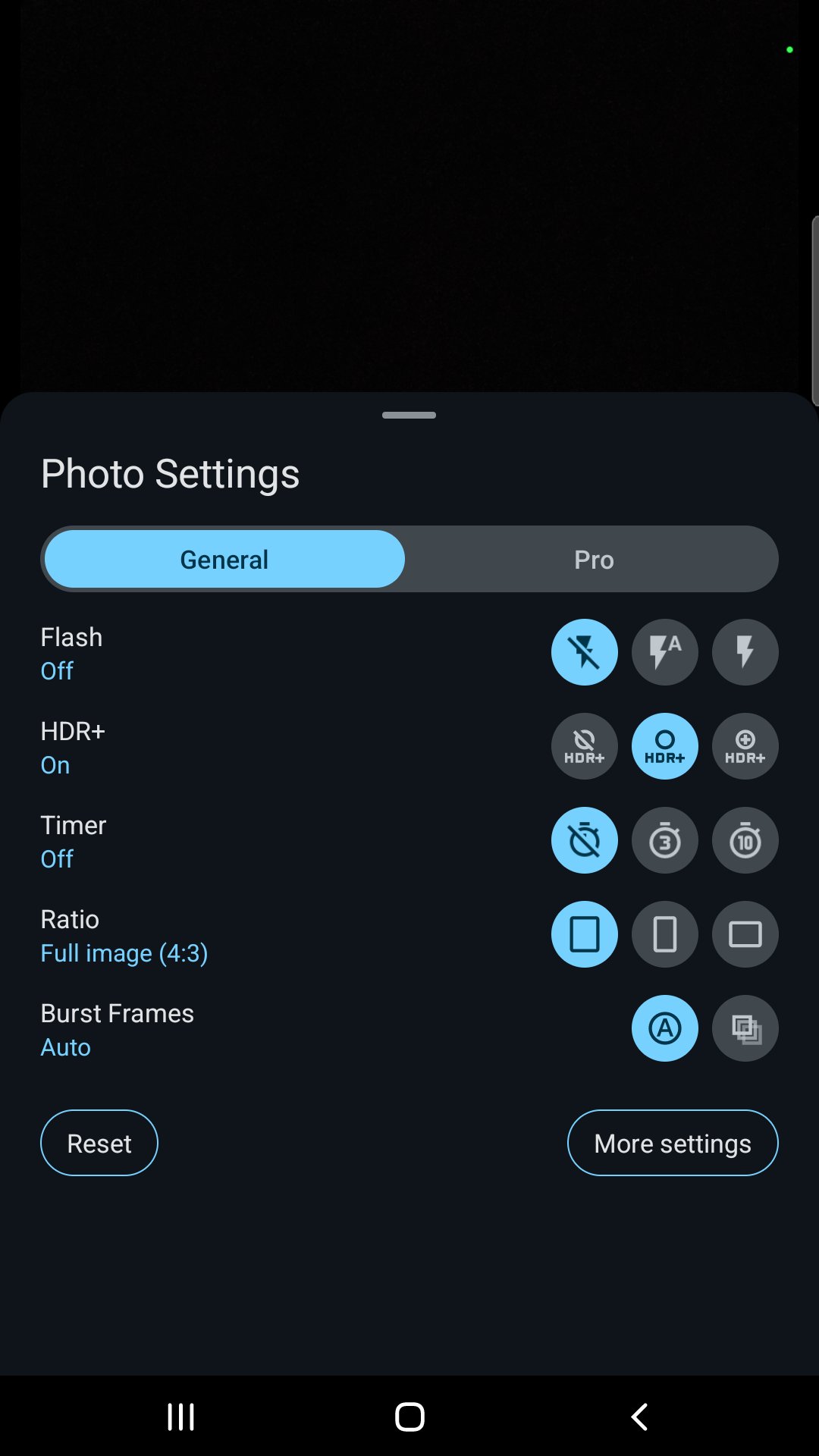
🎞️ HDR+ Multi-Frame Processing
• Burst capture + alignment + pyramid merging
• Inspired by Google Camera's HDR+ algorithm
• Better dynamic range in difficult lighting
• Reduced noise via multi-frame averaging
🖼️ RAW (DNG) + JPEG Output
• Full sensor RAW (.dng) for post-processing
• High-quality JPEG with embedded EXIF metadata
• 12-bit / 14-bit pipeline preserves shadow detail
🎨 Color Profiles & Tone Curves
• Multiple built-in color profiles (warm, neutral, cool, film-look)
• Custom tone curves and HSL adjustments
• Real-time preview LUT
• Import XMP presets from Lightroom
🔬 Advanced Processing Pipeline
• OpenGL ES compute shaders for GPU acceleration
• Bayer-domain noise reduction
• Adaptive black level correction
• Lens shading correction
📂 Files Stored Locally
• Photos saved to your gallery (Pictures/AGCCamera/)
• No cloud sync, no account, no upload
• Full EXIF metadata including optional GPS
🛡️ PRIVACY-FIRST DESIGN
• 100% offline — works without internet
• No ads, no trackers, no analytics
• No data collection
• Open camera permission required for capture; GPS optional for geotagging
• All processing happens on-device
💡 RECOMMENDED DEVICES
Works best on devices with Camera2 API level 3 (FULL) support. Snapdragon flagships from 2018+ recommended for HDR+ multi-frame performance.
⚠️ NOTES
• This app is independent and not affiliated with Google.
• HDR+ multi-frame requires sufficient RAM and storage; older devices may experience longer processing times.
• Some features may not work on devices with limited Camera2 API support.
📧 Support: bigkaka2023@gmail.com
Thanks for trying AGC Camera!
Latest Version
1.1.0Uploaded by
Rashid Ahmad Rashid
Requires Android
Android 8.0+
Category
Free Photography AppContent Rating
Everyone
Security Report
Check Now
Report
Flag as inappropriateLast updated on Jul 8, 2026
- Fixed inaccurate lens recognition issue
- Changed the lens switching UI to a fan shape



APKPure - A multi-platform app store primarily focused on Android, providing extensive app-related content. Discover the app you want easier, faster, and safer, with quick and efficient downloads and installations.