Scan Date:Jun 6, 2026
Show More

90 FPS + 120 FPS (v4.2) helps users who want smoother motion and a wider game view without switching devices, and it focuses on supported titles. It is designed for broad compatibility, so you can try higher frame options on different phones and across many Android versions. In addition, it presents an iPad style viewing choice that can make on-screen elements feel more spacious. For a simple start, download 90 FPS + 120 FPS (v4.2) and follow the in-app guidance for your selected game.
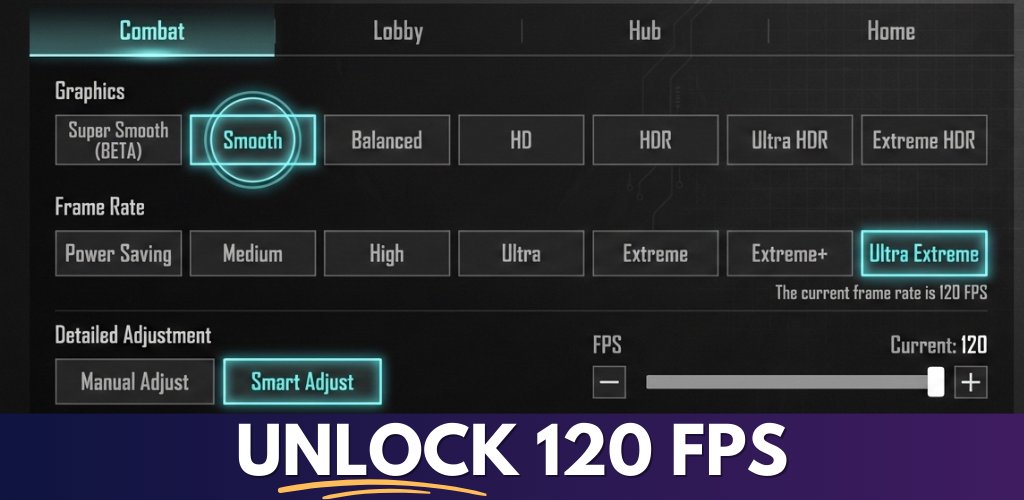
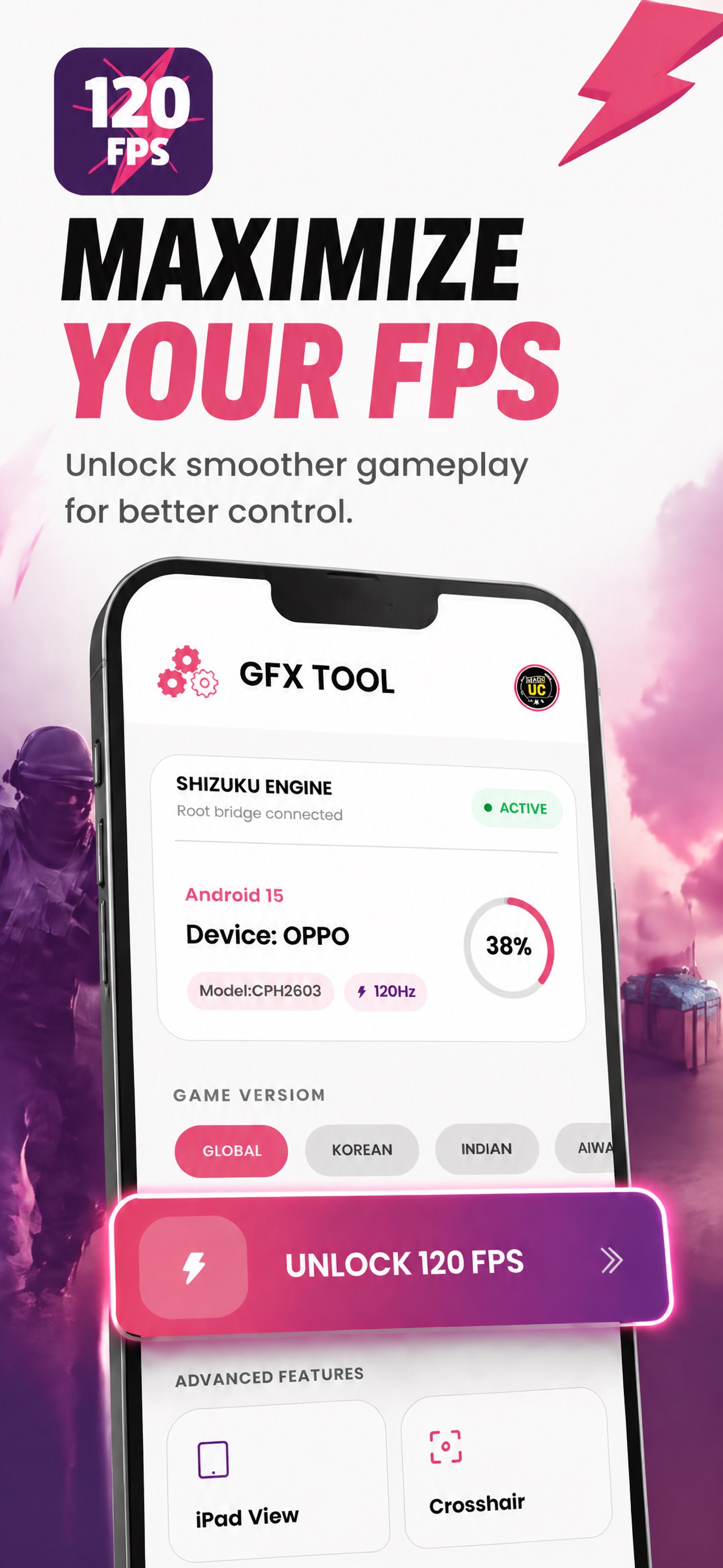
90 FPS + 120 FPS (v4.2) targets higher frame rate settings in compatible mobile games. You can enable 90 FPS or 120 FPS when the title and device allow it, which can make motion look smoother and inputs feel more consistent. The app focuses on supported scenarios, so results vary by game and hardware. As a result, it provides options you can test and keep if your setup supports them.
iPad View layoutYou can switch to an iPad style layout for a wider field of view. This mode adjusts the visual presentation to feel more spacious, which may help with visibility of in-game menus or scenes. It is useful when you prefer a broader look without changing your phone. The app places this option alongside frame rate choices, so you can set both according to preference.
Broad Android version support90 FPS + 120 FPS (v4.2) is built to work across many Android releases. Support extends to Android 14, which helps users on recent software keep the same toolset. This wide coverage reduces friction when switching devices or updating the system. Therefore, you can keep your settings approach consistent even as your Android version changes.
Works across different devicesThe utility is designed to be device agnostic, so you can try high-FPS options beyond a few flagship models. You can explore compatible settings on mid-range or older phones as well, depending on each device’s display and game support. This approach helps users who want to test performance options without buying new hardware. It encourages practical experimentation within the limits of your setup.
Transparent and unofficial utility90 FPS + 120 FPS (v4.2) is an unofficial tool and does not claim partnership with any game brand or developer. It clearly states its status and provides contact options for support or IP concerns. This transparency helps you understand how it operates in relation to game policies. It also guides users to apply settings responsibly and review each game’s rules.
This app is an unofficial utility. Users should follow each game’s policies and terms, and apply settings only in supported titles. Data safety details are presented clearly in the app. No data is shared with third parties, and the app collects device or other IDs. Data is not encrypted and it cannot be deleted through the app, and it contains ads. For questions or support, users can reach out through the official website or email.
To start, open the app and review its options, then apply changes to a supported game. If needed, check the help section for guidance. For reliable setup, use the 90 FPS + 120 FPS (v4.2) latest version to access current compatibility.
90 FPS + 120 FPS (v4.2) offers higher frame rate options and an iPad style view for supported games. You can test settings on your device and keep what works well. To begin, look for the 90 FPS + 120 FPS (v4.2) APK and follow the steps above.
For official support details, use the contacts below.
Latest Version
12Uploaded by
Min Shin Thawe
Requires Android
Android 7.0+
Category
Free Tools AppContent Rating
Everyone
Security Report
Report
Flag as inappropriateLast updated on Jun 6, 2026
Updated for 4.4.
Fixed Ai Sensitivity.
Fixed bugs.


APKPure - A multi-platform app store primarily focused on Android, providing extensive app-related content. Discover the app you want easier, faster, and safer, with quick and efficient downloads and installations.