



About File Manager
Manage your files efficiently and easily with Best File Manager!
Manage your files efficiently and easily with Best File Manager! Best File Manager helps you handle all your files whether they are stored in your device's memory, microSD card.
Manage your files like you do on your desktop or laptop using Multiple Select, Cut/Copy/Paste, Move, Create, Delete, Rename, Search, Share, Send, Hide, Create Shortcut, and Bookmark.
Key features
Experience and enjoy these features that Best File Manager has to offer:
- Your light and savvy file explorer: Search, access, save, move, delete, or share files that are stored in your smart device's internal storage to or from a microSD card and vice-versa.
- Suave and smooth multimedia streamlining: Stream multimedia files such as music or videos or open documents, pictures, or photos stored in any of your Cloud storage accounts
- Save disk space by packaging files: Compress files to save space of your storage and extract compressed files in Zip and RAR formats
- Easy file browsing: Browse files easily by category right from File Manager’s home screen: images, videos, music, applications, downloaded, and favorites.
- Disk tools: Storage analyzer, recycle bin and hidden cabinet let you manage your disk easily.
-App Manager
Backup apps
Uninstall apps
Share apps
Play store app link
-Hidden Files: Hide any file on your device
-Attractive material Design UI/UX
Light & smooth
Simple & clean
Multi themes support
Additional APP Information
Latest Version
1.0Uploaded by
Trần Văn Hóa
Requires Android
Android 4.4+
Category
Free Tools AppContent Rating
Everyone
Report
Flag as inappropriateWhat's New in the Latest Version 1.0
Last updated on Aug 27, 2016
This release includes minor bug fixes and general improvements. Update to the latest version for the best experience.
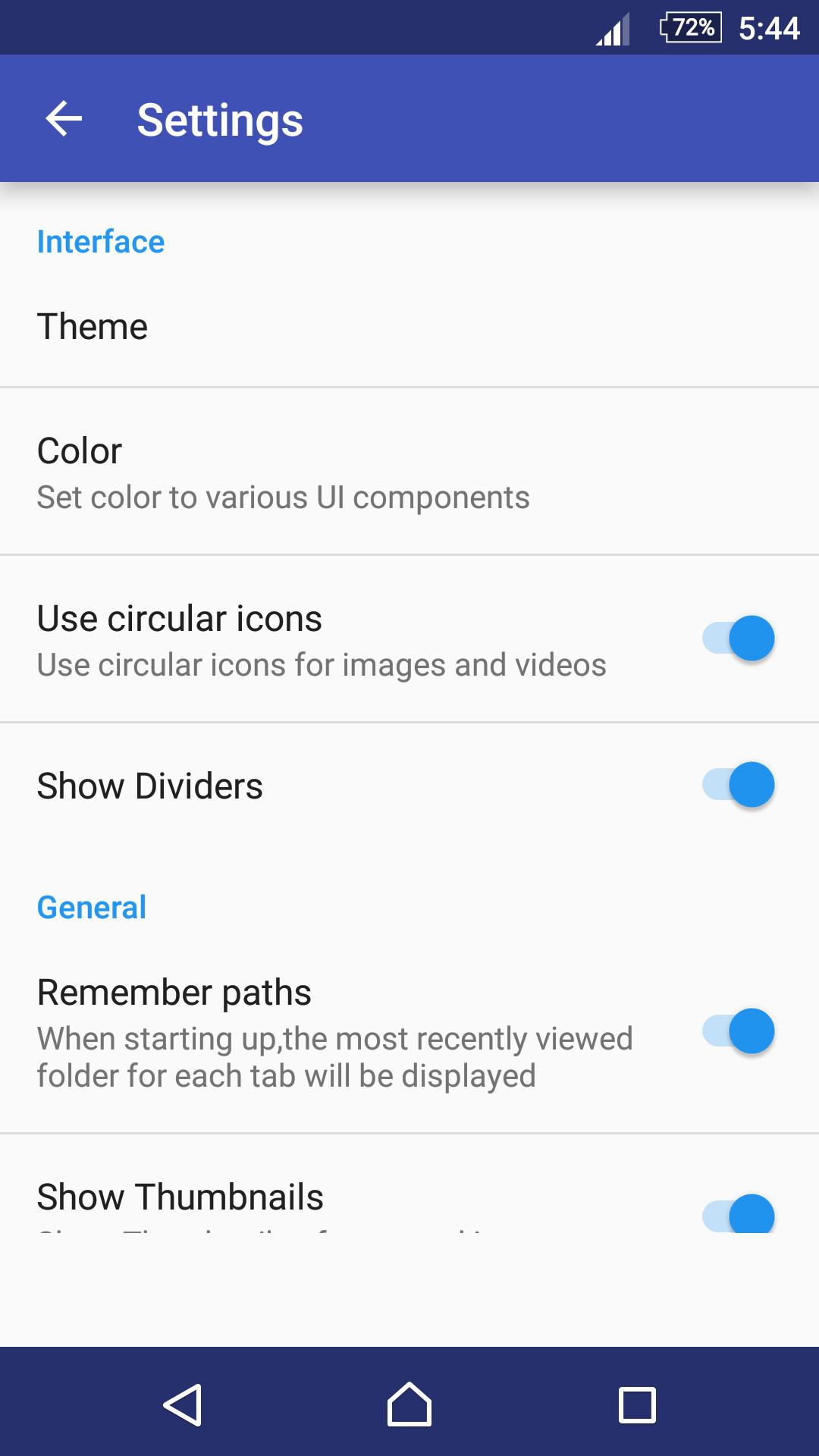
File Manager Screenshots




Old Versions of File Manager
6.2 MBAug 27, 2016

Related Tags

















Leave a review for File Manager
Add Reviews