




About Mobile Field Interview
Mobile Field Interview allows users to capture & submit Field Interview data
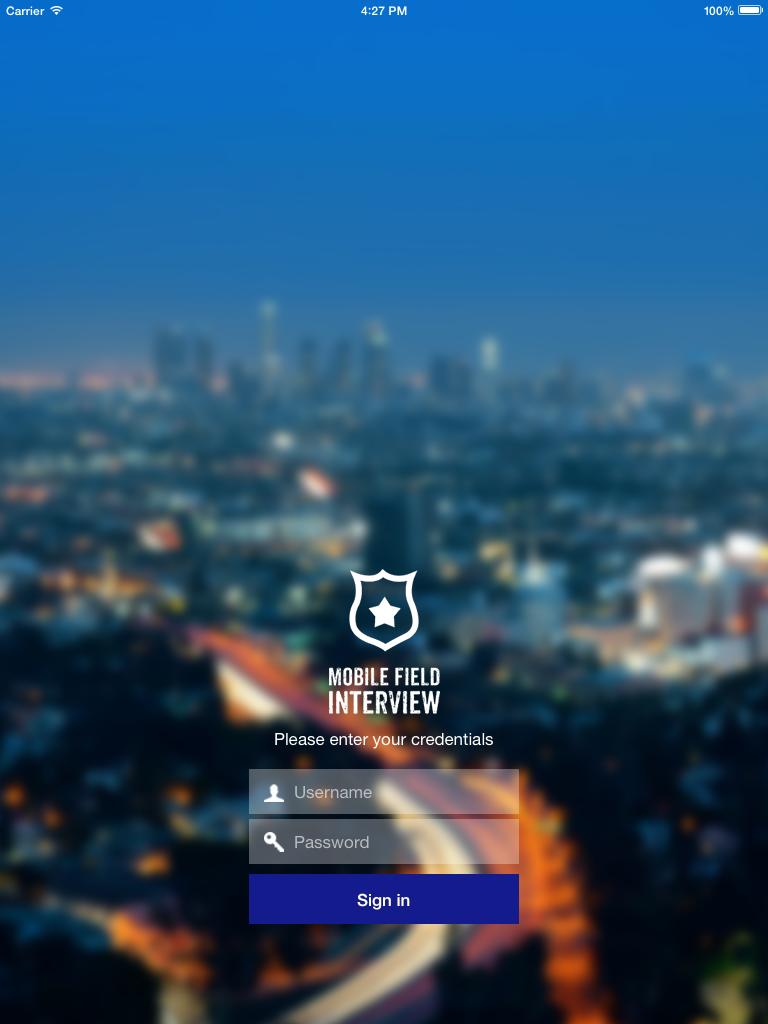
Mobile Field Interview is a new app from Haystax Technology which enables public safety personnel to capture field interview information from an Android based device. Information is instantly saved into the Haystax Public Safety Cloud™ (DS7) and becomes viewable and searchable on the web-based Haystax Public Safety Cloud™ (DS7) interface to all members of your organization.
Modern day field interviews. Mobile device-based field interview data collection replaces the typical 3x5 pen & paper approach.
Secure data. A 4 digit in-app passcode feature adds an additional layer of security to the app above and beyond your device's unlock PIN.
Immediate results. Your field interviews are instantly saved and become searchable and viewable to other members of your organization both within the app and on the Haystax Public Safety Cloud™ (DS7) web platform. You no longer need to wait days or weeks for your paper field interview to get transcribed. If a crime is committed in your area, you can immediately search for field interviews that have been completed within the vicinity near the time of the incident.
Automatic geo-location. The app utilizes your device's GPS to automatically determine the location of the interview, capturing the exact latitude and longitude coordinates.
Extensive data collection. While only a few fields are required, there are many optional data fields that allow for a very complete set of field interview data to be collected, including:
- Field Interview information. Narrative, location, date/time, and reason.
- Person details. Name, ID, phone number, address, age, appearance, employer/school, aliases, scars/marks/tattoos, and associates information.
- Vehicle details. Make, model, year, color, registration, and condition.
- Weapon details. Type, caliber, serial number, color, description.
- Photographs. Take photographs directly within the app and link them to the person, vehicle, scars/marks/tattoos, or weapon.
- Submitter information. Name, Rank, Badge Number.
Searchable anywhere. In-app searching allows users to search for submitted Field Interviews by person name, alias, SSN or vehicle make, model, color to quickly find results directly on their smartphone.
My Interviews. Easily view interviews you completed in a quick-access "My Interviews" list.
Offline mode. Collect field interview information anywhere, even when out of cell tower and wifi range. Offline field interviews are then submitted when you return online.
Real-time operational views. View your field interviews on the Haystax Public Safety Cloud™ (DS7) Watchboard map alongside your other important information such as incidents, 911 calls, field reports, facilities, events, patrol areas, tweets, and other real-time data feeds.
Your data. Your field interviews are available to you and members of your organization only.
Policy configuration. Features and functionality can be configured for your particular deployment. For instance, you can disable the photograph feature if you do not want your personnel to take and submit photographs as part of their field interview process.
=======
Note: To use the Haystax Field Interview mobile app to enter and access data, you must be a Haystax Public Safety Cloud™ (DS7) platform user. To register your organization and receive your organization ID and log in credentials, please visit: http://www.haystax.com/solutions/request-info/.
Additional APP Information
Latest Version
1.2.2Uploaded by
Esteban Orellana
Requires Android
Android 4.1+
Category
Free Tools AppContent Rating
Everyone
Report
Flag as inappropriateWhat's New in the Latest Version 1.2.2
Last updated on Aug 1, 2016
- new contact type selections
Mobile Field Interview Screenshots




Old Versions of Mobile Field Interview
All Versions
Related Tags










Leave a review for Mobile Field Interview
Add Reviews