
关于PDF Reader
借助PDF阅读器,查看,注释和签名,并转换免费的PDF文件。
With PDF Reader, view, annotate and sign and convert PDFs free of charge.
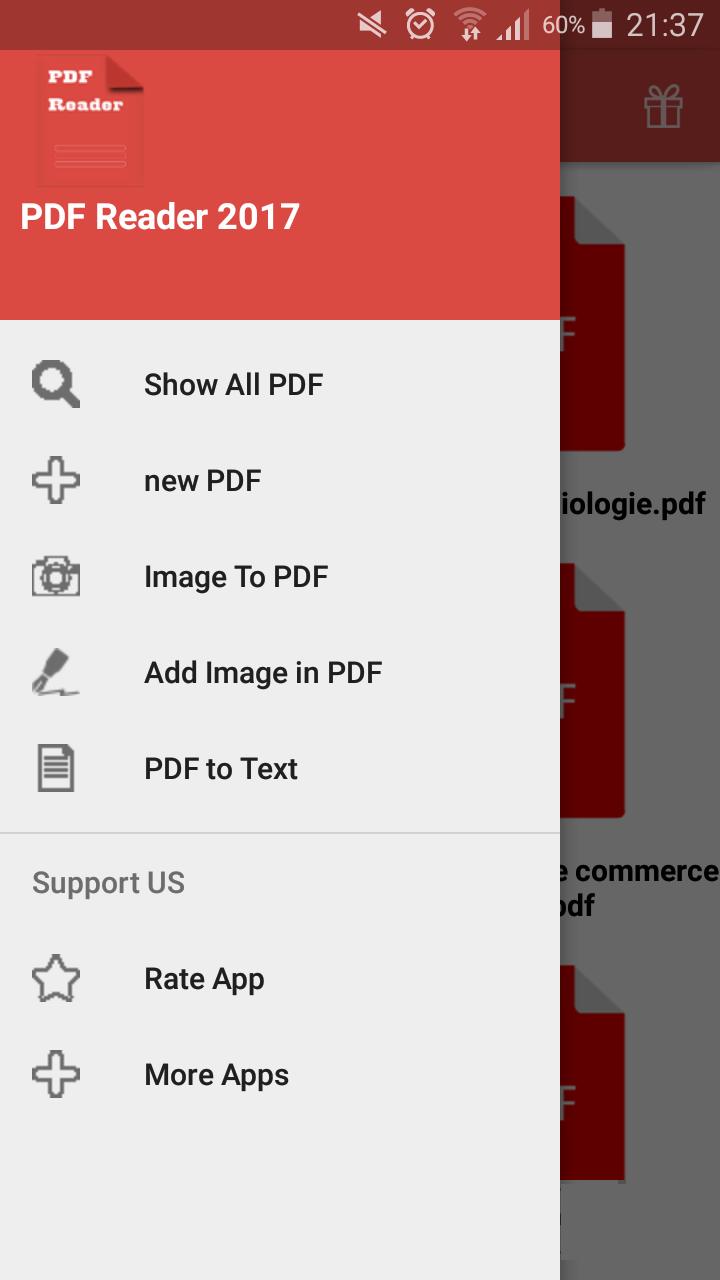
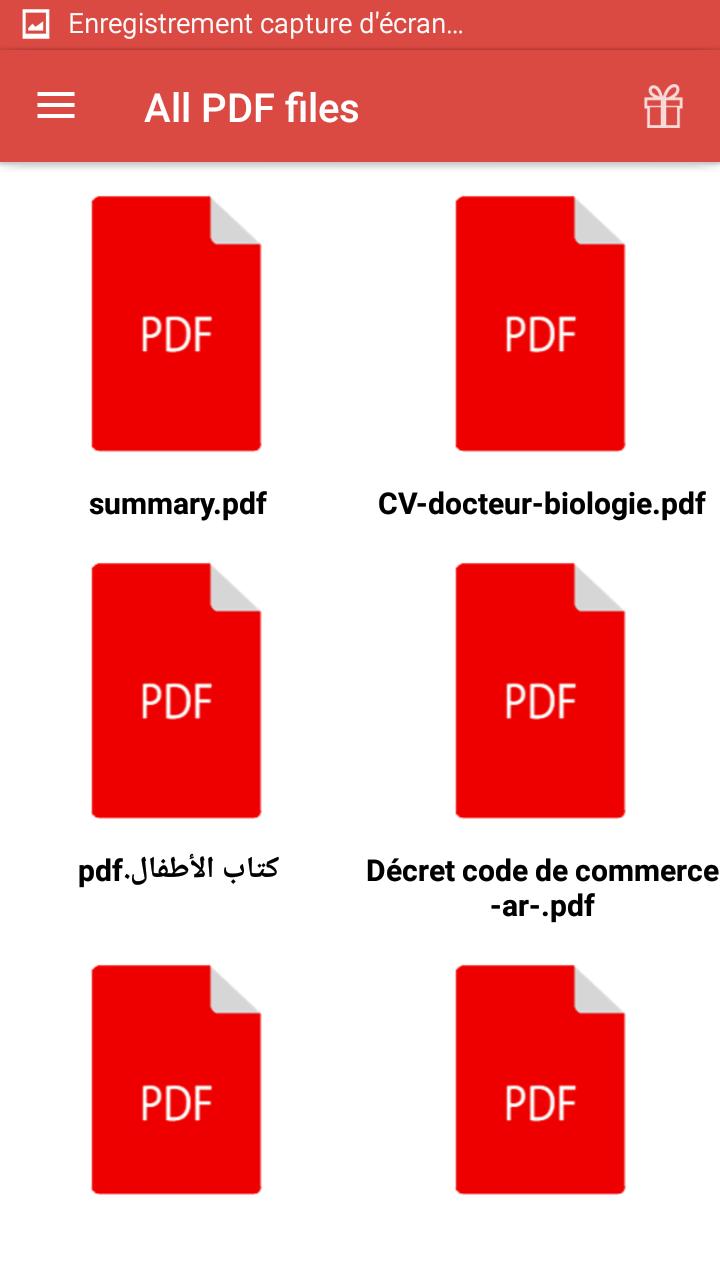
PDF DISPLAY
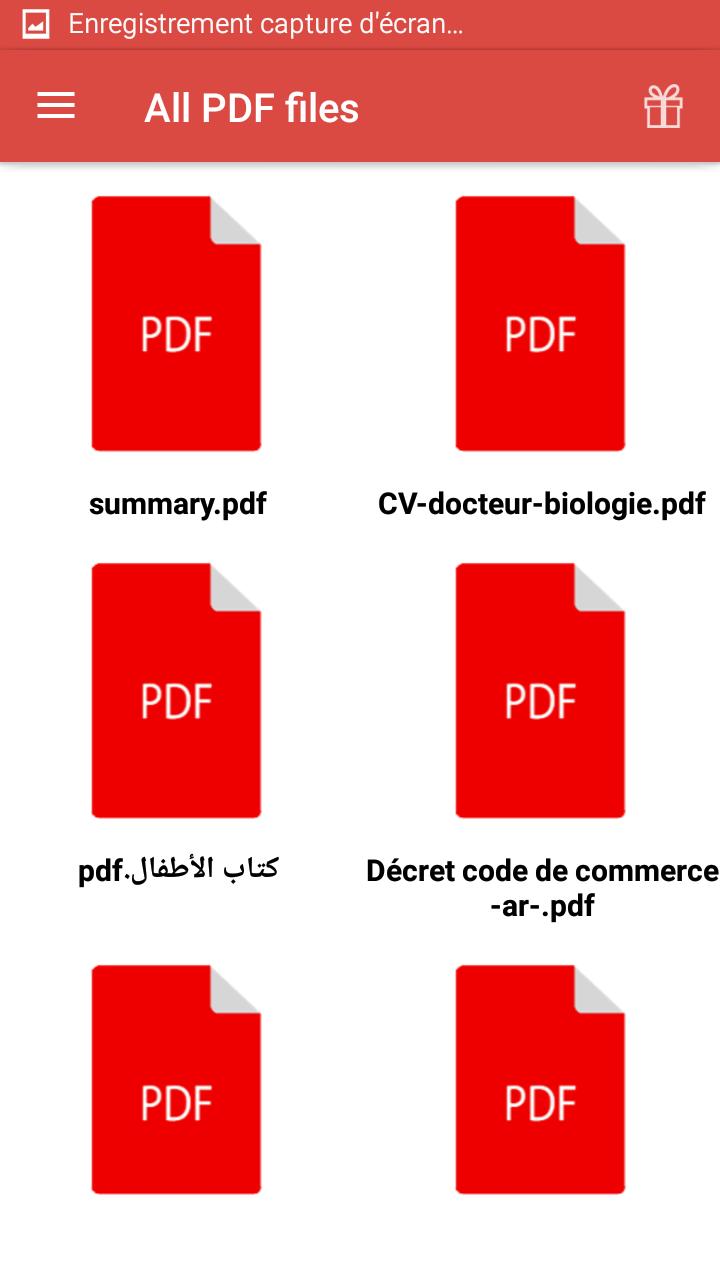
• Quickly open PDF documents from e-mail, the web, or any application that supports the "Share" option.
• Use the search, scroll and zoom in / out functions.
• Choose between Single Page, Continuous Scroll, or Play.
ANNOTATION AND REVISION OF PDF
• Comment on your PDF documents using notes and drawing tools.
• Highlight and annotate text using annotation tools.
• View and use annotations in the comments list.
SCANNING WHITE DOCUMENTS AND TABLES
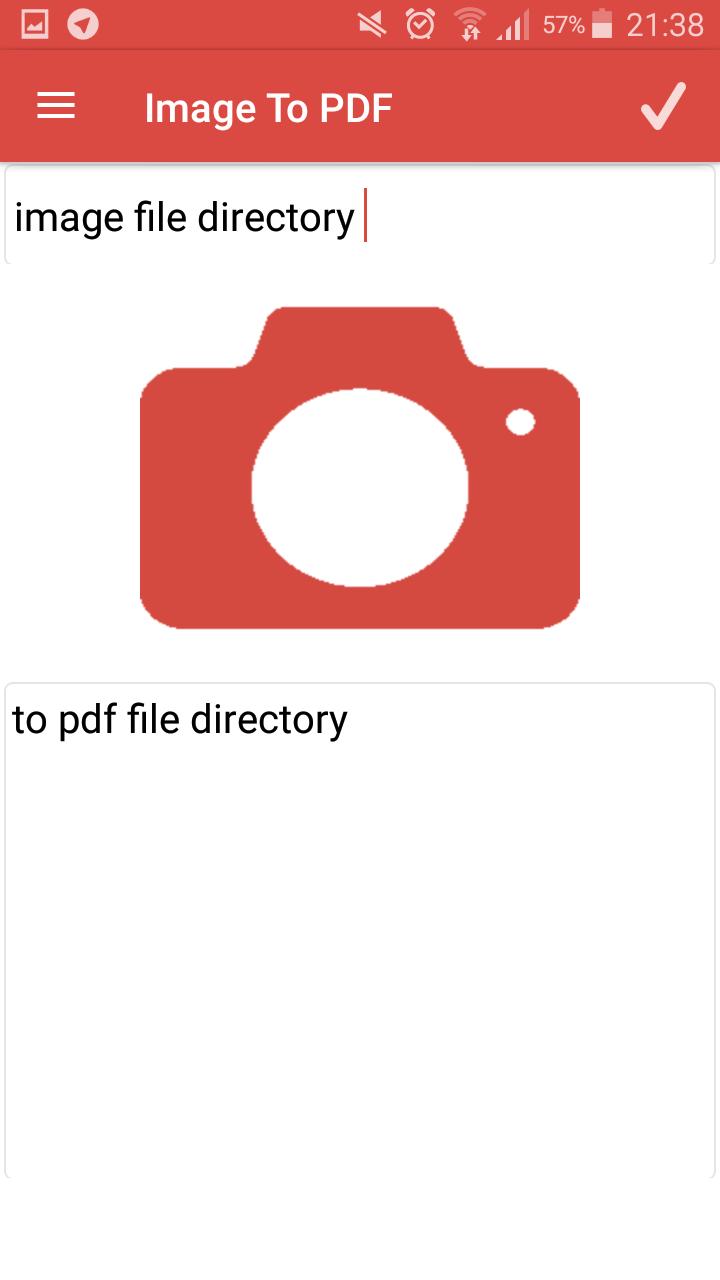
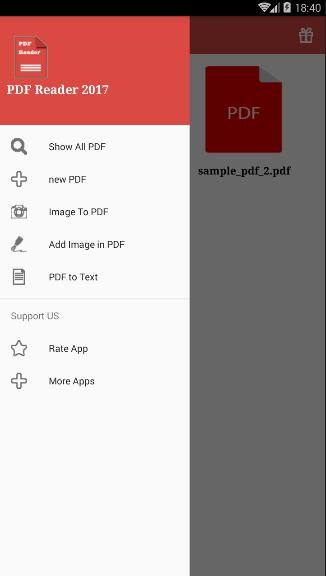
• With the camera, take a photo of a document, whiteboard, form, image, receipt, or note - and save it as a PDF.
• Scan multiple document pages into a single PDF and reclassify them as you see fit.
• Easily save and share scanned PDFs.
• Enhance your photos with enhanced edge detection, perspective correction, and text sharpening.
• Required: Android 2.3.4
FILLING AND SIGNING FORMS
• Quickly fill PDF forms by entering text in the fields.
• With your finger, electronically sign any PDF document.
PRINTING, STORING, AND SHARING FILES
• Log in to your Dropbox account.
• Print documents from your Android device.
ORGANIZATION OF FILE PAGES PDF
• Reclassify pages, rotate them, and delete them from your PDFs.
CREATING PDF FILES
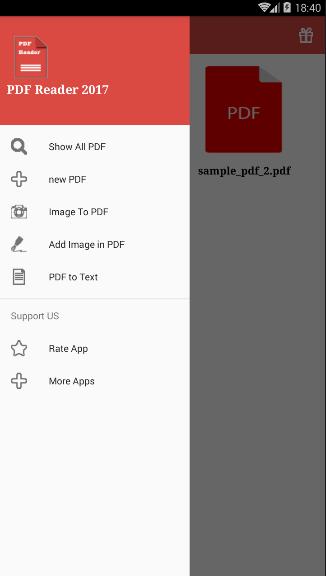
• Create PDF files.
• Convert Microsoft Office files and PDF photos.
EXPORT PDF FILES TO WORD OR EXCEL FORMAT
• Save PDF documents as Microsoft Word or Excel editable files.
LANGUAGES AVAILABLE
English.
LANGUAGES COMING AVAILABLE
French, German, Simplified Chinese, Traditional Chinese, Korean, Danish, Spanish, Finnish, Italian,
Japanese, Dutch, Norwegian, Polish, Portuguese, Russian, Swedish, Turkish and Turkish.
PRICE
PDF Reader for Android is free.
By downloading the application, you agree to the terms and conditions set out at http://policyholaha.blogspot.com/
更多应用信息
最新版本1.0.2更新日志
Last updated on 2017年08月08日
Bugfix
version 1.0.2
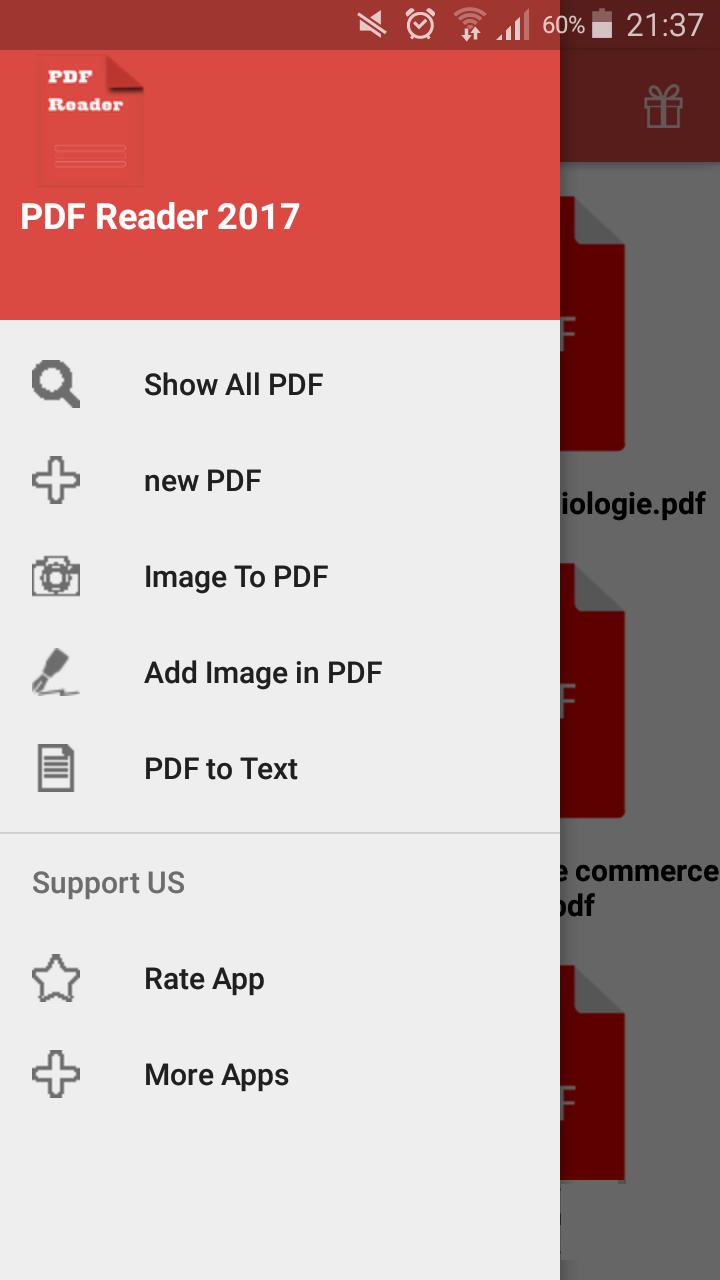
PDF Reader 屏幕截图
PDF Reader历史版本
19.6 MB2017年08月08日